I am using Check_MK RAW 2.5.0p13.
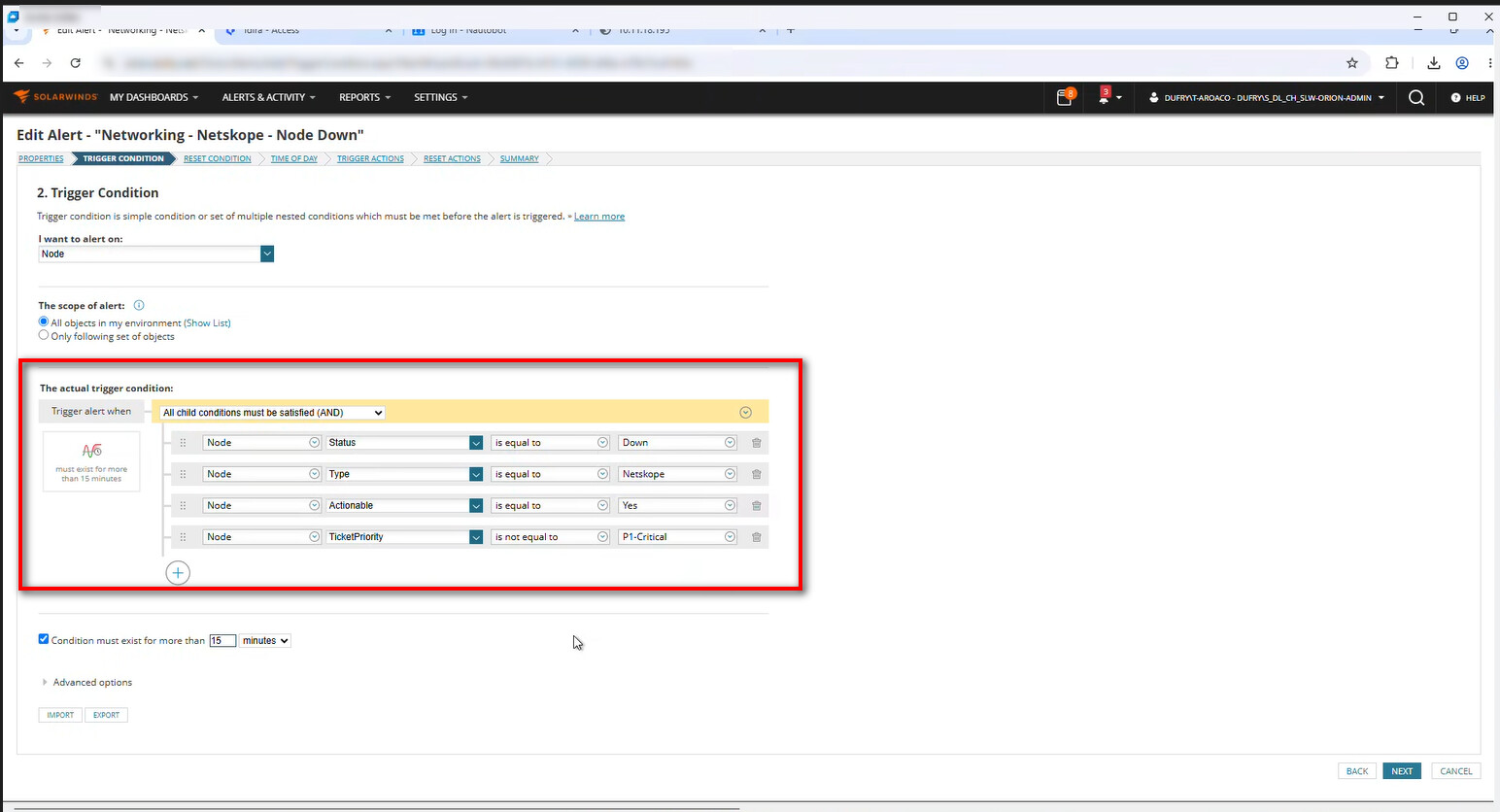
I need to configure notifications based on specific criteria—that is, these criteria must be met for the notifications to be triggered. This is a setup inherited from SolarWinds, and I would like to replicate it in Check_MK; I’d like to know if this is possible. The attached image shows the desired outcome in Check_MK.
It is expected that the conditions shown in the image—such as status: Down, type: Support group, actionable: yes, and ticket priority (p1, p2, etc.)—can be replicated in CheckMK.
beside the node status, are the other conditions based on fixed host settings/properties in Solarwinds ?
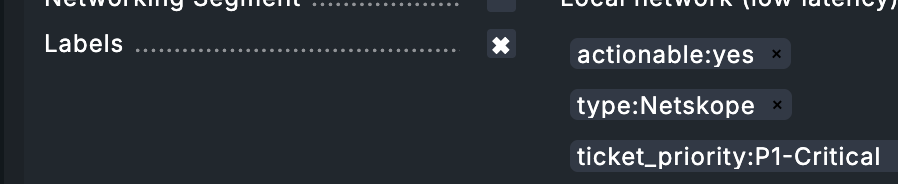
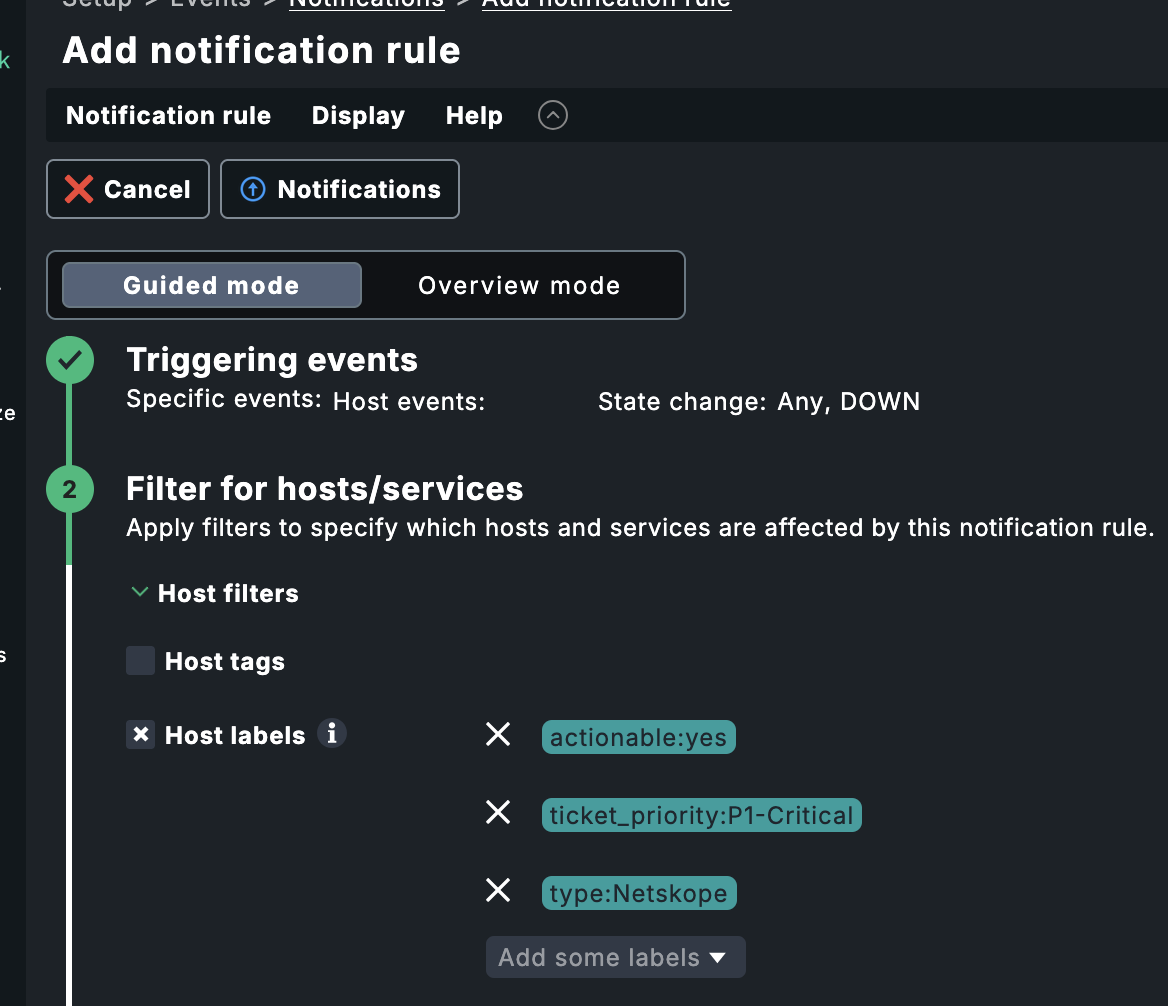
If so, you can easily replicate the behaviour by setting host labels (key:value) for your hosts.
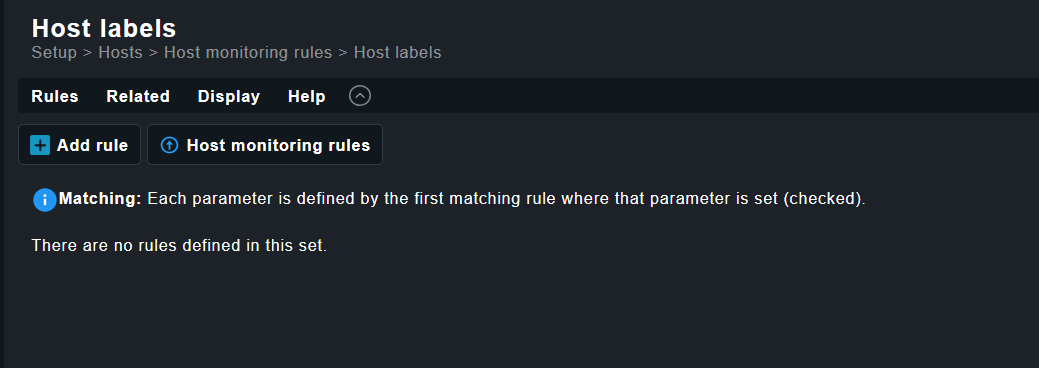
You can set host labels on the host, folders or via rules through the rule “Host labels” based on certain conditions.
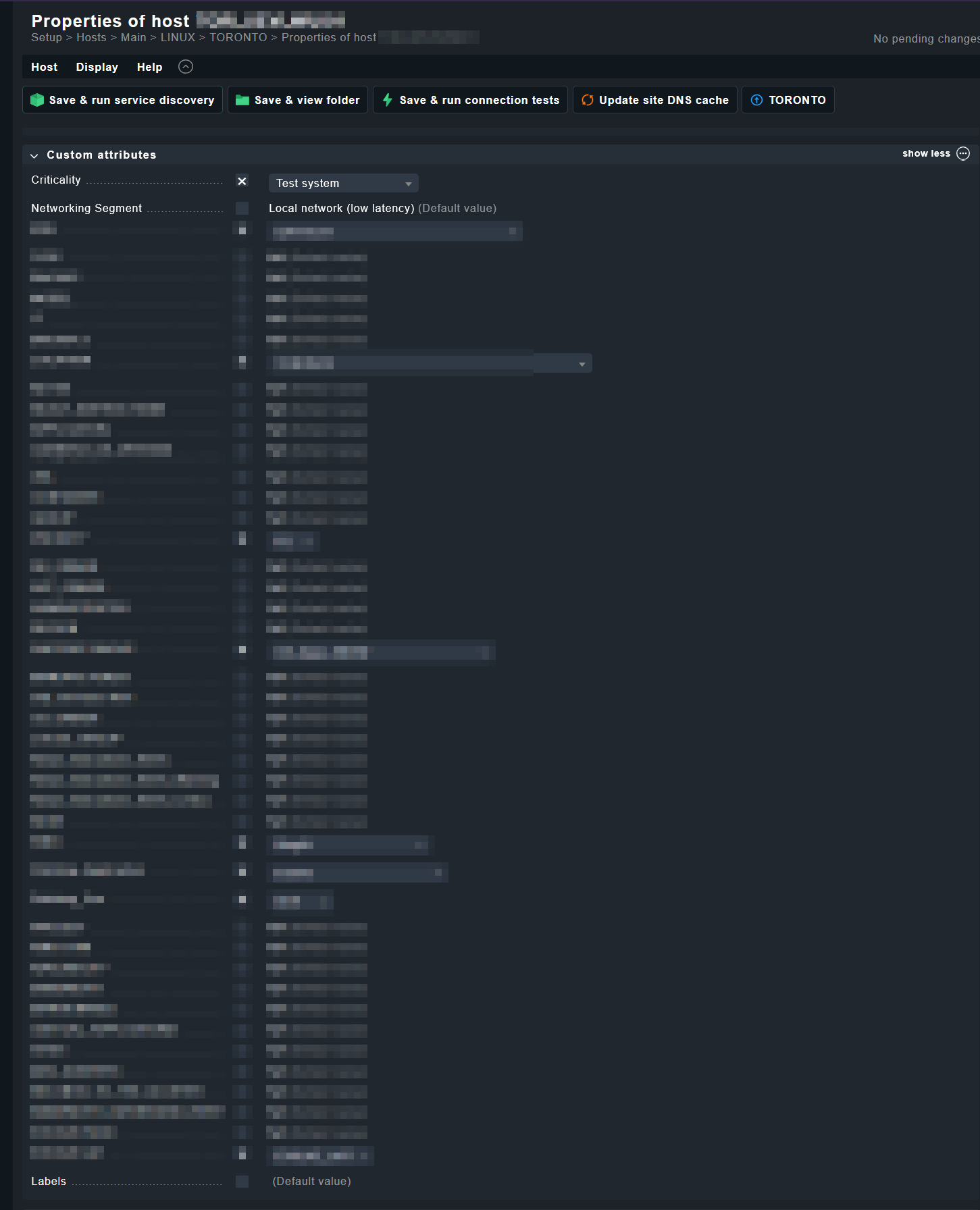
This is an example of a single host configuring the host properties:
i saw in your screenshot, that you already created a lot of host tags.
If you prefer these, and you already assigned the correct tag settings to your hosts, you can also add and use these as conditions in your notification rules.
Tags and labels are similar concepts, but labels are easier to write automatically by external sync / automation tools like labelpicker, cmdbsyncer or data2label.