JDamian
February 27, 2020, 4:43pm
1
Hi
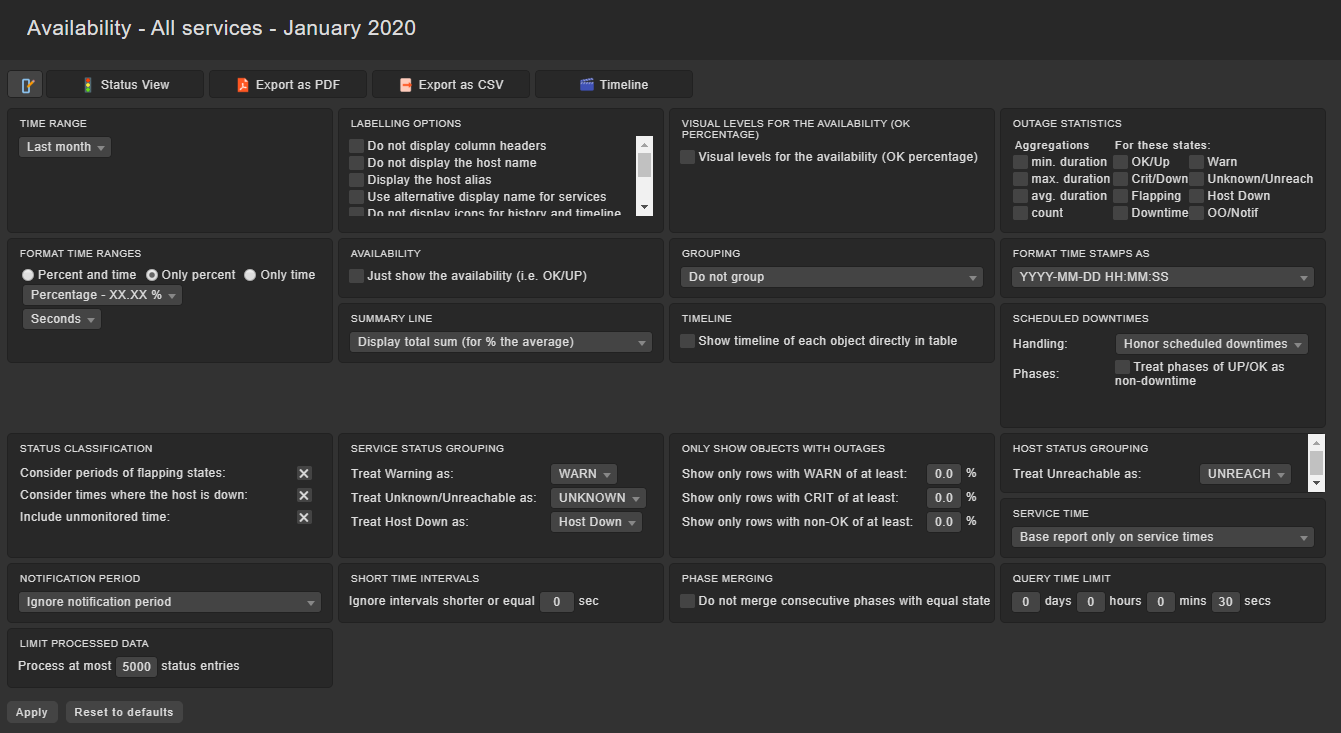
The most of values displayed in Check_MK can be saved in CSV format… excepting Service Availability because no CSV icon is found at the bottom of the page.
Is it a bug of this release? – I cannot remember whether CSV download was available in previous releases or not.
If it never has been available before, I think it would be a good idea to add.
Best regards.
Norm
February 27, 2020, 8:41pm
2
Hi @JDamian
1 Like
JDamian
February 28, 2020, 12:22pm
3
Yes, it is.
But when you clicks on “Timeline” the “Export as CSV” button is not found.
Best regards
Norm
February 28, 2020, 12:34pm
4
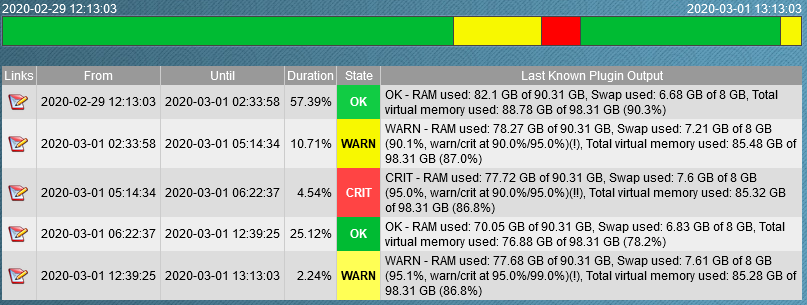
How do you want to export a timeline to a csv?
If you only want to have a export of a specific timerange or other settings you can still do that with the filter button (
How do I want to export a timeline to a CSV?
It looks a table, doesn’t it?
Why can other tables be downloaded as CSV except this one?
kdeutsch
March 1, 2020, 4:02pm
6
You can download this view as CSV:
Click on the icon “URL to this frame” at the bottom of the view.
Add “&output_format=csv” to the URL.
Karl
Norm
March 1, 2020, 6:52pm
7
Hi Karl,
1 Like
kdeutsch
March 1, 2020, 7:24pm
8
Hi Norm,
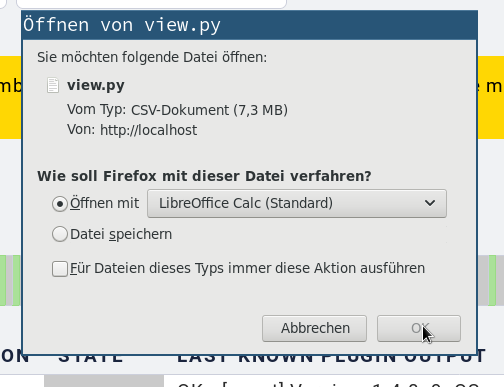
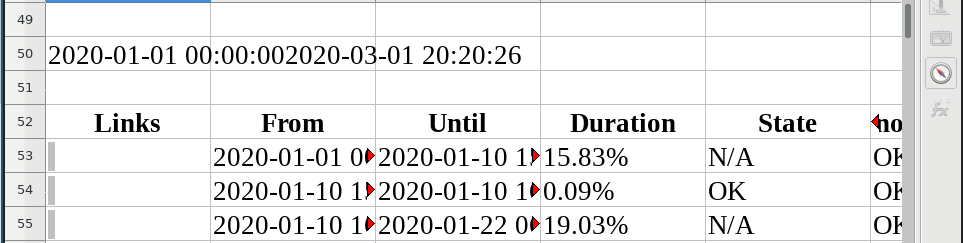
… and the result in Libre Office:
Karl
1 Like
Norm
March 1, 2020, 7:35pm
9
Oh, I was expecting a csv file but I opened it now in excel and it worked. Thanks Karl, good find.



 )
)