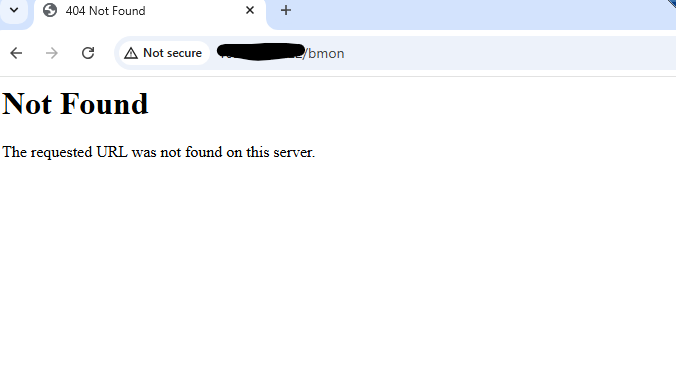
NOTE :
There was no changes made on server, however all of sudden it started giving error with 404, checked in apache error & access log, but no error received, all services are also in running state.
This should also result in a 404 in a normal CMK instance
With “bmon” the site name this error means that the system internal Apache has not loaded the configuration files for the sites.
That’s all.
I don’t think so. Nothing happens without any action before. Sometimes it is enough that some updates are installed. Redhat and clones are a pain in this department.
I beg to differ regarding RH -clones or spins-offs (i myself run RockyLinux).
But that should be a discussion outside of this specific post
NOTE :
There was no changes made on server, however all of sudden it started giving error with 404, checked in apache error & access log, but no error received, all services are also in running state.
As @andreas-doehler mentioned things do not break on their own ‘just because they can’.
Sometimes the origin of such causes are outside of your influence, or even outside of your play field depending in a/the organization you are in.
So in this a/the big question is who/what else has influence/access on/to your Monitoring server ?
Regarding the error seen:
The requested URL was not found on this server.
The message you posted is returned from Apache/the webserver itself, so if you were to look in the appropriate logs regarding this in it’s error_log.
These logs are available to you as site-user under ~var/log/apache/error_log
Additional question:
What does the command (via console) omd status return ?
Normaly Checkmk gives a nice error when the site is not running, so you MUST get a Checkmk related error message from http://internal-ip/site/check_mk/.
EDIT: Sorry you checked that logs above, can you post some of them here?
This topic was automatically closed 365 days after the last reply. New replies are no longer allowed. Contact an admin if you think this should be re-opened.