The output of the agent shows both versions in different locations. The last section (<<<cmk_update_agent_status:>>>) shows clearly that the last agent package, corresponding to the version 2.2.0p42 has been downloaded and installed, but all the linux agents still showing in the web console the older version
It is so weird. RPM says the package of the 2.2 version is installed.
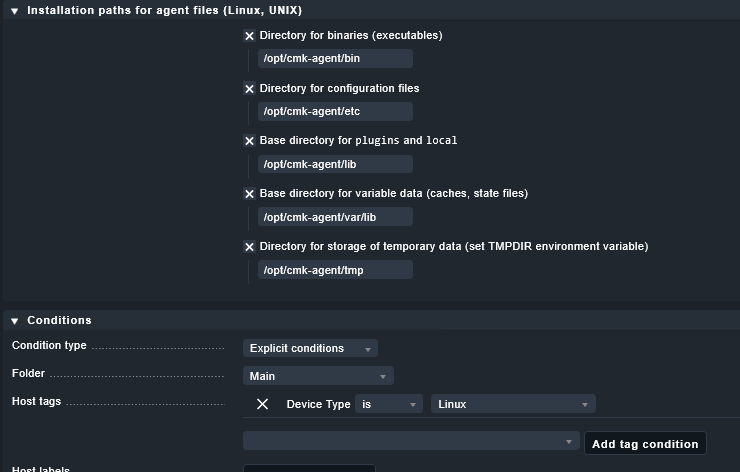
There is only one script file in “/opt/cmk-agent/bin/check_mk_agent“, nothing else. It looks like when repackaging the agents after the upgrade did not include the last agent script in the package.
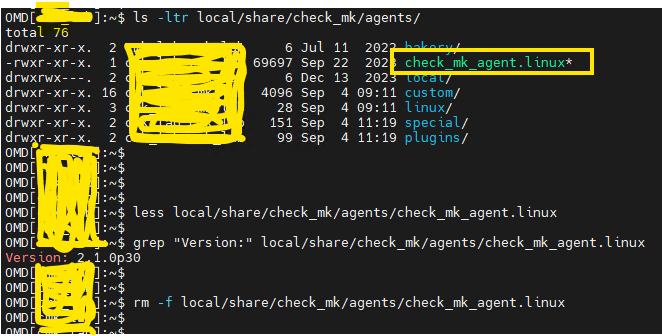
I’ve noticed that the package you can download and install from https://<ip>/<site>/check_mk/agents/ contains the correct agent binary (version 2.2), but if I install any package inherited from 2.1, the agent binary remains at 2.1 and hasn’t been updated properly, even though I repackaged everything after the upgrade.
Please, @andreas-doehler Is there a way I could delete those packages and recreate them from scratch without losing the rules? Maybe doing something like this?