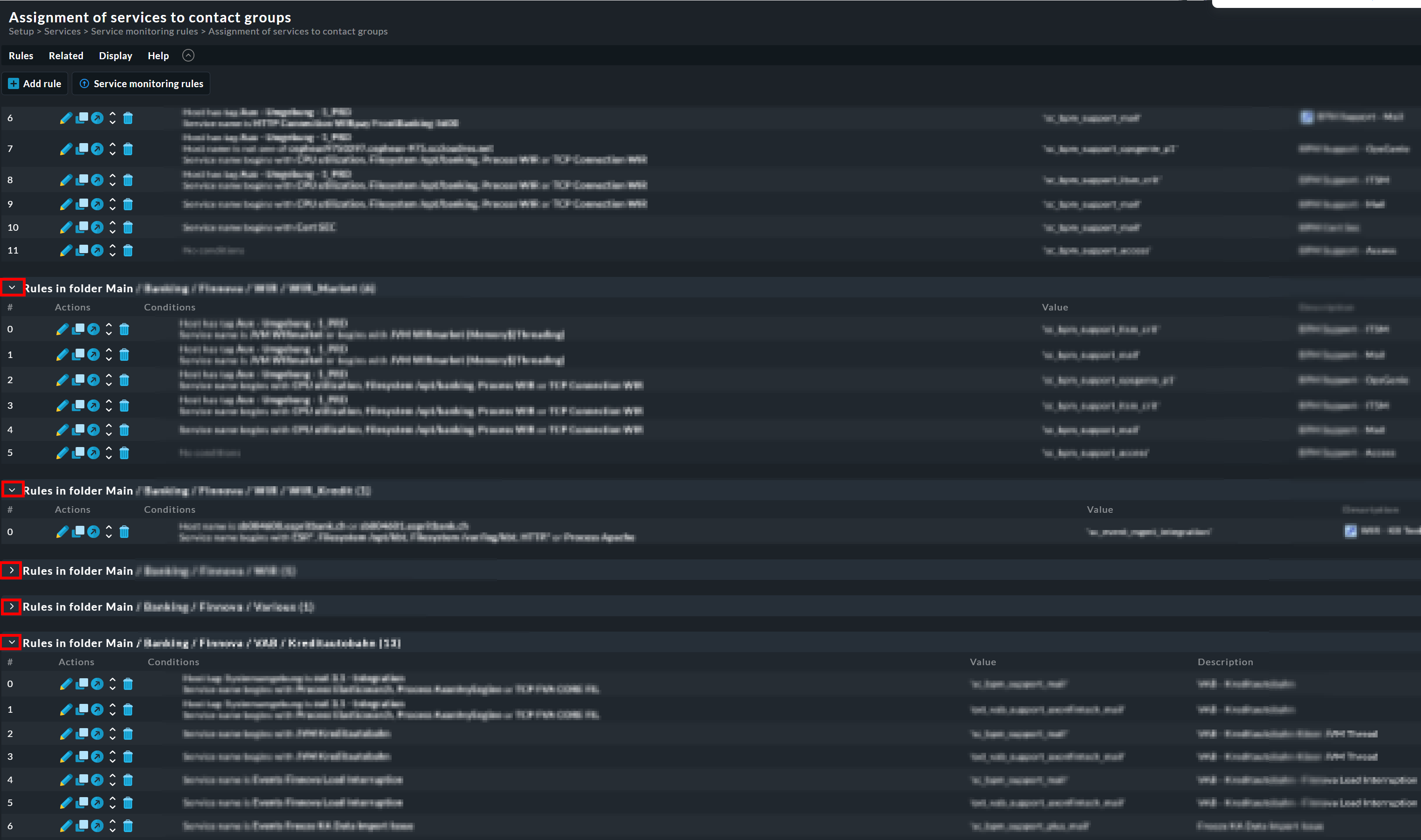
Have you also encountered this challenge since Checkmk removed the folder breadcrumb as of version 2.0? Quickly locating a specific rule among the thousands of rules has become difficult — either because the relevant folder is closed and the rule is hidden, or because you’re overwhelmed by too many rules being displayed simultaneously.
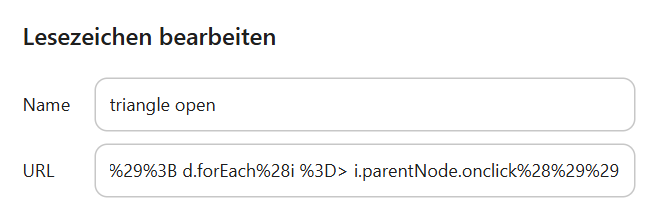
Here are four small JavaScript snippets that my colleague Martin created, which can be saved as bookmarks. If you have a page open in checkmk, just click on one of the bookmarks and all triangles/pannels on this page will be opened/closed.
triangle open javascript:var iframe %3D document.querySelector%28%27iframe%5Bname%3D"main"%5D%27%29%3B var d %3D iframe.contentDocument.querySelectorAll%28%27img%5Bclass%3D"treeangle closed"%5D%27%29%3B d.forEach%28i %3D> i.parentNode.onclick%28%29%29
triangle close javascript:var iframe %3D document.querySelector%28%27iframe%5Bname%3D"main"%5D%27%29%3B var d %3D iframe.contentDocument.querySelectorAll%28%27img%5Bclass%3D"treeangle open"%5D%27%29%3B d.forEach%28i %3D> i.parentNode.onclick%28%29%29
panel open javascript:var iframe %3D document.querySelector%28%27iframe%5Bname%3D"main"%5D%27%29%3B var d %3D iframe.contentDocument.querySelectorAll%28%27img%5Bclass%3D"treeangle nform closed"%5D%27%29%3B d.forEach%28i %3D> i.parentNode.onclick%28%29%29
panel close javascript:var iframe %3D document.querySelector%28%27iframe%5Bname%3D"main"%5D%27%29%3B var d %3D iframe.contentDocument.querySelectorAll%28%27img%5Bclass%3D"treeangle nform open"%5D%27%29%3B d.forEach%28i %3D> i.parentNode.onclick%28%29%29
For these javascripts to work, the page must always be open with an active sidebar. Maybe one of the JavaScript professionals among you can adapt them so that they also work without a sidebar.
Sometimes miss the ability to use custom javascript client-side to influence a site otherwise outside of my control. I wasn’t aware that javascript oneliners could be bookmarked.
This has been on our GUI wishlist for years, and Checkmk has assured us that they fully understand how frustrating this is for customers. But when you don’t use the product yourself on a daily basis, it’s naturally harder to notice how quickly these small usability issues add up for customers.
We’ll be migrating to 2.5 soon, and I’m pretty sure my colleague will once again be annoyed enough to adapt the JavaScript workaround for 2.5 as well. I’ll keep you updated.
I do remember and I am so sad, that we have not yet done it. Even for me - as a non-user - this looks annoying, so I can’t imagine what it feels for you… I hope one day I can just tell you that “we got this”, but this day is not yet here
triangle open
javascript:var iframe = document.querySelector('iframe[name="main"]'); var d = iframe.contentDocument.querySelectorAll('img[class="treeangle closed"]'); d.forEach(i => i.parentNode.onclick())

triangle close
javascript:var iframe = document.querySelector('iframe[name="main"]'); var d = iframe.contentDocument.querySelectorAll('img[class="treeangle open"]'); d.forEach(i => i.parentNode.onclick())

panel open
javascript:var iframe = document.querySelector('iframe[name="main"]'); var d = iframe.contentDocument.querySelectorAll('img[class="treeangle nform closed"]'); d.forEach(i => i.parentNode.onclick())

panel close
javascript:var iframe = document.querySelector('iframe[name="main"]'); var d = iframe.contentDocument.querySelectorAll('img[class="treeangle nform open"]'); d.forEach(i => i.parentNode.onclick())


 and I am so sad, that we have not yet done it. Even for me - as a non-user - this looks annoying, so I can’t imagine what it feels for you… I hope one day I can just tell you that “we got this”, but this day is not yet here