Hi ,
We are currently using Checkmk Enterprise Edition 2.2.0p9 for our infrastructure monitoring.
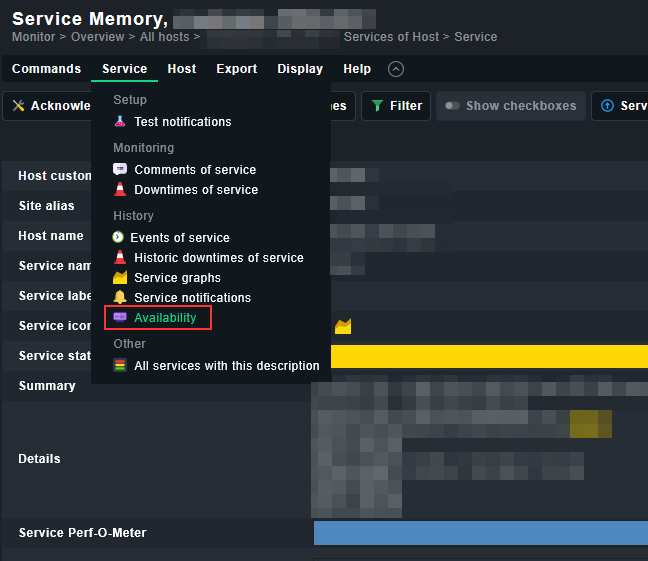
We have a Tomcat process that is expected to run 24x7, and we would like to generate an availability report for this specific process.
Our requirement is to understand:
-
How much uptime (availability %) the Tomcat process has had over a given period
-
How much downtime has occurred
-
Historical visibility into when the process was down or unavailable
We are currently monitoring the Tomcat process via standard process/service checks, but we are unsure how to:
-
Generate an availability report specifically for a single process/service
-
View historical uptime vs downtime statistics
-
Export or visualize this data for reporting purposes
Could you please guide us on:
-
The correct approach to generate such reports in Checkmk Enterprise
-
Whether this can be achieved using built-in Availability / SLA reporting features
-
Any recommended configuration or best practices for tracking process-level availability
Thanks in advance for your support.