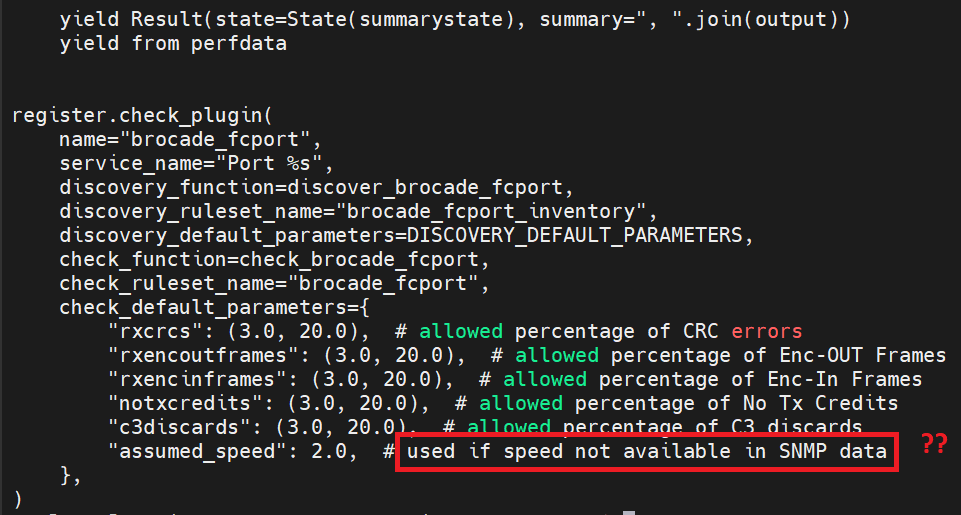
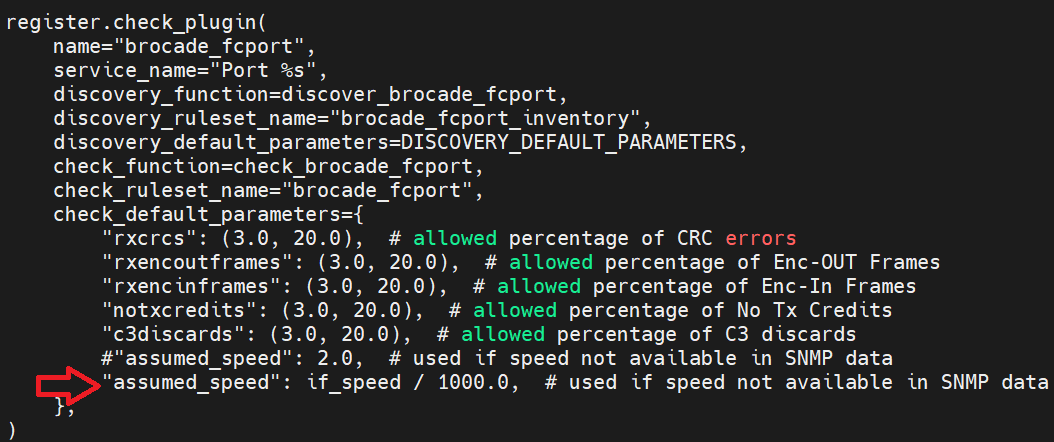
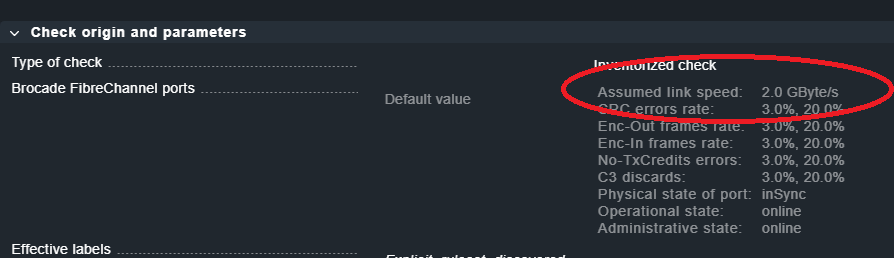
Assume speed is globally default to 2 Gb (?).
Is there a way to disable “assume speed”?
I mean, you can have a 16 Gb switch brocade, with lots of stuff.
4 Gb, 8 Gb, and 16 Gb devices.
I want the assume speed to be the one that is currently on that port, otherwise, a throughput warn/crit rule will fail (for example). Is not the same 50% of throughput for a 2 Gb link that 50% of a 16 Gb link !! I’m having critical alerts, because the port it’s at 1 Gb speed, when 50% of 16 it’s 8 !!
Of course, i’m not setting “assume speed” for every port. No way ¬¬.
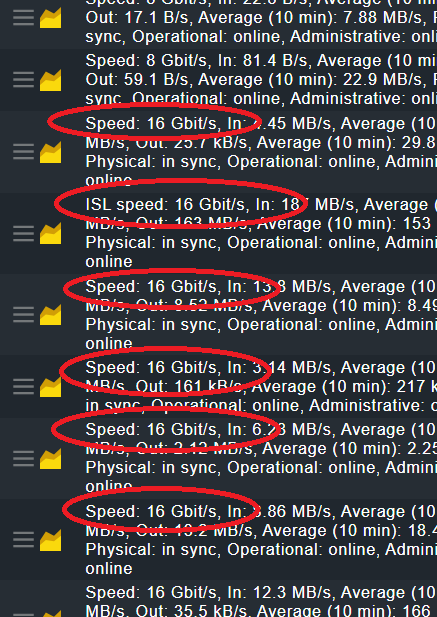
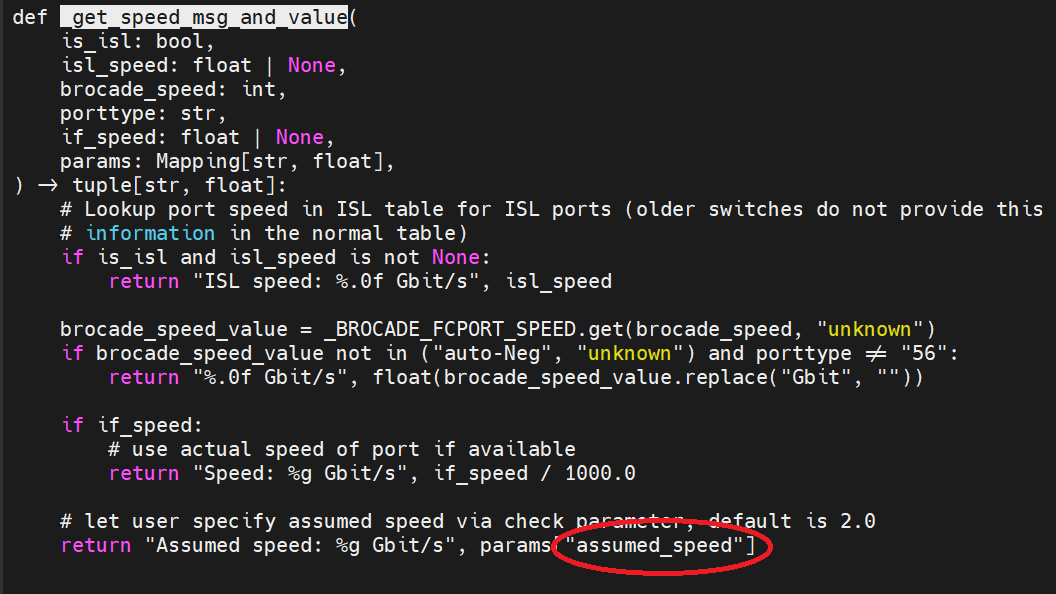
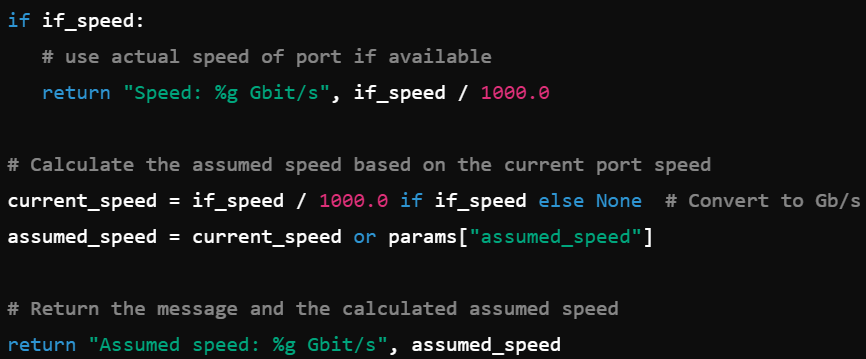
I might have missed something, but the logic is “if the device reports no speed, we assume a speed of 2 GBit/s”. The 2 GBit/s are configurable. Did you check the SNMP data, if it actually reports the speed at the expected OID?
I saw it, but it feels off. This might be something for support, as we might need to look into the very situation you have there. I faintly remember something similar from way back, but I think they got no speed measurement at all.
I think there might be a misunderstanding here.
Just because the “Assumed link speed” shows in the default values, does not mean, that it is applied. As I said before
And you never answered my question, if the SNMP data from your device actually contains the speed. It is hard to tell in the cacophony of this thread, what happened when, but I can assure you, this generally works. I am rather positive, that it comes down to a misunderstanding or misconfiguration.
But there is no easy step-by-step guide to figure this out. That is why I mentioned paid support earlier, because that enables a whole different level of troubleshooting.