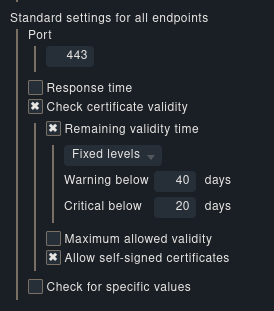
The new certificate plugin doesn’t always seem to handle the option “allow self-signed certificates” correctly. I have it activated, but it still complains about them in the checks:
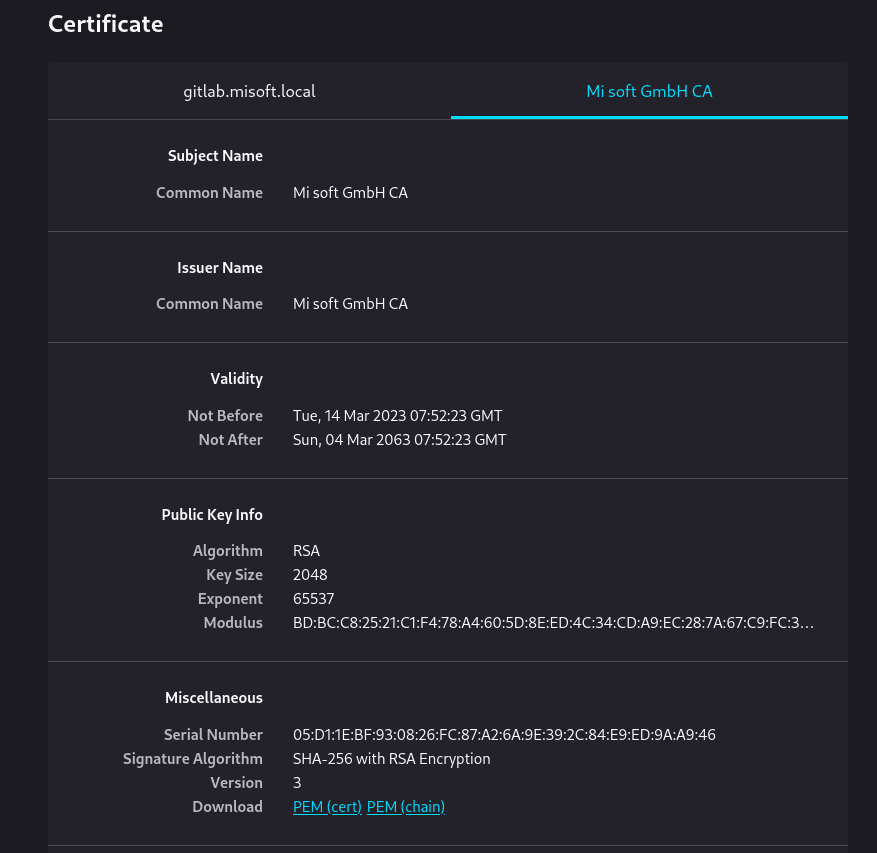
To be clear, this is a CA generated by the monitored machine itself, it’s as self-signed as it gets. But that’s OK for me, I only want to know when certificates expire. As this happens in a lot of cases where a service/appliance might create its own CA, I don’t want to have to add all those custom CAs to CheckMK itself; I just want to ignore whether or not they can be verified.
With the deprecated check_http this wasn’t an issue.
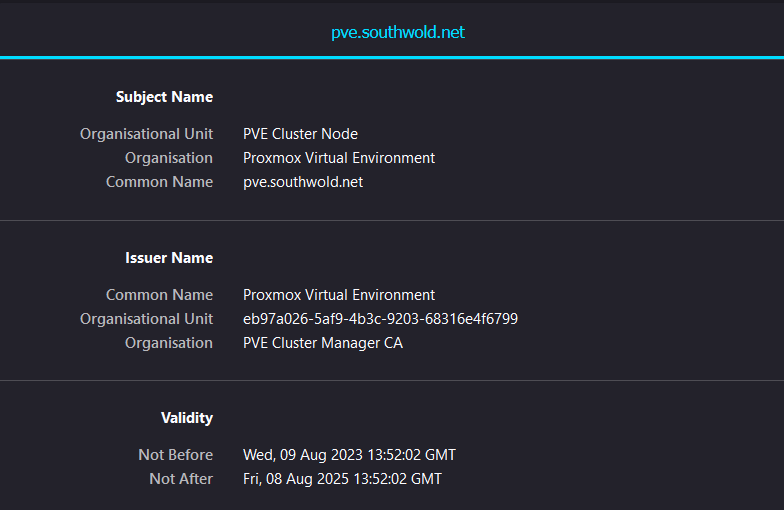
While this MIGHT not be the source of the issue here, I believe the certificate provisioned on Proxmox is NOT self-signed. It is signed by a snake-oil (self-signed) CA. See below. You might try changing the Proxmox config to include the CA cert (/etc/pve/pve-root-ca.pem) in the chain presented by the webserver.
Dang, you’re right. I hadn’t looked at the message properly even though it’s clear that it isn’t “self-signed certificate in chain”. I had been dealing with some other issues with the cert plugin simultanously, some of then “self-signed cert in chain”, and therefore I probably just did a quick screenshot without looking at it too closely.
Having said that, what I said at the end still applies: I want to check for those certificates’ lifetime without having to add all custom CAs to CheckMK. Basically an option “accept unknown issuer” or something similar. Otherwise the new plugin won’t really help me, unfortunately.
This topic was automatically closed 365 days after the last reply. New replies are no longer allowed. Contact an admin if you think this should be re-opened.