Cannot upload mkp to Exchange

Hi Checkmk Community,
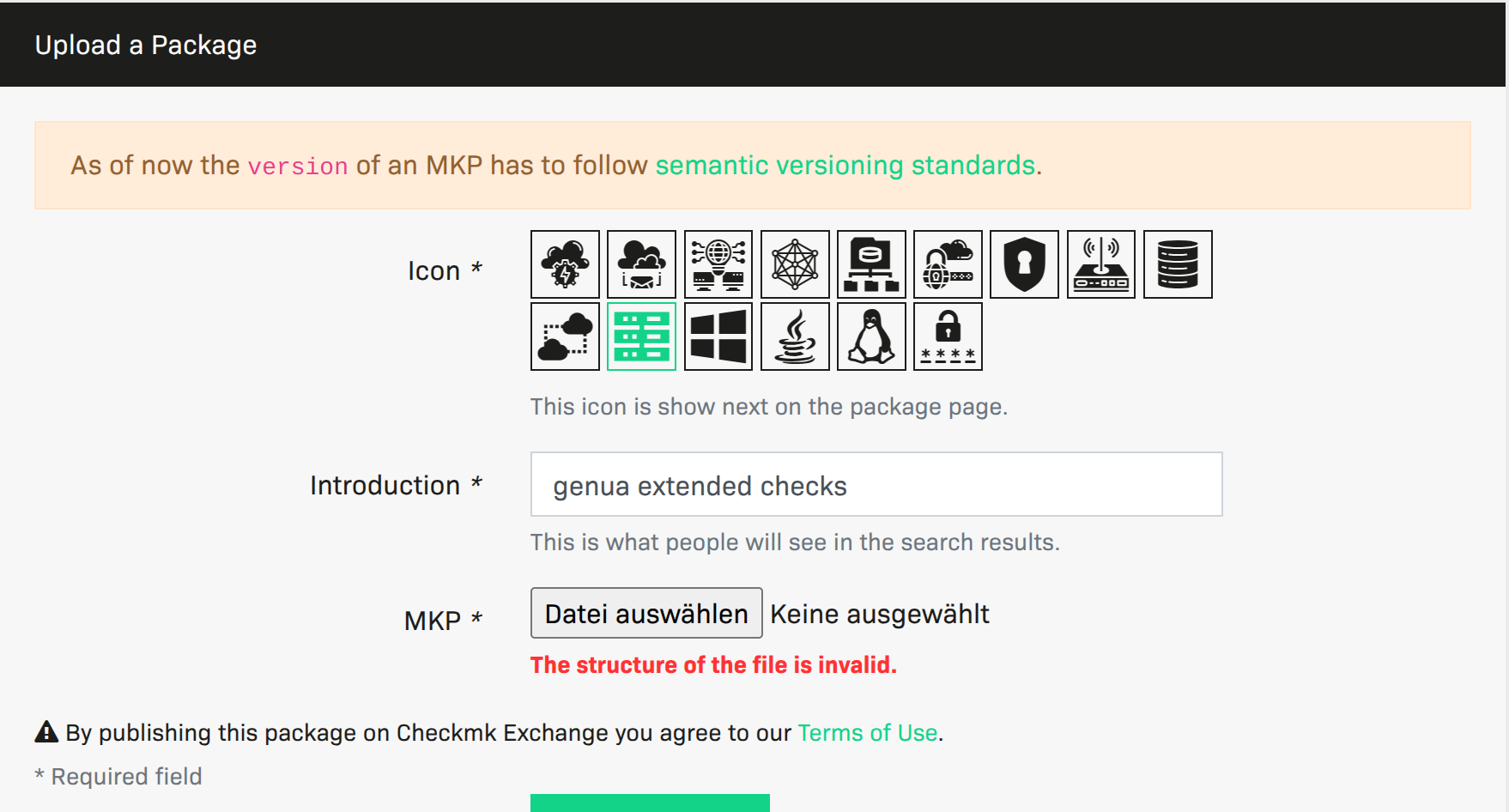
We have a new .mkp file, which works fine in our Checkmk installations. I tried to upload it to the Checkmk Exchange but get an error message, as shown below.


Any idea, what can be wrong? The mkp was created on Checkmk 2.3.20
Thanks Thomas

The version of the MKP has to have three digits.

Hi Robert,
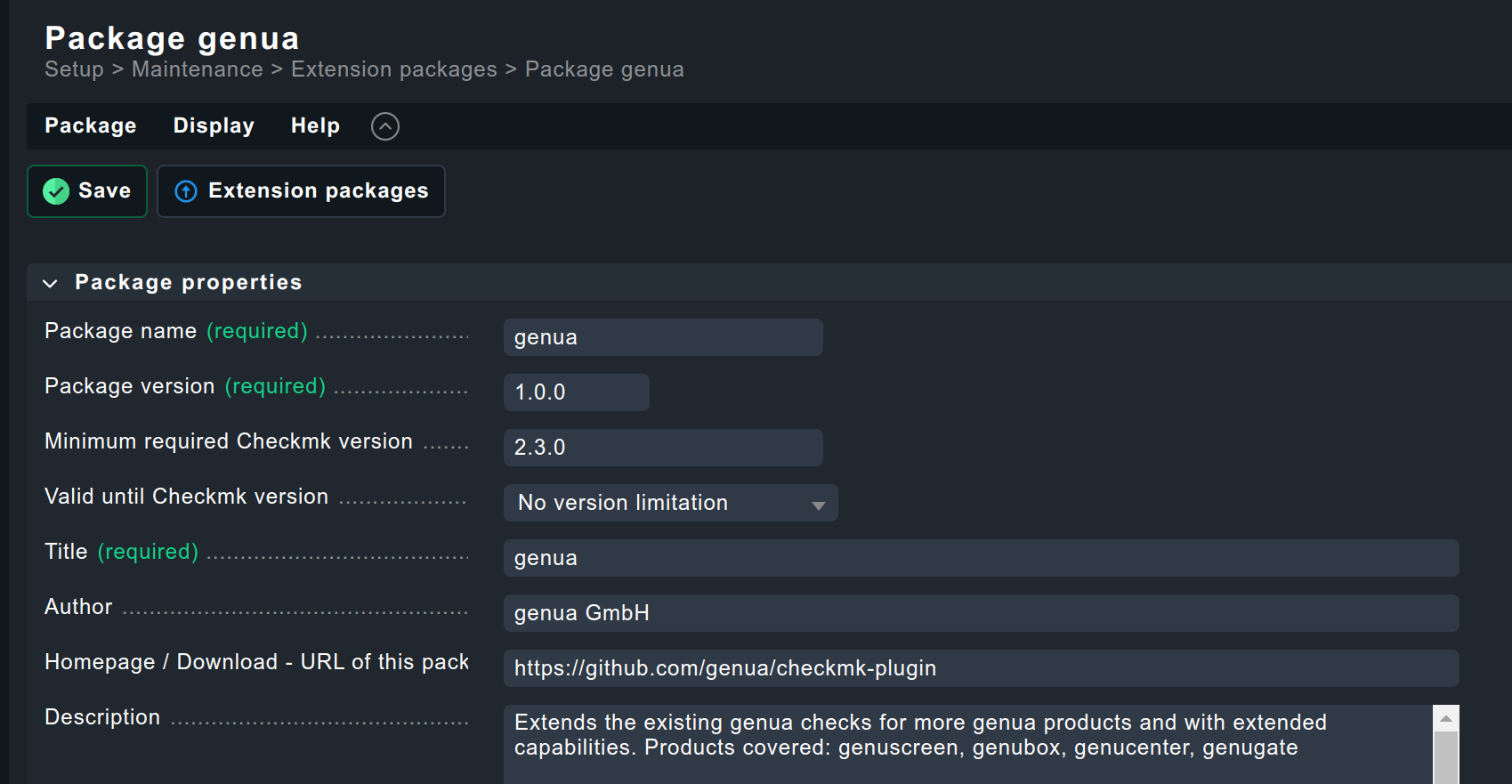
thanks, I checked that. The versioning scheme matches the requirement of semantic versioning
Here is the screen from Checkmk. Nothing fancy IMHO


Is there any limitation in the lenght of the description field?

Can you please show the files with path that are inside the package?

Hi Andreas,
this is the directory of the .mkp shown via tar -tzvf
-rw-r–r-- 0/0 3342 2025-01-16 15:58 info
-rw-r–r-- 0/0 2080 2025-01-16 15:58 info.json
-rw-r–r-- 0/0 51200 2025-01-16 15:58 cmk_addons_plugins.tar
-rw-r–r-- 0/0 10240 2025-01-16 15:58 cmk_plugins.tar
-rw-r–r-- 0/0 10240 2025-01-16 15:58 web.tar

Do you need to see the content of the 3 tar files as well?

I think the “cmk_plugins.tar” should not be there.

1 Like

Hi Andreas,

it extends the genua.py file as an overlay to detect additional genua appliance models. In Checkmk, the mkp behaves as as expected (at least on first sight). Maybe the Exchange validation is too restrictive?

Thanks for your support so far.
Thomas

Yes that can be - it was the same problem with my Redfish mkp for 2.3. It was working fine but could not be uploaded to the exchange as all the files where inside “cmk\plugins”.

1 Like

Thank you @andreas-doehler !

@Sara Can I kindly as you to help here and have someone maintaining the Checkmk Exchange taking a closer look on the validations?
The sample .mkp can also be found here: GitHub - genua/checkmk-plugin: Extended Checkmk Check plugin for genua physical and virtual appliances if this helps

1 Like

Hi @genua !

It is a known problem. Good news is that there will be changes on the Exchange soon, and the validation issues should also be resolved then :slight_smile:
Cannot give you any timeframes at the moment, but it should happen in the near future, from what I know :slight_smile:
3 Likes

Hi @Sara ,
thank you for the update. Please drop a note here once it is working, so start the upload process again

1 Like

Hi @Sara, is there any update regarding the issue? Can you provide an ETA for the fix?

Hi @genua ,

Unfortunately, nothing specific yet. I am hoping to receive updates end of February - early March, though.

2 Likes

Same issue here, I can not update the Cisco Meraki special agent on the Exchange. I guess it’s also an issue with the “cmk_plugins.tar” in the MKP :frowning:

1 Like

I will take a look at it tomorrow.

3 Likes

You can upload your packages now.
Root cause: cmk_plugins directory was not allowed.

5 Likes

Nice. I give it a try in the afternoon – Upload done. It works now!