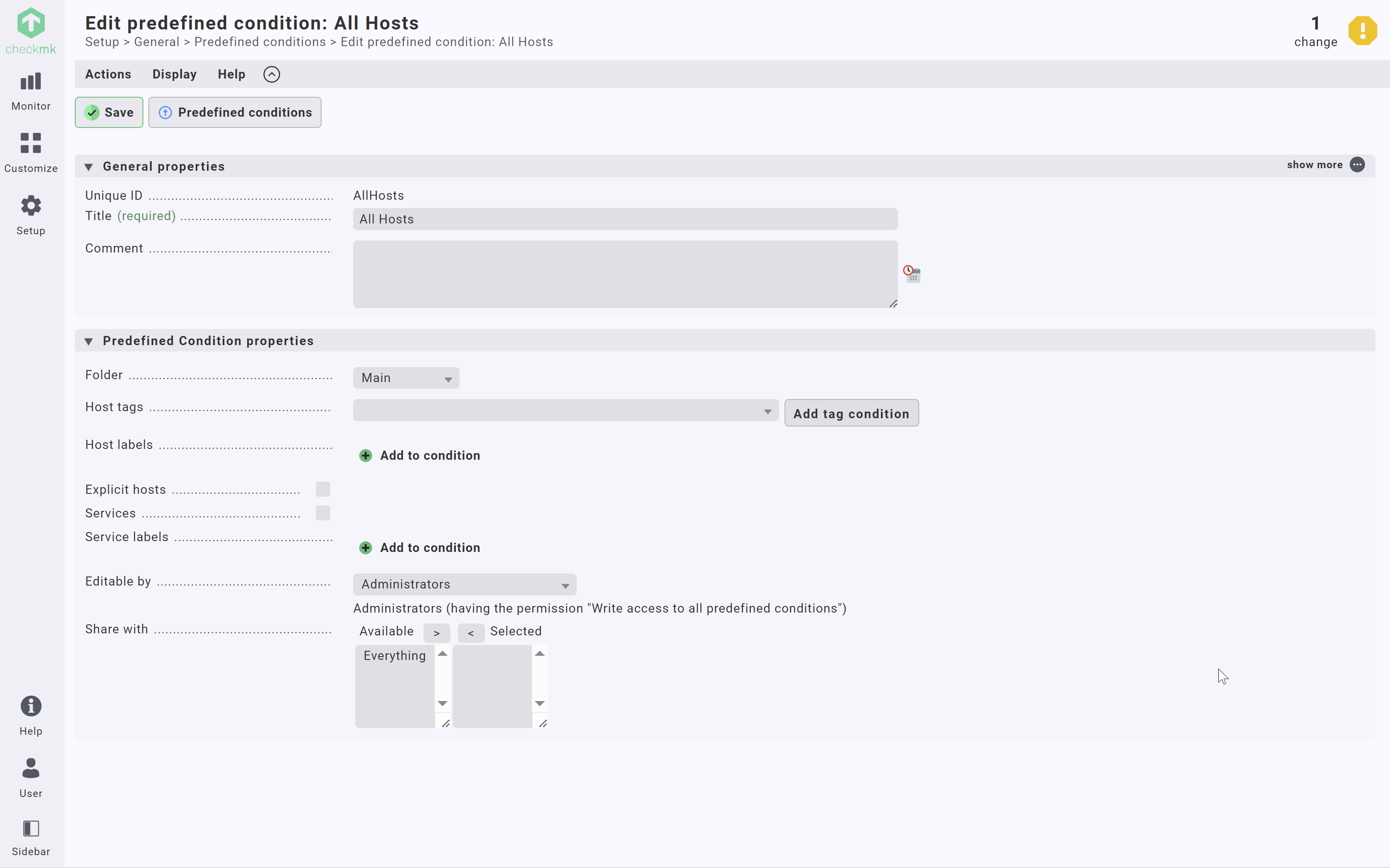
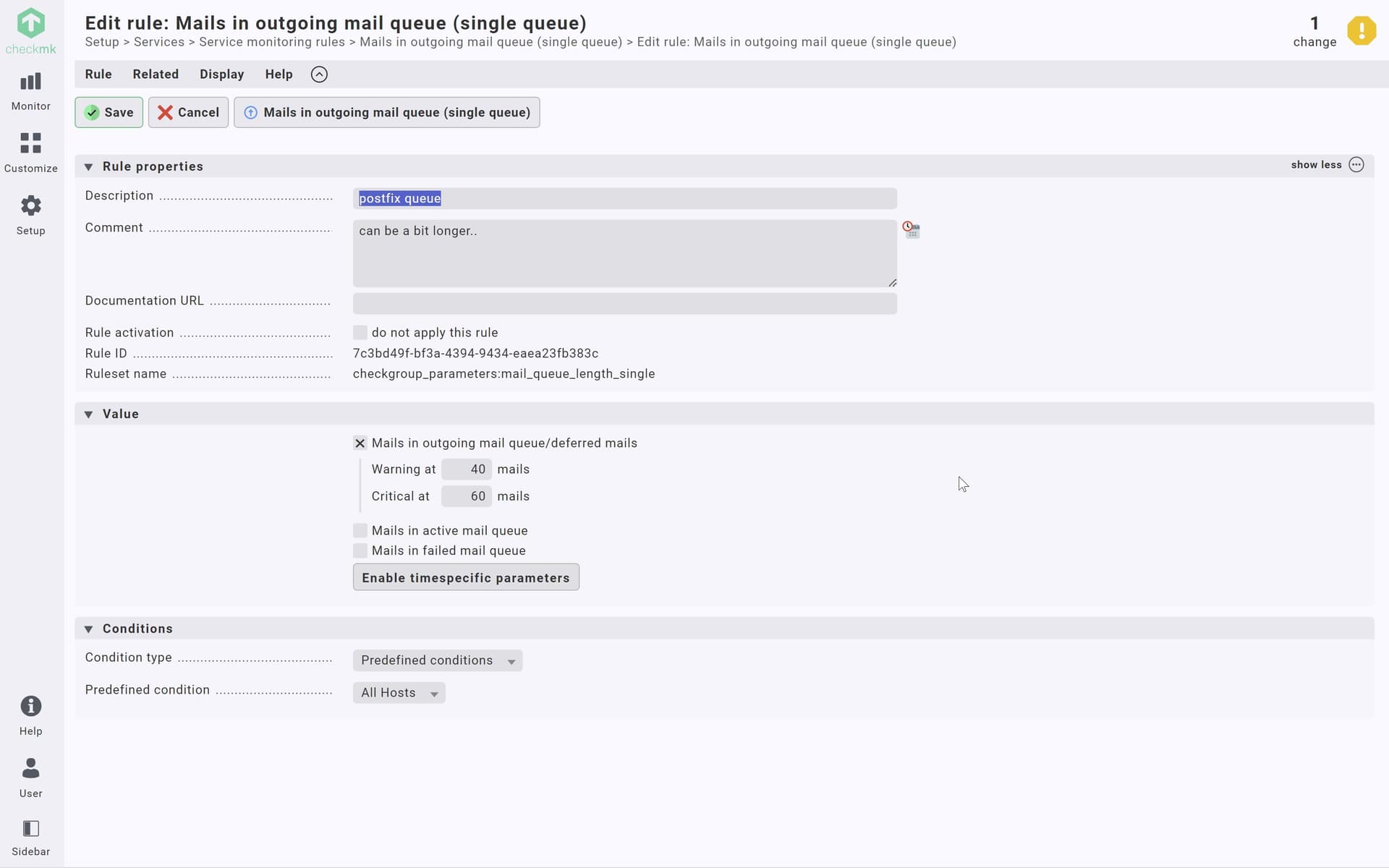
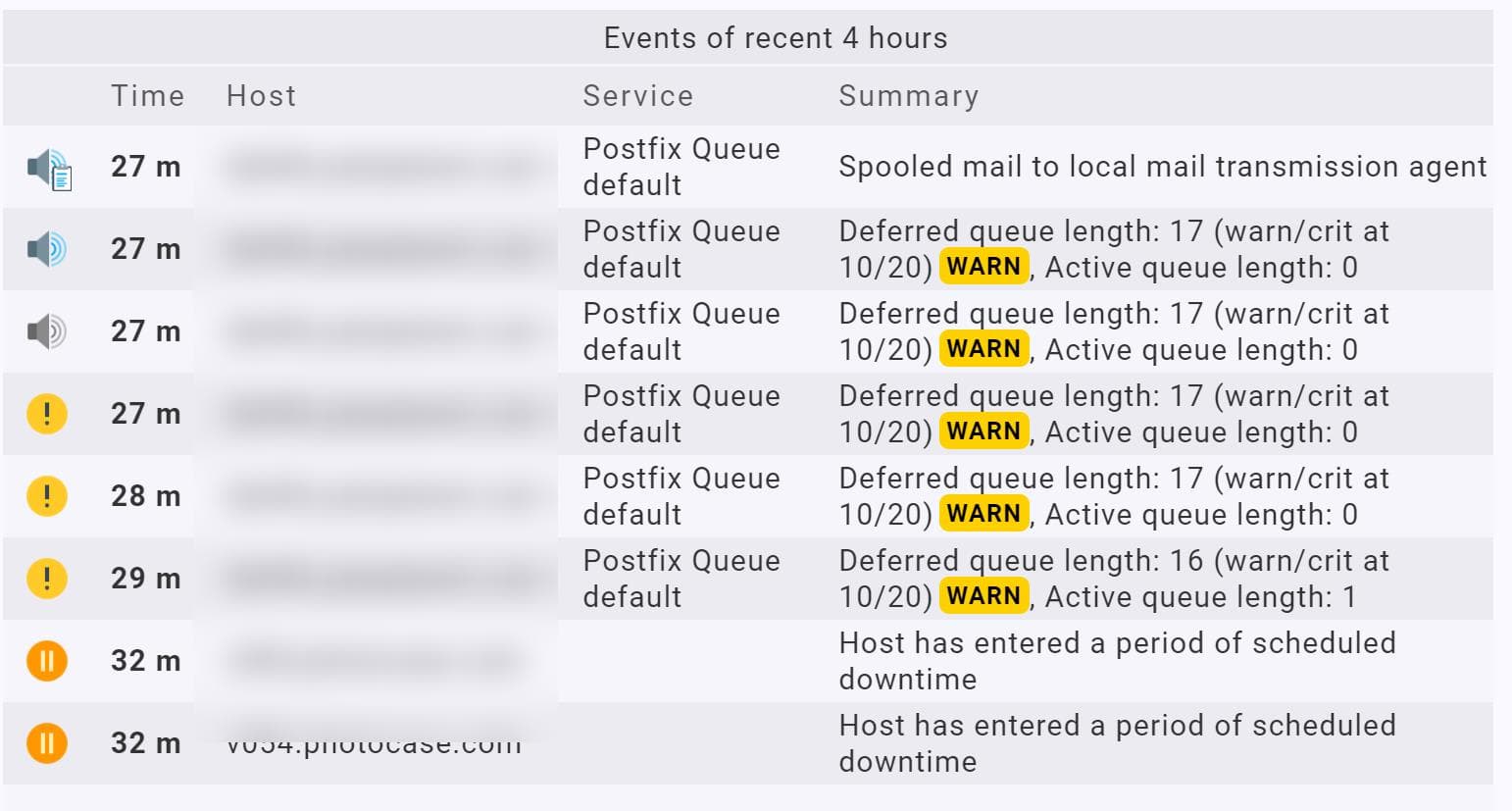
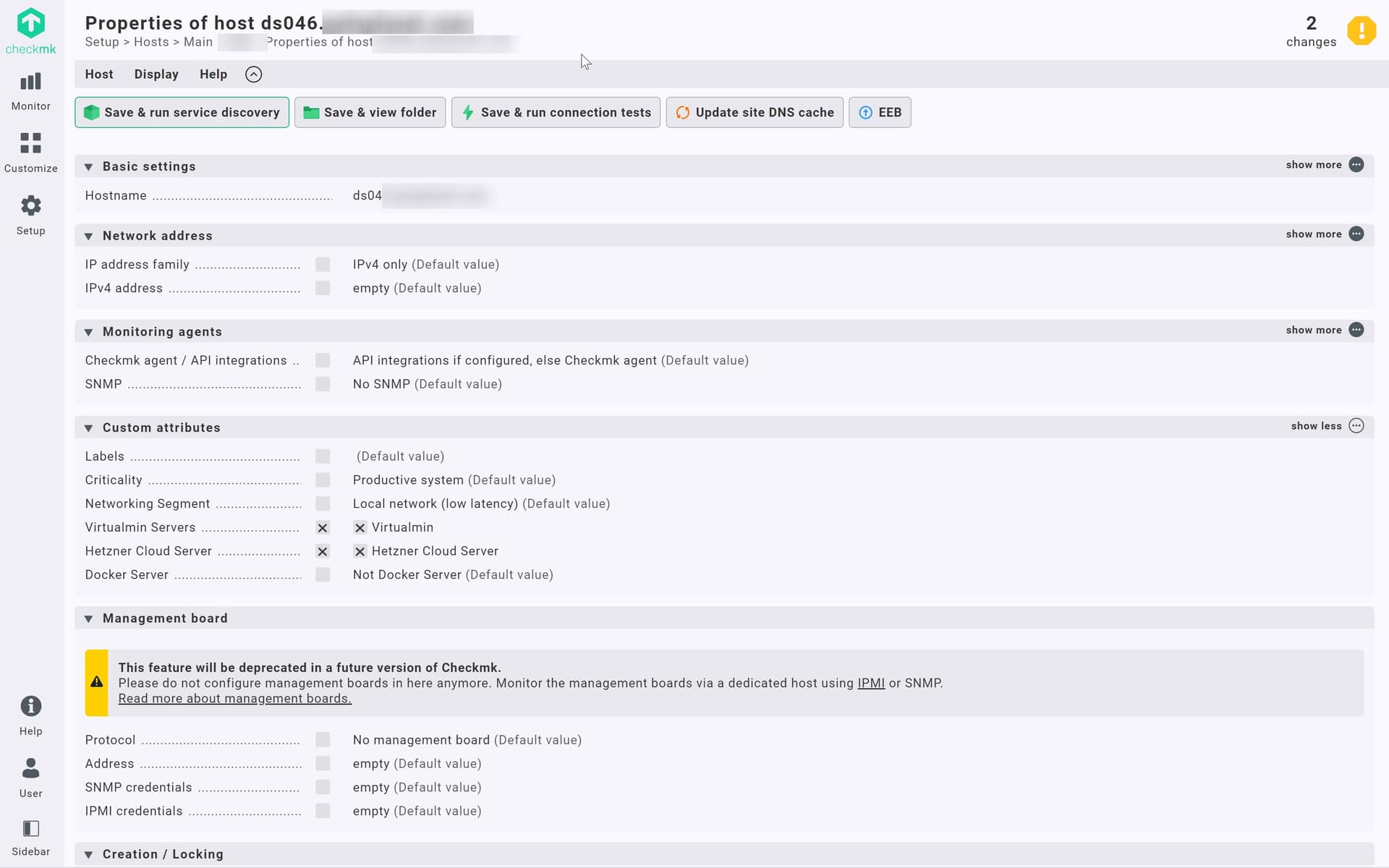
we created a general rule for outgoing mail queue (single queue)

but it doesn’t seem to apply
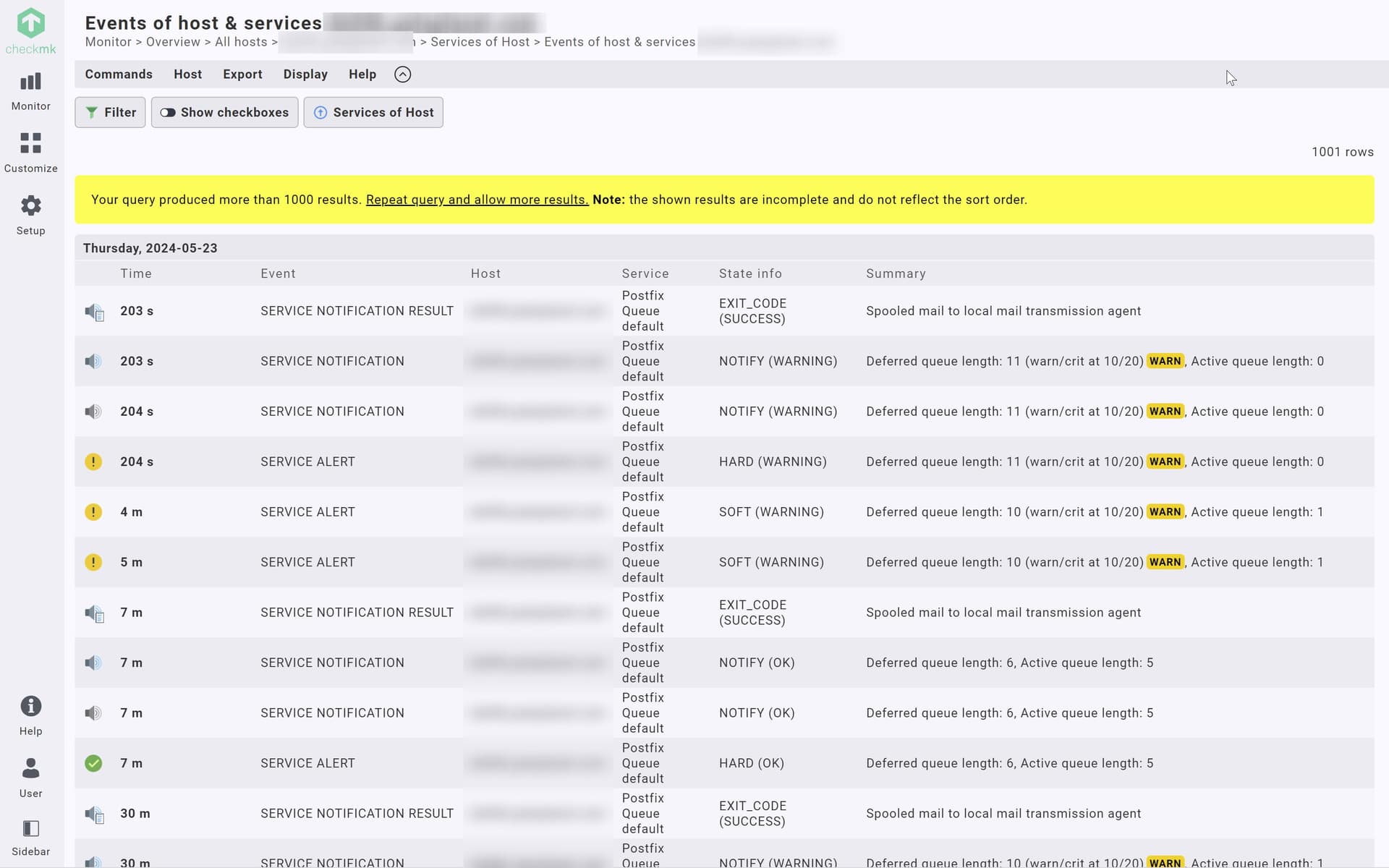
where can we see which rules apply to a specific service? (to see if it is even at the right place?)
we created a general rule for outgoing mail queue (single queue)
but it doesn’t seem to apply
where can we see which rules apply to a specific service? (to see if it is even at the right place?)
Hi Pat,
if you click on the burger menu of the particular service, you have the option “Parameters for this service”.
The second rule is always the current rule for that service in the following table.
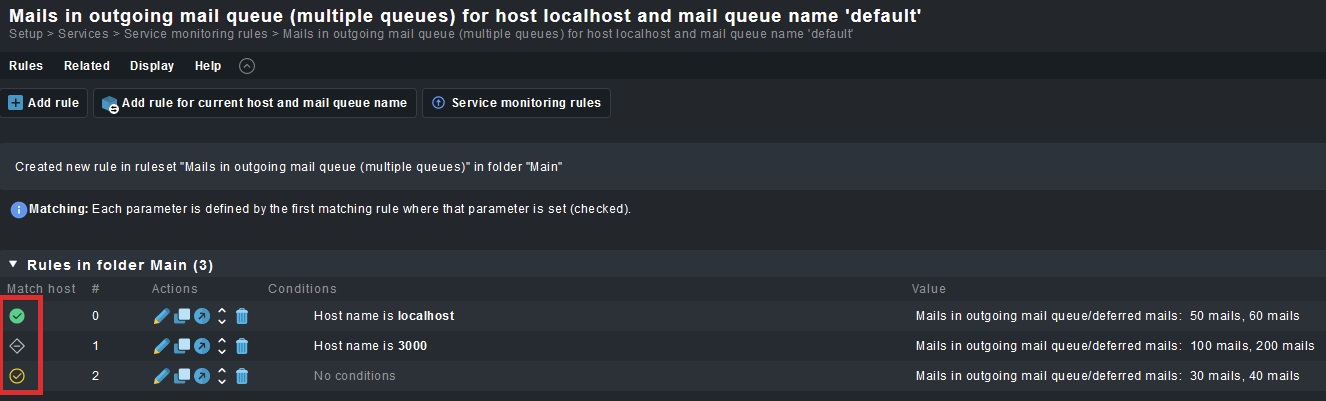
If you click on the ruleset, you will see, if your created rule matches this host/service combination based on the traffic light on the left side of the rule.

ok, not easy to find. For someone who mainly uses checkmk instead of living in it this is almost impossible to find. still don’t know why the general rule for all hosts doesn’t take effect here.
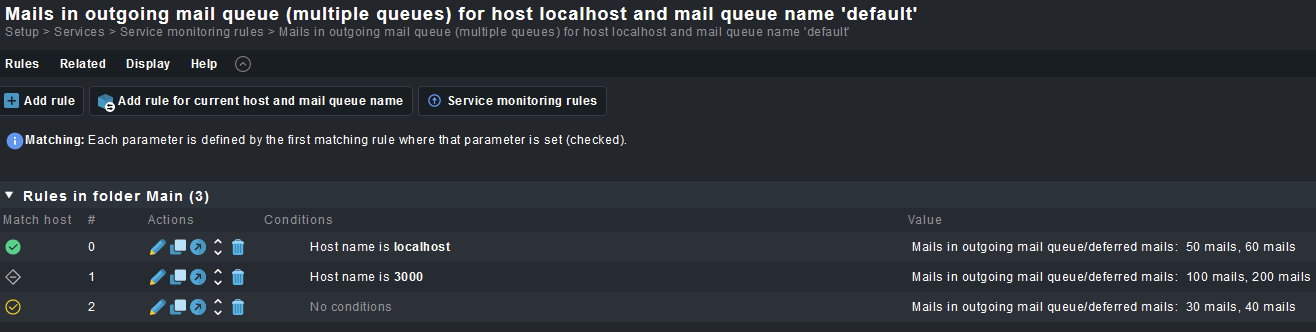
Can you show a screenshot of the rule configuration and the conditions?
What happens, when you go the way i described ? Is the traffic light at the beginning of your rule green ?
If you want to assign the rule to all hosts in checkmk you don´t need a predefined condition, you can just leave all conditions empty and assign the rule to the main directory (should be the default).
ok, thanks, that no condition means “all hosts” is also something you need to know. Should be stated somewhere.
not sure what you mean with the traffic lights, right now the queue is under the threshold anyways, let’s see. I now have a bit better grasp on this.
Hi,
if you access the ruleset through the Burger Menu - Parameters for this service, you will have a context that is evaluated against the existing rules:
The indicators in the first row show you, which rules match your host/service combination.
Additionally, every ruleset has a description at the top that tells you, how the rules are being evaluated :
E.g. :
Each parameter is defined by the first matching rule where that parameter is set (checked).
or
The first matching rule defines the parameter.
ok, it’s friday, bear with me. %)
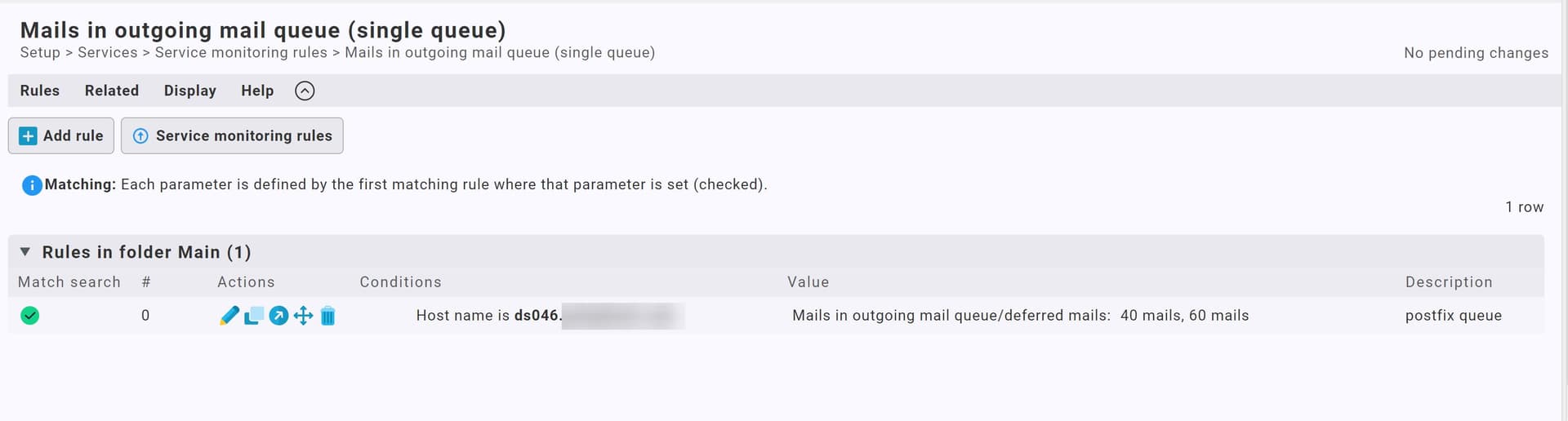
I somehow found a page with check marks (not sure how I find the page “for this service”). anyways, yes it’s checked:
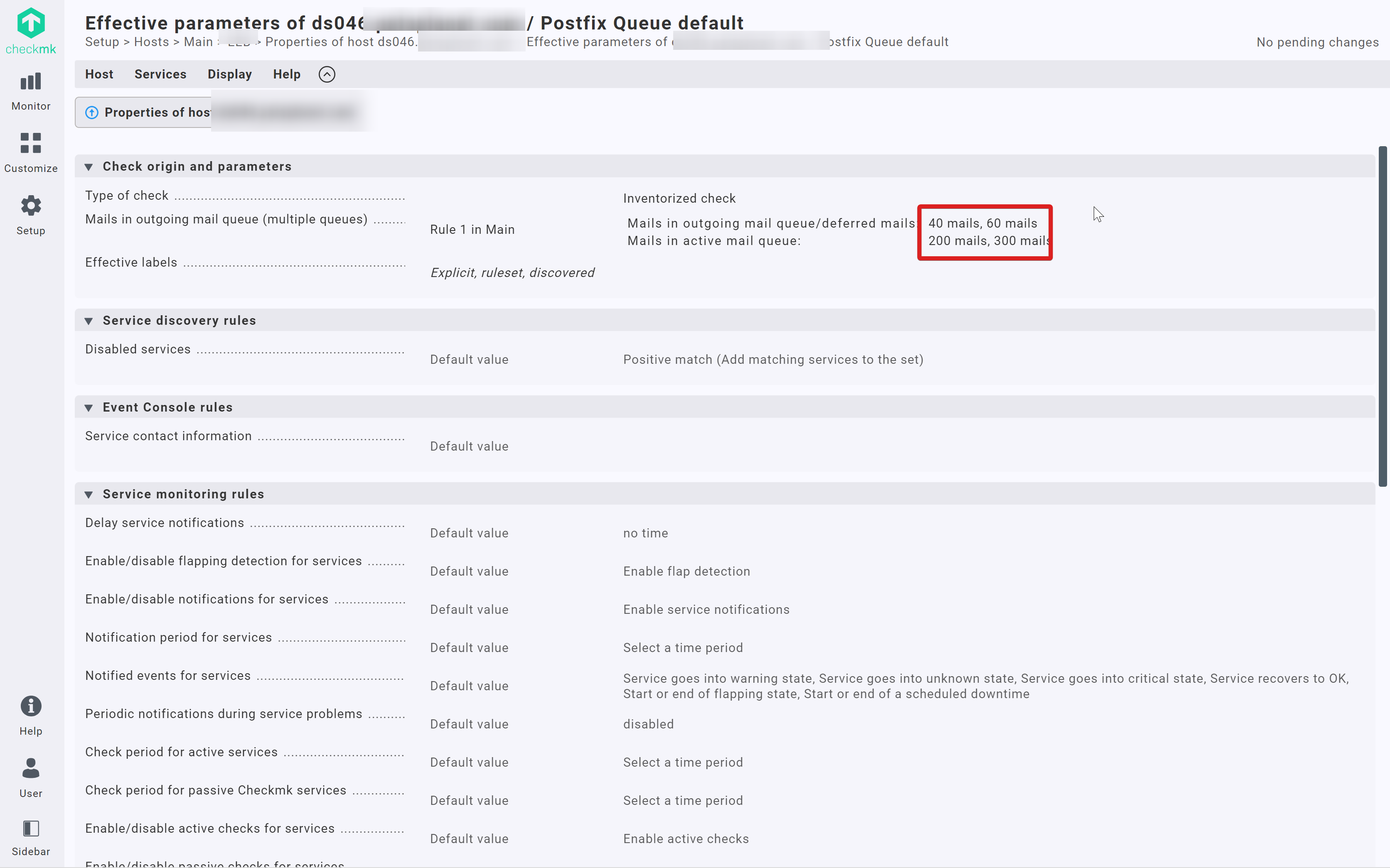
threshold is 40/60 but the alarm goes off at 17 mails in queue.
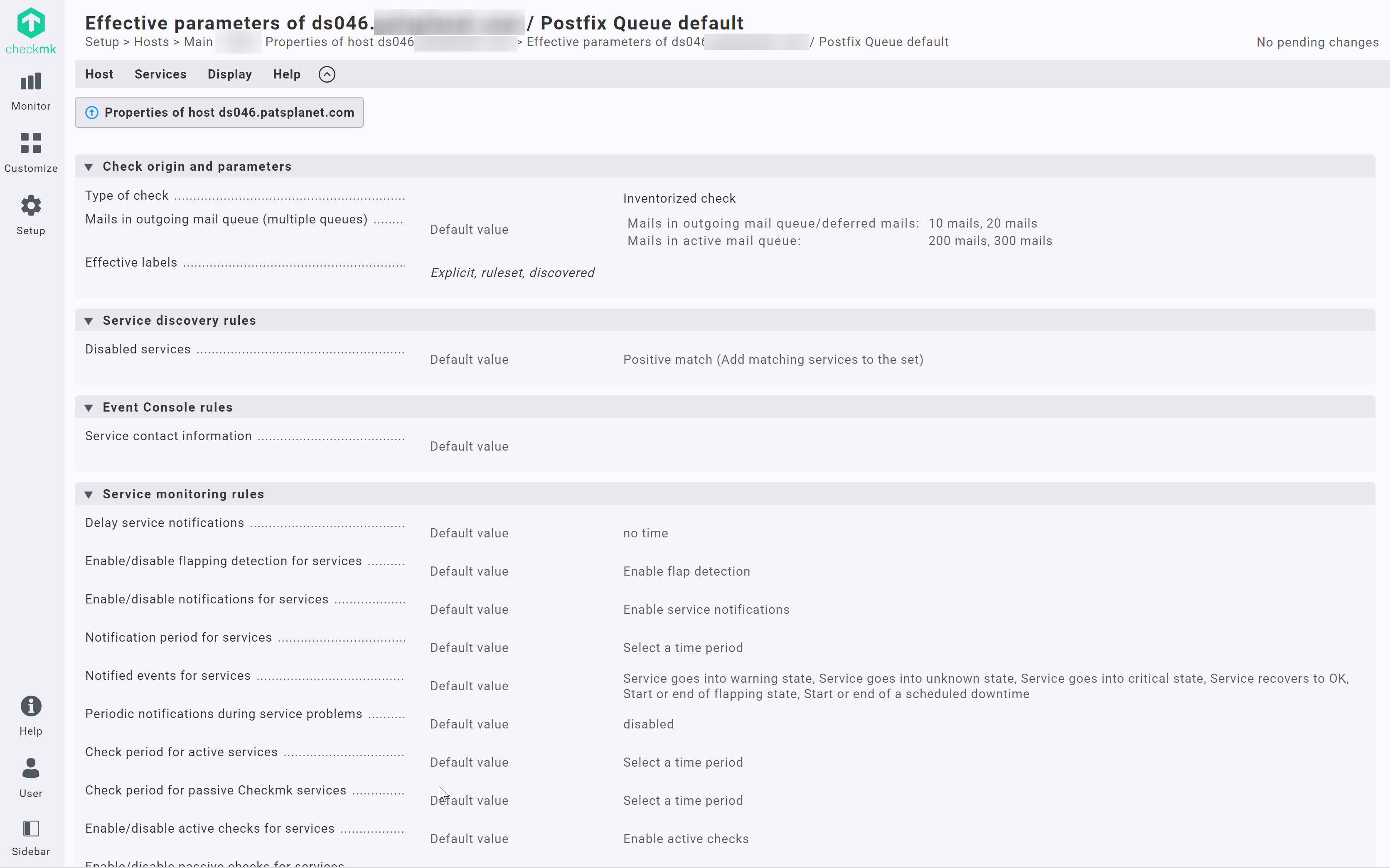
here another view of this server I somehow landed on, this shows the threshold at 10/20 again.
There is a difference between the two rules, you configure the rule "Mails in outgoing mail queue (single Queue) but the correct one for your service is “Mails in outgoing mail queue (Multiple Queues)”.
Go to the service, click the burger menu, click Parameters for this service.

After that, click on the link of that ruleset (always second line of the table):
Then you are in the correct ruleset:
ok, thanks, I managed to get to this page again on some other path and it shows the correct threshold now.
I kind of like to know how to get to this list

but it’s not that important right now. I kind of woud expect to find a button “services” with a list of all the services monitores on this specific host at this page, but nope 
This topic was automatically closed 365 days after the last reply. New replies are no longer allowed. Contact an admin if you think this should be re-opened.