Hi,
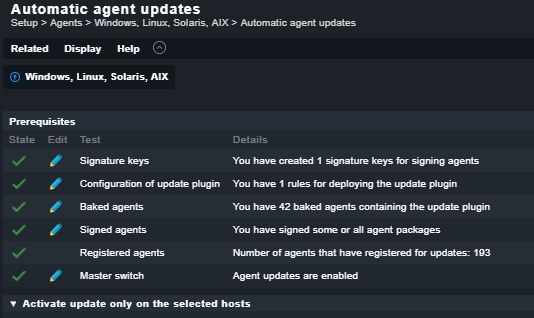
after upgrade from 1.6p23 CEE to 2.0.0p15 CEE agent update won’t work as expected.
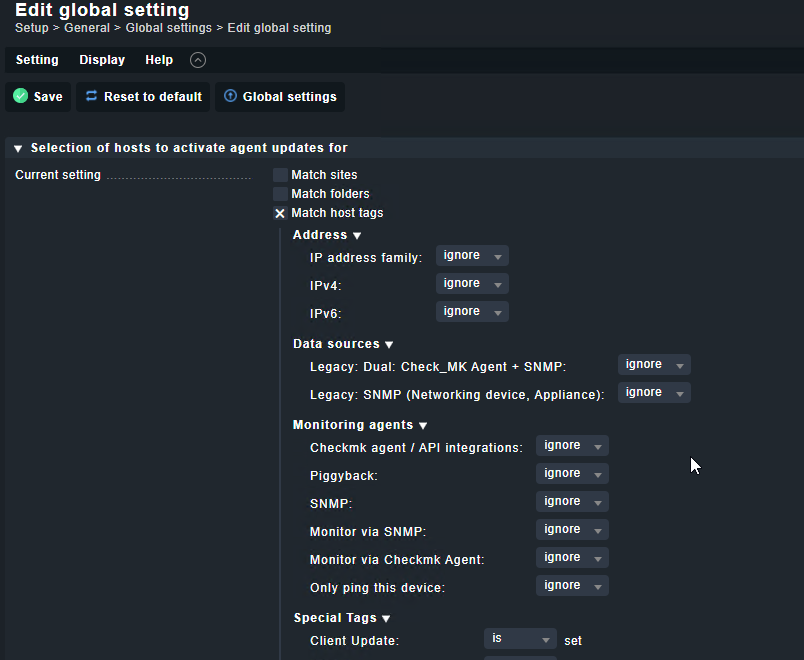
Agent deployment was (and is supposed to) activated by a host tag “t_autoClientUpdate” which worked perfectly in 1.6
Now the plugin is installed with the agent, but refuses to update:
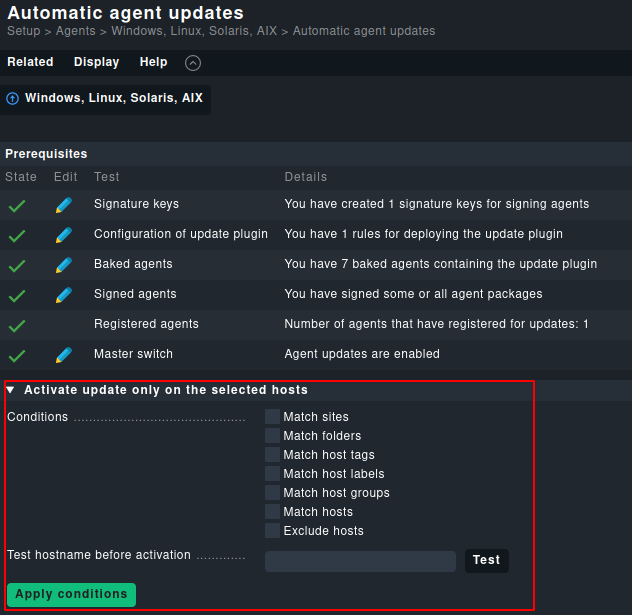
Agent Bakery: Agent Updates are disabled for hostname myhost because it is not listed in the explicit list of host names.
The Check_MK agent check shows en error about a non-signed agent.
Sorry, need my eyesight checked…
How are these conditions combined? “AND” or “OR” ?
I was under the impression it’s “OR” e.g. tag match OR host name match
No, like in most cases in Checkmk this is a ‘AND situation’.
This place is not intended to control agent updates on a daily basis, this place is for testing and major rollouts.
For daily business I suggest you stick to your host tags, that is best practice. But rather than using the global settings you want to update you agent update rule with the tag. So systems that do not do automatic updates do not even receive the plugin.
This topic was automatically closed 365 days after the last reply. New replies are no longer allowed. Contact an admin if you think this should be re-opened.