Hello everyone,
I have a question regarding specific user configuration for NagVis…
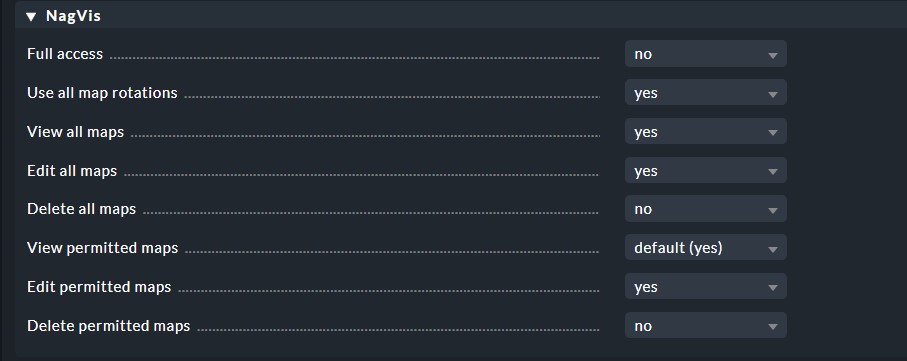
I created a role that I´ve given a user. However I wanna give this user only access to one map and not all maps.
If I choose the option “View permitted Maps” the user can see no maps at all because It is probably not configured. Where do I select the permitted maps for a user?
If I give the role full access the user can see everything of course.
All I could find is to give access to specific sites in the user configuration itself.
I´m using CheckMK 2.0
