iali
May 10, 2024, 2:39pm
1
hi,Change login logo by our compagny - #4 by Virus2500 but it doesn’t work.
i created the folders as stated in option 1, but doing omd reload, i still only see the checmk logo in the login screen and the small logo inside and also the favicon.
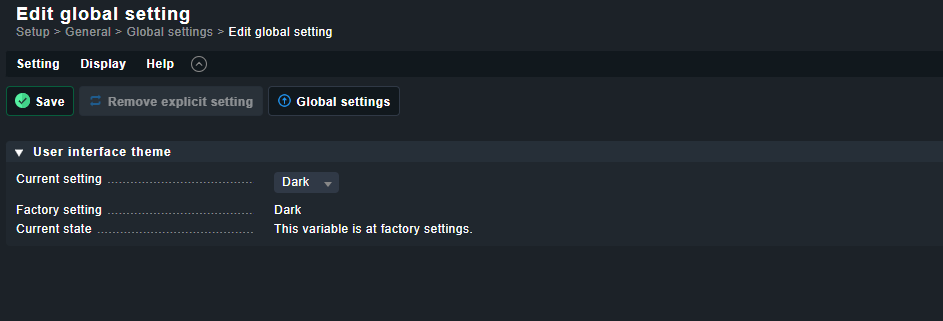
also by accessing the theme impsoations i don’t see the option to change it.
how can i do?
thanks
Hi Ibrahim,
that recommendation was based in Checkmk version 1.6 which had a completely different GUI. So no surprises there that it doesn’t work.
I know that it is still possible, because I’ve seen it. In our knowledge base, I only found an article on how to do it for Reports (https://checkmk.atlassian.net/wiki/spaces/KB/pages/28475393/How-to+customize+logos+for+reports ) , but not for the GUI itself.
I’ll ask someone.
Anders
May 10, 2024, 5:30pm
3
There actually is a KB for thishttps://checkmk.atlassian.net/wiki/spaces/KB/pages/9473575/How-to+customize+the+login+screen+of+Checkmk#How-tocustomizetheloginscreenofCheckmk-CEE
I’m not sure its been updated for 2.2 or 2.3 (When I applied the same filename(s) used for 2.1 in 2.2 it did not work as they where changed.
The easiest way would still be to inspect the HTML like suggested and change accordingly.
We have an Ansible role that does this. Bear in mind that you should change both the images for dark and classic.
Reports and other things will have no affect.
1 Like
system
May 10, 2025, 5:30pm
4
This topic was automatically closed 365 days after the last reply. New replies are no longer allowed. Contact an admin if you think this should be re-opened.