CMK version: Checkmk Enterprise Editon 2.1.0p16, Community editon 2.4.0p24 OS version: Redhat 7.9, Ubuntu 24.04
Hi all,
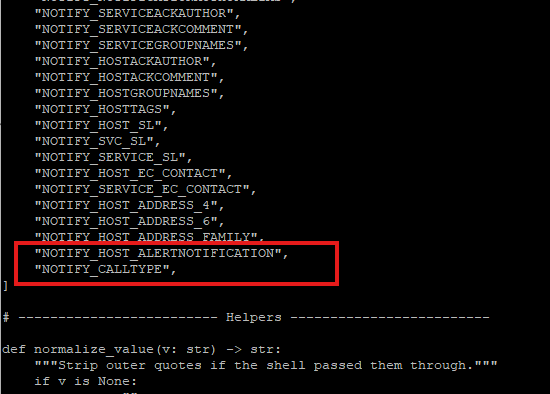
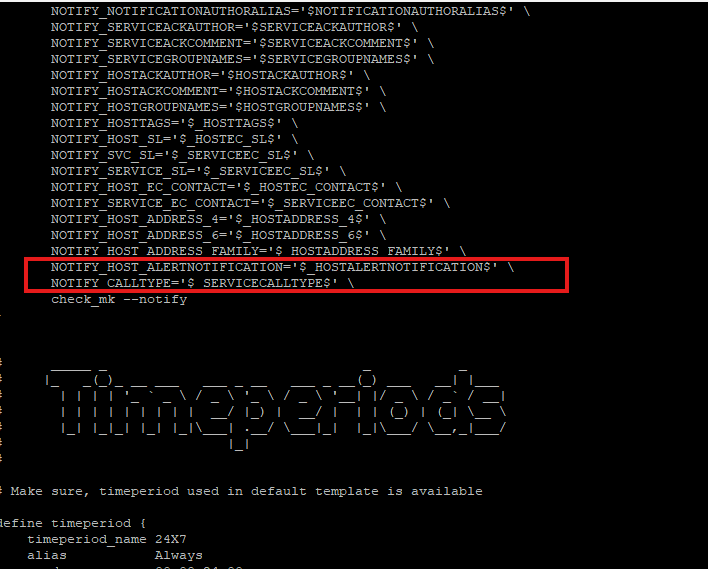
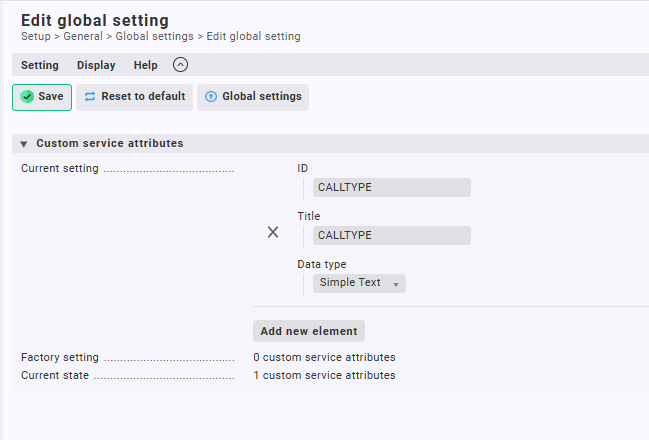
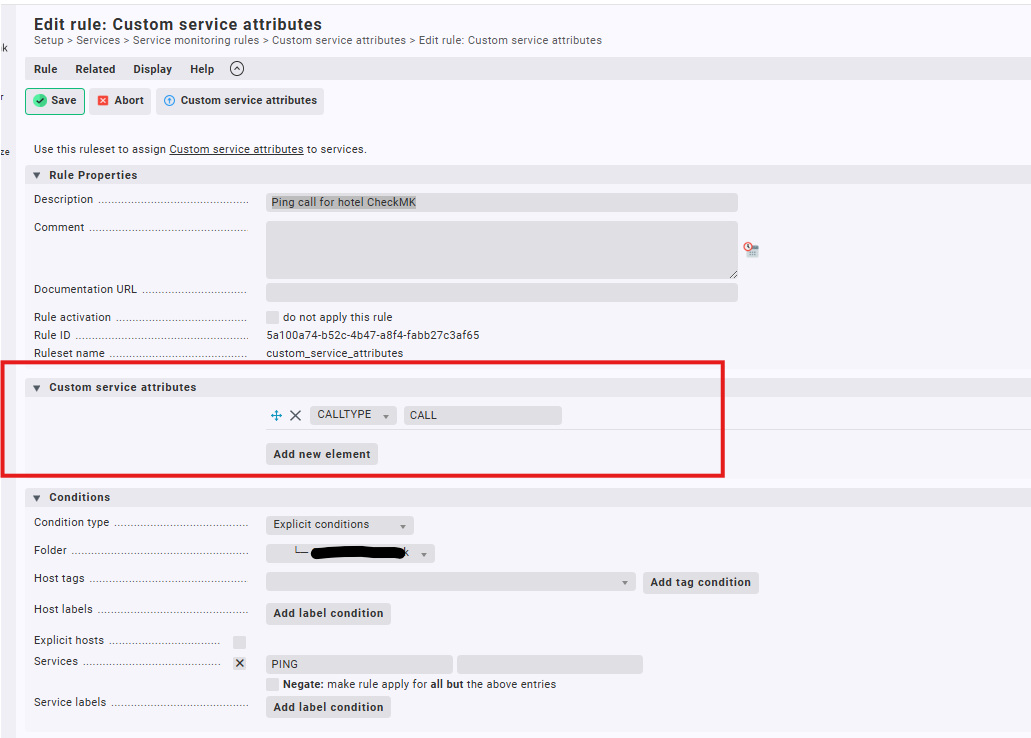
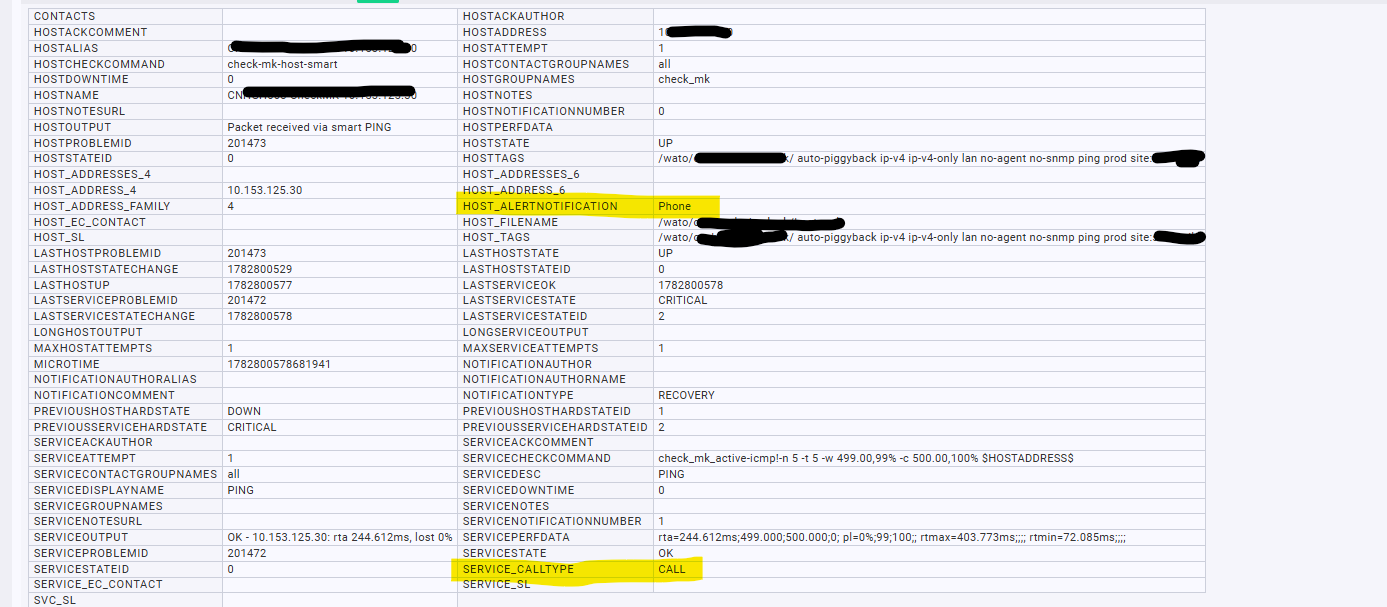
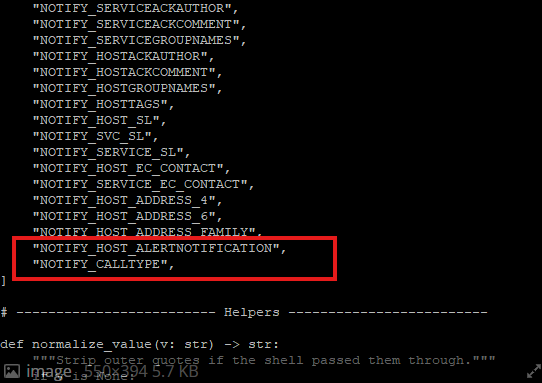
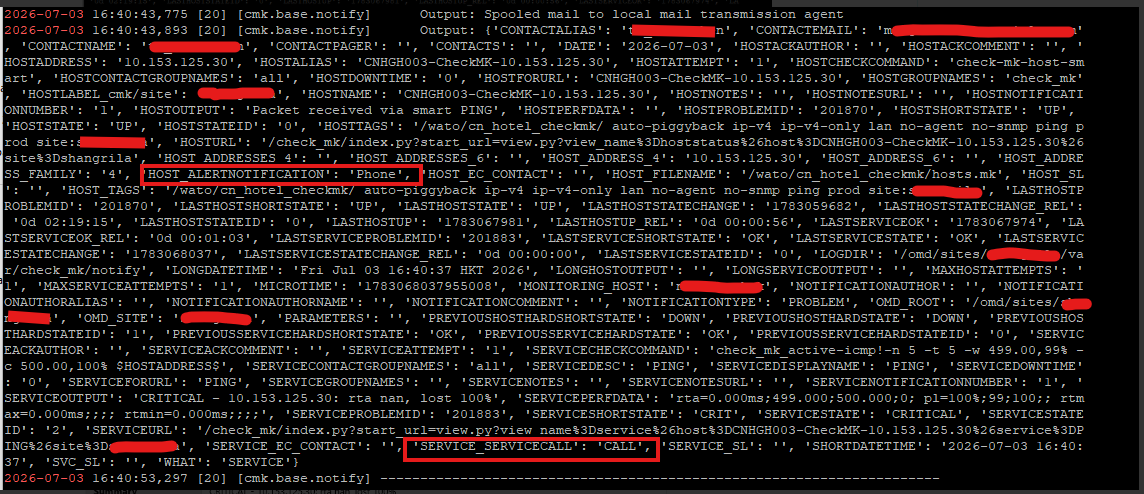
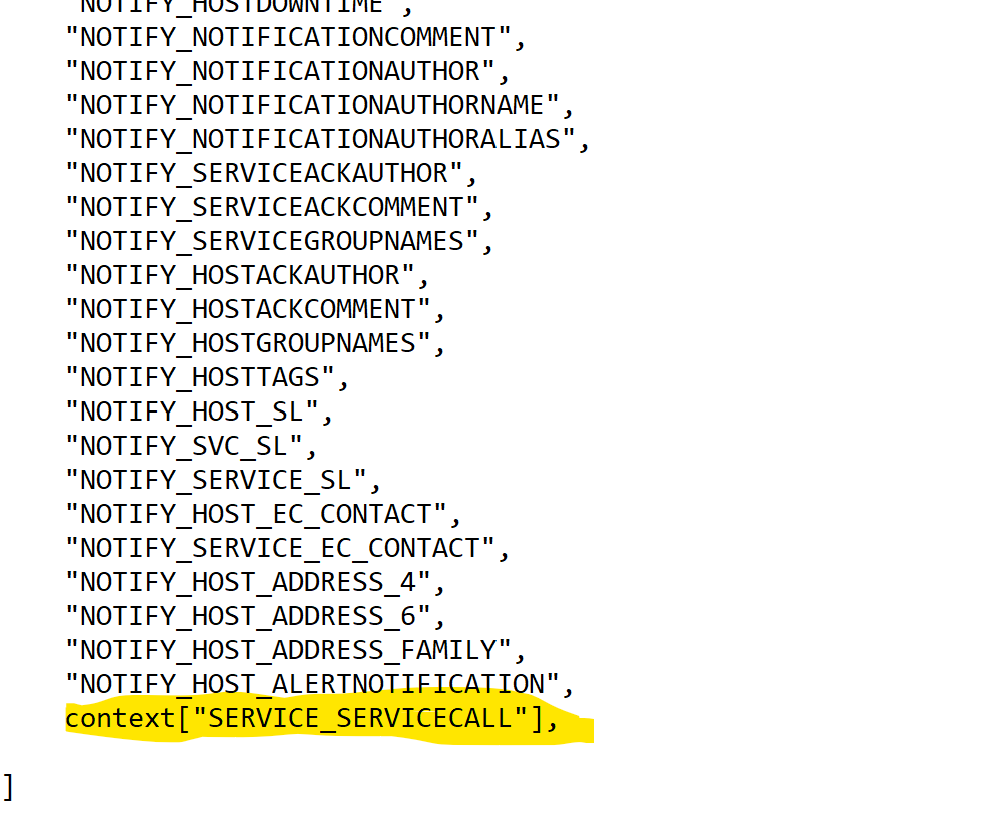
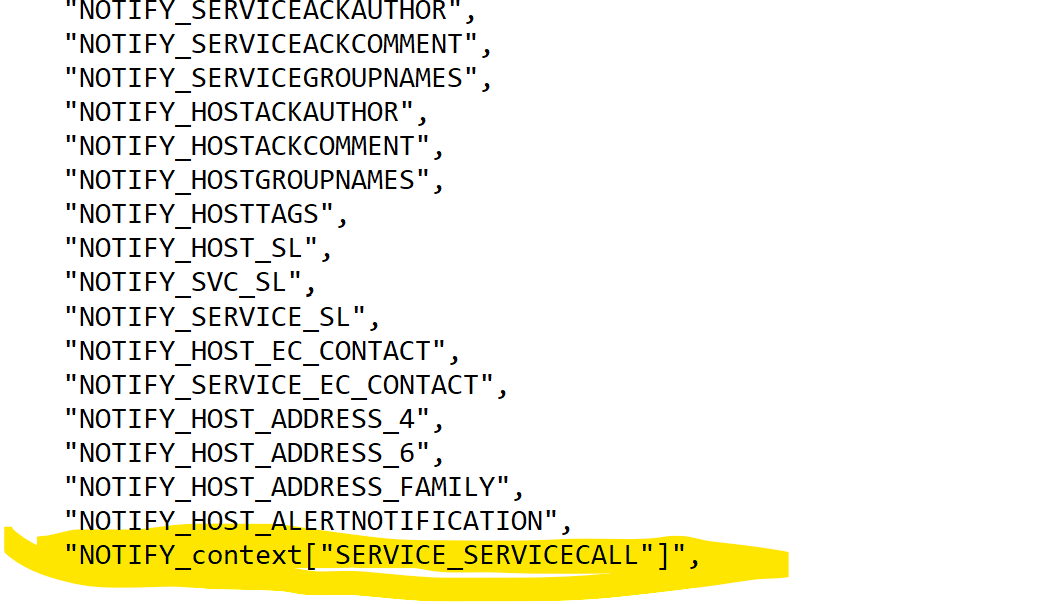
I am using CheckMK enterprise edition 2.1.0p16, and I use my notification script checkmk_call.py for sending notification to remote mail server, I created 1 custom host attribute named “alertnotification” and 1 custom service attribute named “CALLTYPE” , and I 've added these 2 attribute to my CheckMK_call.py and the check_mk_templates.cfg file under /omd/sites/yoursite/etc/nagios/conf.d/ as below, so that it can be passed to my remote mail server. But only the host attribute “alertnotification” can be passed onto remote mail server, but the “CALLTYPE” service attribute can not, although I checked the Recent notifications (for analysis) that both attribute values are listed as highlighted in yellow. MeanWhile I 've another Checkmk in community edition 2.4.0p24 have exactly same setting , it works well which can send both “alertnotification” and “CALLTYPE” value to remote mail server. It’s looks in 2.1.0p16 there is issue for sending the custom service attribute ?
First i would recommend to upgrade this old version to a more recent one as there are not many people outside anymore with this old version and also then to test your problem.
But now to the problem.
Only one thing what i saw in your screenshots. If you use the enterprise edition you don’t need to edit any “check_mk_templates.cfg” as this is only relevant for the classic Nagios core.
If you see the “SERVICE_CALLTYPE” in the recent notifications then you can also access this variable as environment variable from your script.
What do you see if your notification script dumps the whole context of such a notification? There you should see the same variables as in your screenshot of the recent notifications.
What do you see if your notification script dumps the whole context of such a notification? There you should see the same variables as in your screenshot of the recent notifications.
- How to see my notification script dumps the whole context , how to do it ?
Without the complete code i cannot say if this works or not.
Normally you get the whole context inside a notification script with a helper function. You don’t need such an table as in your screenshot.
from cmk.notification_plugins import utils

context = utils.collect_context()
Then you can output the whole context to see what you get.
HI Andreas, this is my checkmk_call script, hope you can help check it works or not.
The script works in Community 2.4.0, but in my Enterprise edition 2.1, it can send the host attribute “NOTIFY_HOST_ALERTNOTIFICATION” but not the service attribute "“NOTIFY_CALLTYPE”.
As I don’t know if it’s caused by the editon 2.1 is too low or other reason, so I am afraid even I upgrade it to a higher version it still not fixing the issue.
If i see it correctly, your script uses the “legacy” method to fetch all the parameters → os.environ.get.
What do you see if you use the two lines of code from my last post?
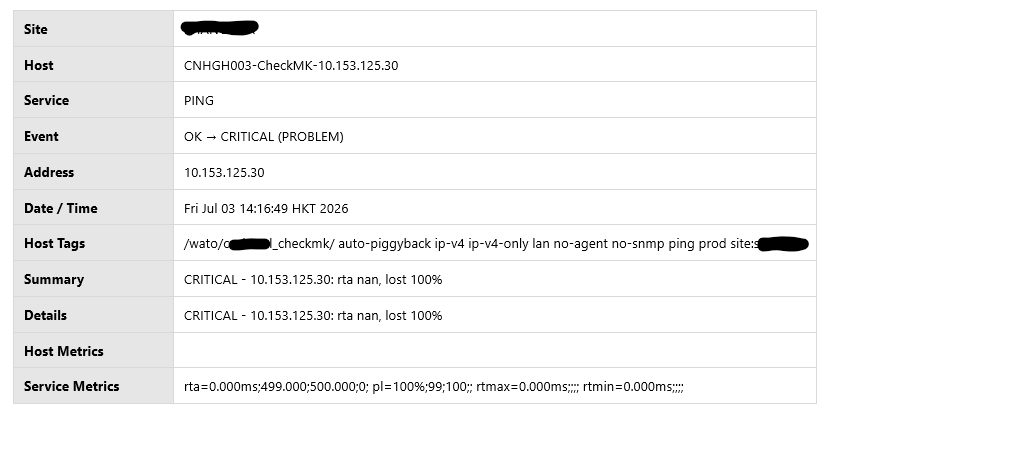
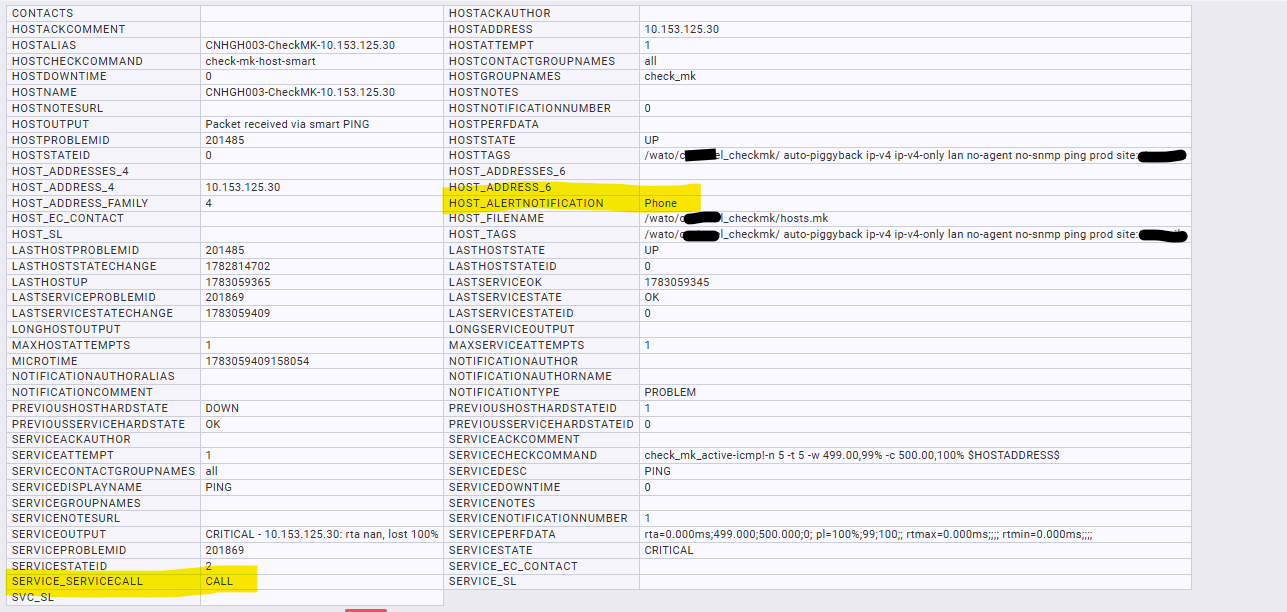
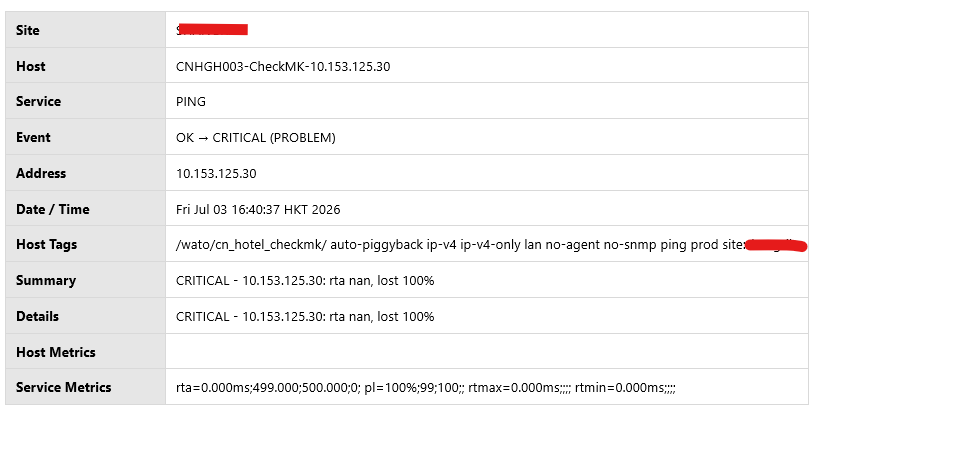
Sorry that I don’t know how to work with your 2 codes, I simply put them into script and trigger a alert, the notification as below, looks no difference from without your code. Please note that I changed the service attribute to "servicecall" from "calltype" just for testing.
I don’t know what i should expect to see the difference and where can I can see it.
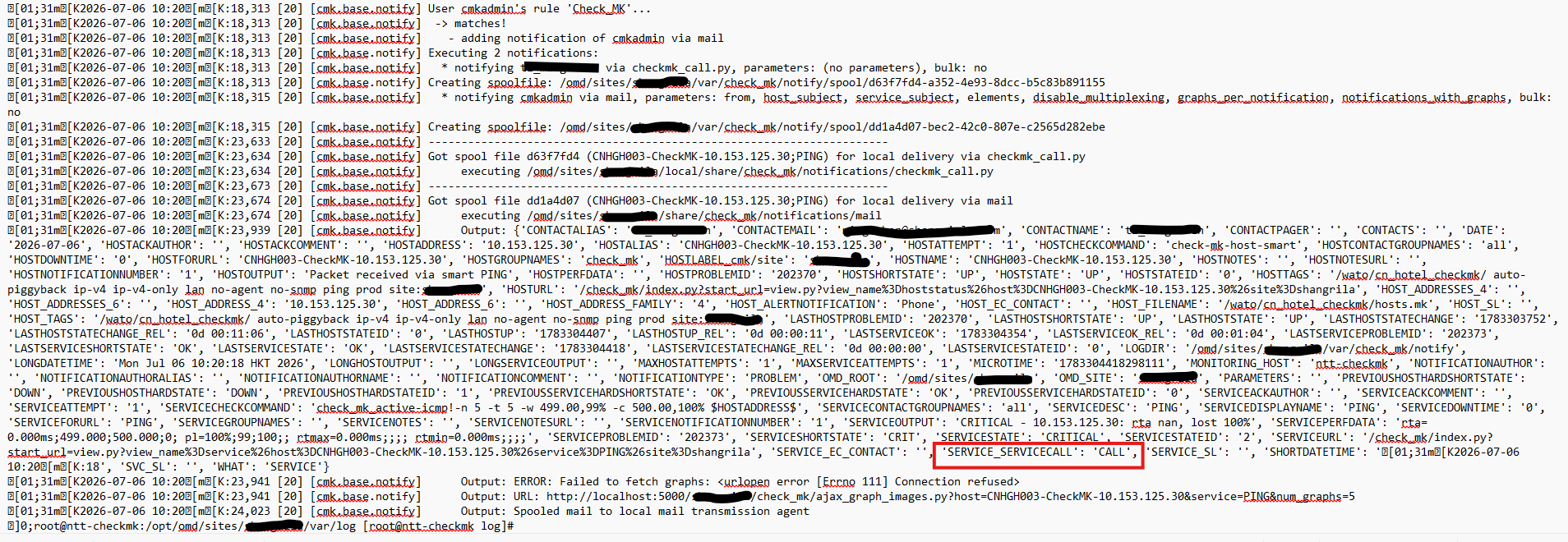
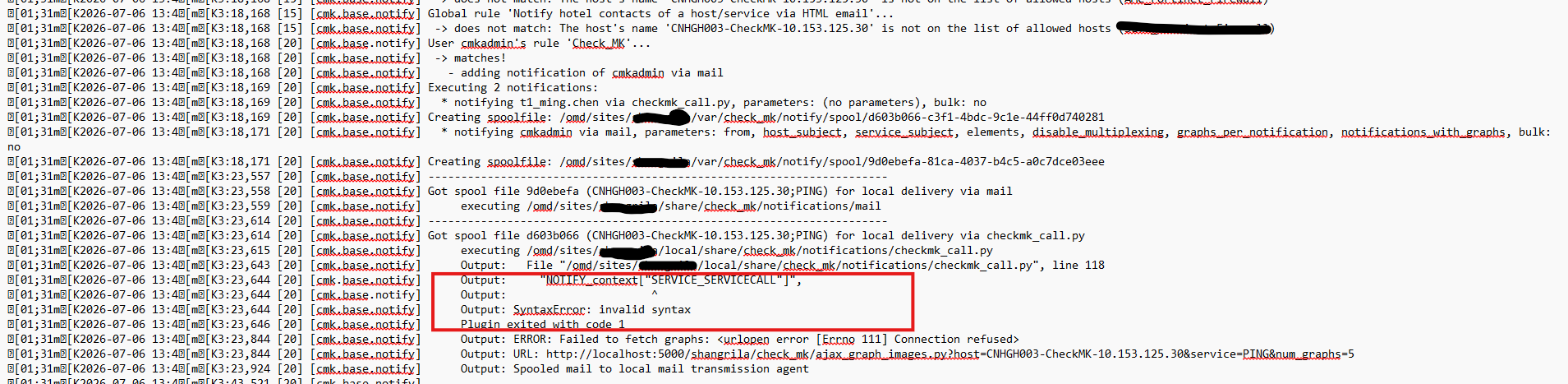
here you go, this is the output I found in the notify.log file , I can see both “alertnotificaiton” and “servicecall” attributes. Please advise . thanks !
Thanks, I’ve tried the following, but still not work,Please help . Thanks a lot!
1. I added the line context[“SERVICE_SERVICECALL”] into my script , in the notify.log, can see the “service_servicecall”, but remote site still can’t receive the attribute.
and that
forget the variable list - this is obsolete code that is not used anywhere anymore.
from cmk.notification_plugins import utils

context = utils.collect_context()
service_notify_typ = context["SERVICE_SERVICECALL"]
then you can do something with your variable inside the code.
In your script i don’t see any location that is using the variables that you try to define inside the macro list.
What do you mean here?
The notification script runs on the site where the notification is executed.
You need to implement inside the notification script some logic that uses the variable.
I mean my script was developed by my teammate, and it uses the variable list (which you said we should not use any more), so it would be difficult for us to make a big change on the script which is to not use the variable list …
It’s sad that same script works on the Community edition, only not works on the enterprise edition…
So my existing script(uses variable list) only works on Community editon ? correct?
The problem is that community edition works completely different.
Community → Nagios core with definition of used variables inside config files
Enterprise → CMC core all variables are existing inside the environment and can be used with the mentioned script lines
For the community edition you need to extend the Nagios template config with the variables. “NOTIFY_SERVICE_SERVICECALL” and “NOTIFY_HOST_ALERTNOTIFICATION”
Later inside the script you can then reference the variables inside enterprise and community the same way.
Output all the context one time on a community edition system and one time on the enterprise system. You should see the two variables on both context outputs.