I found something: the input field gets autofilled when there’s a “hidden” password field. I don’t know why it would be there.
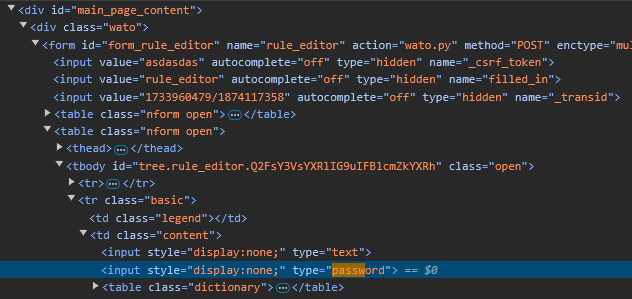
If I remove the “display:none” bit on these two input elements, they appear right at the top of the second big collapsible element:
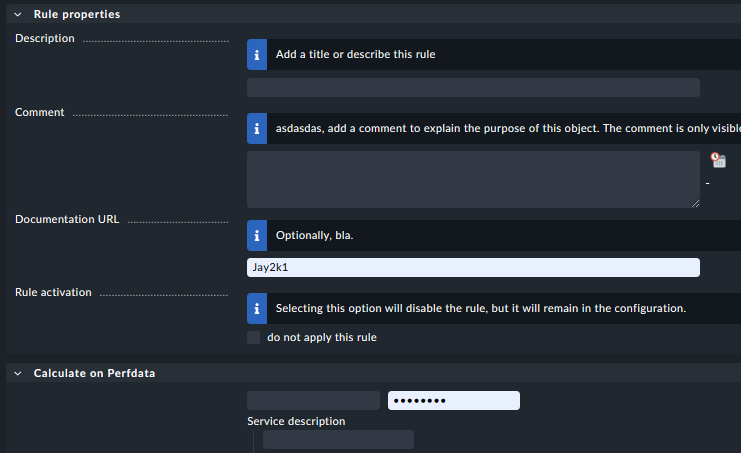
I copied the frame source into a static html page to be able to toy around with it, and if I comment out that password input element, the documentation URL field is no longer being autofilled with my username on page load.
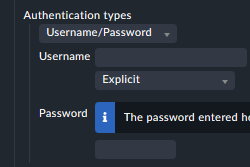
Now interestingly, these two hidden inputs (not type=hidden, just display:none) also exist on pages where the autofill does not occur (like the aforementioned “Add rule: Check email delivery” page. I assume this is because this page actually has a proper username/password input field combination further below: