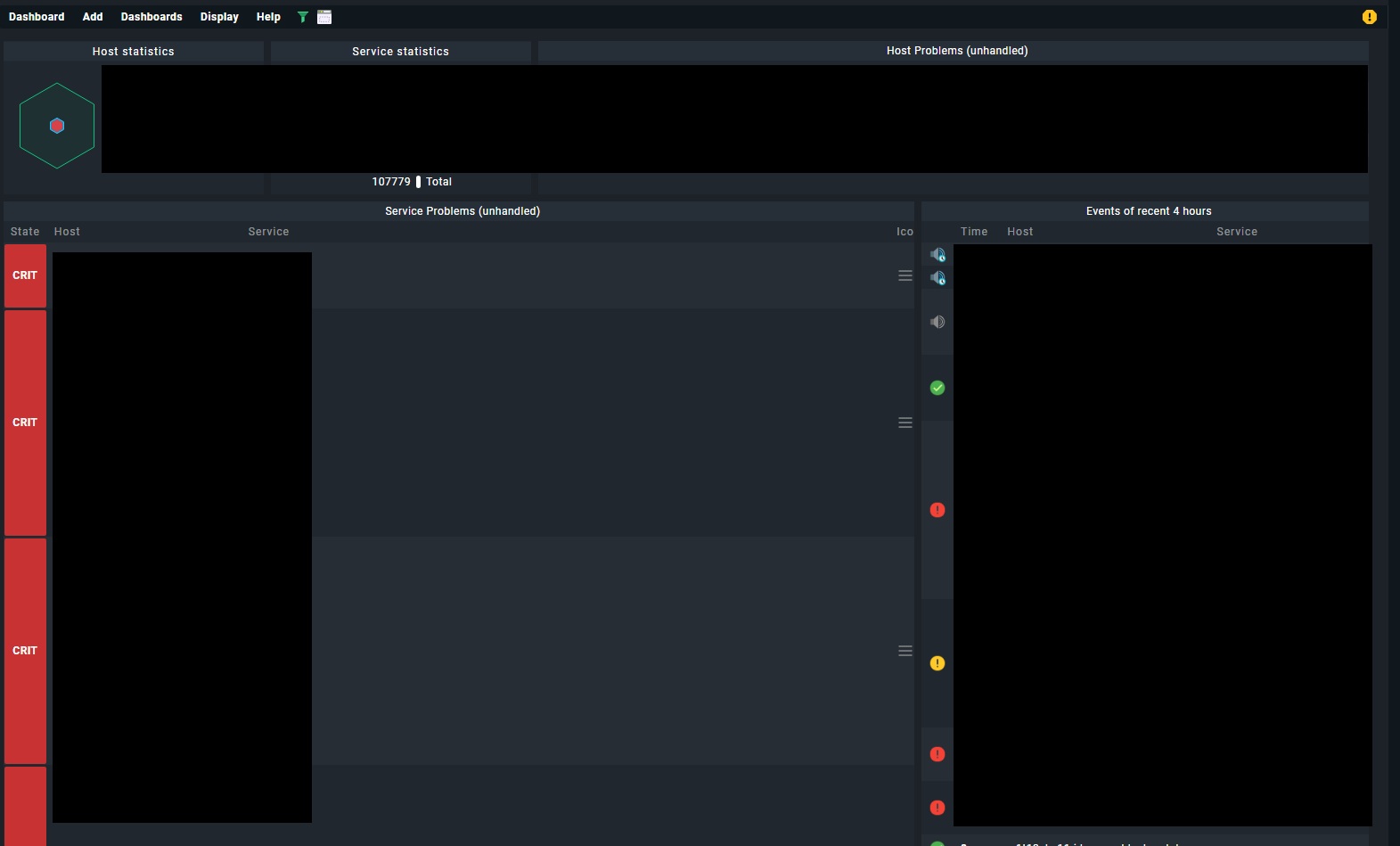
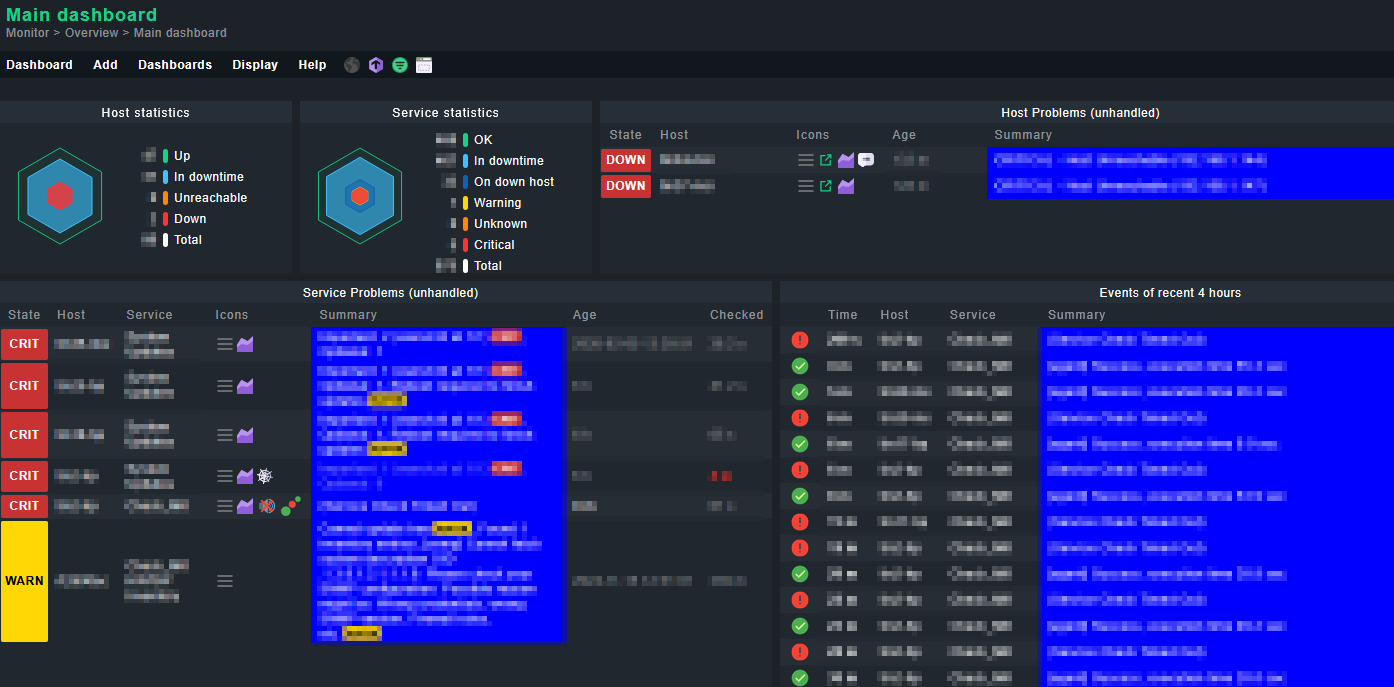
Perhaps more detailed:
Yggy’s CSS approach is the right idea. Here’s a more robust and server-side solution so it works for all users without requiring a browser plugin.
1. Create a custom theme (server-side, persistent, update-safe)
Checkmk ships with two built-in themes: facelift and modern-dark (see source on GitHub). You can create your own theme under the ~/local/ directory — files there are not overwritten during updates (Werk #10373).
As site user via SSH:
bash
# Create custom theme directory based on your preferred theme:
mkdir -p ~/local/share/check_mk/web/htdocs/themes/my-custom-theme

# Create the theme metadata:
cat > ~/local/share/check_mk/web/htdocs/themes/my-custom-theme/theme.json << 'EOF'
{"title": "My Custom Theme", "based_on": "modern-dark"}
EOF
Then create the CSS overrides in ~/local/share/check_mk/web/htdocs/themes/my-custom-theme/theme.css:
css
/* Limit column width and force word wrapping for long paths */
table.data td {
    max-width: 400px;
    word-wrap: break-word;
    overflow-wrap: break-word;
    white-space: normal;
}

/* Keep state columns compact and unwrapped */
table.data td.state {
    white-space: nowrap;
}
After saving, each user can select the theme under Edit Profile > Interface theme. Since this lives entirely in ~/local/share/check_mk/web/htdocs/themes/, it survives Checkmk updates.
2. Use class-based CSS selectors instead of nth-child
@Yggy correctly noted that nth-child is fragile because column positions vary between dashlets and views. A better approach: open your dashboard, press F12 (browser DevTools), inspect the service column cell, and identify its CSS class. Then target it directly in your theme.css:
css
/* Service description column */
td.service_description {
    max-width: 300px !important;
    word-wrap: break-word !important;
    overflow-wrap: break-word !important;
}

/* Plugin output / summary column */
td.plugin_output {
    max-width: 400px !important;
    word-wrap: break-word !important;
    overflow-wrap: break-word !important;
}
This way the CSS applies to the correct column regardless of its position in the table, and works consistently across all dashlets and views. Adjust the max-width values to whatever fits your screen layout best.
Note: Checkmk currently has no native UI option for controlling column widths — neither in the views nor in the dashboard configuration. A custom theme with CSS is the intended approach for this kind of customization.
perhaps that`s more clear
Greetz Bernd