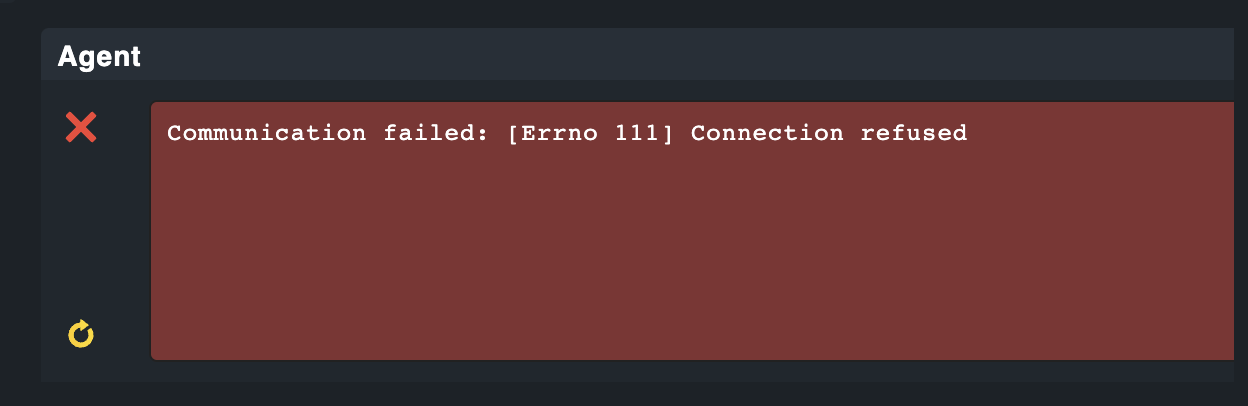
This is a fresh agent install on a Windows Server 2019. I’ve went through the setup guide to install the agent, configure the certificate etc. However, when I go to add the host inside of the checkmk GUI I get a Connection error for the checkmk agent. I’ve confirmed there is connectivity between both hosts over the required ports and verified windows firewall has exceptions.
This topic was automatically closed 365 days after the last reply. New replies are no longer allowed. Contact an admin if you think this should be re-opened.