PLEASE SHARE DOWNLOAD FOR THE CORRECT CHECK MK VERSION I CAN INSTALL ON Operating System: Oracle Linux Server 8.7
For Oracle Linux 8 the correct version should be RHEL 8.
2 Likes
Please don’t SHOUT at us!
2 Likes
Raw, completely open source:
wget https://download.checkmk.com/checkmk/2.2.0p12/check-mk-raw-2.2.0p12-el8-38.x86_64.rpm
Cloud Edition, commercial but free forever if you stay below 750 services:
wget https://download.checkmk.com/checkmk/2.2.0p12/check-mk-cloud-2.2.0p12-el8-38.x86_64.rpm
1 Like

Why do you have RHEL7 repos enabled on your Oracle 8 Linux?
1 Like
Yes, because you still have the packages for Enterprise Linux 7 enabled on your EL8 machine. You cannot mix them. Disable them first and please refer to Installation on Red Hat and derivatives and read the answers already given to your other posts on this topic.
1 Like
please try to keep this in one thread @iobbo
Checkmk installation - #13 by iobbo people are already trying to help you.
3 Likes
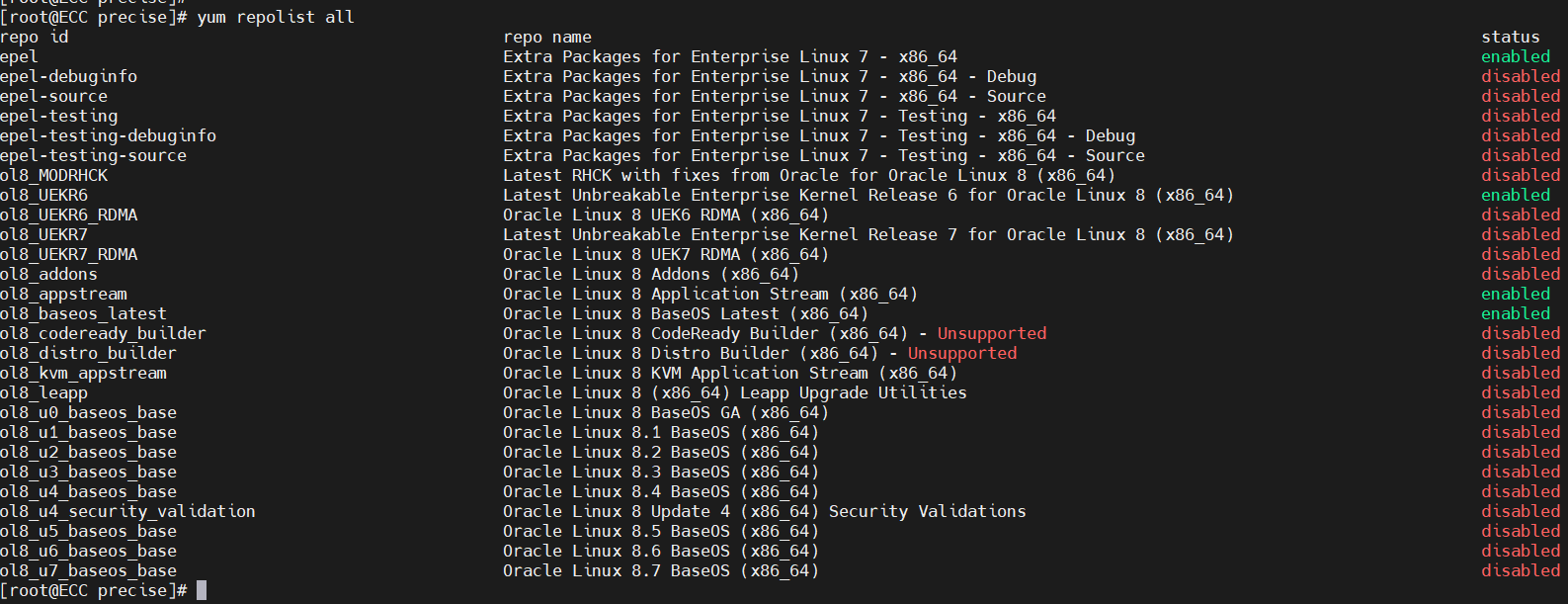
All your “epel” repos are for the wrong version.

You need the epel repo but for the correct version 8.
For the subscrition-manager problem i cannot help as i don’t know how the Oracle Linux does it.
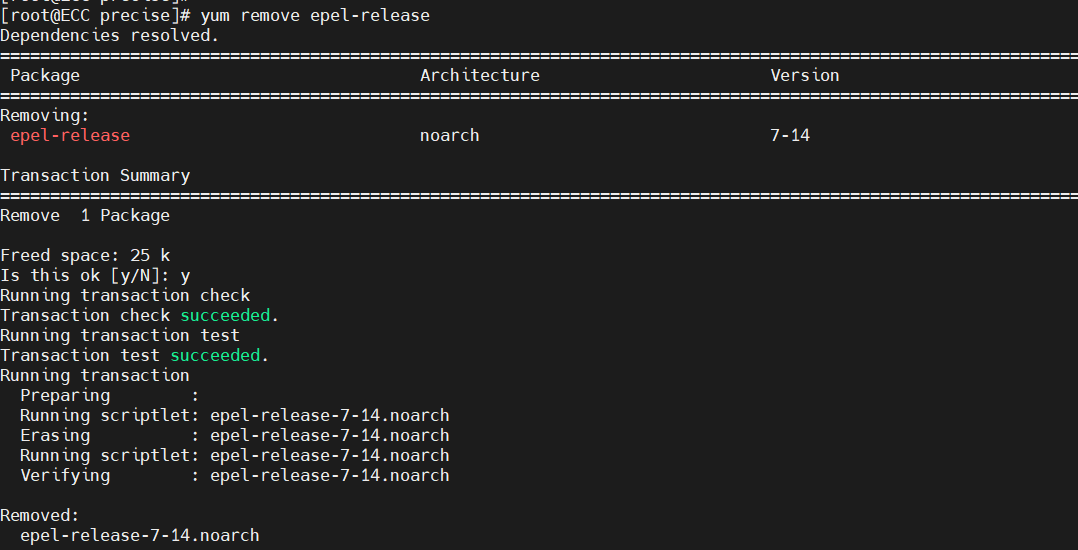
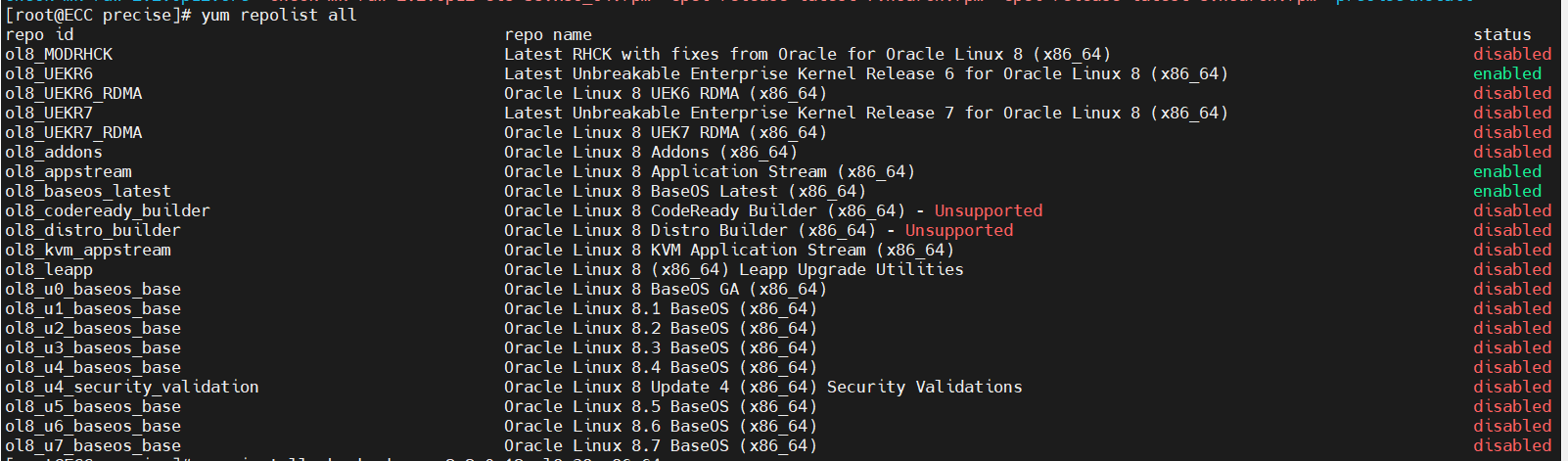
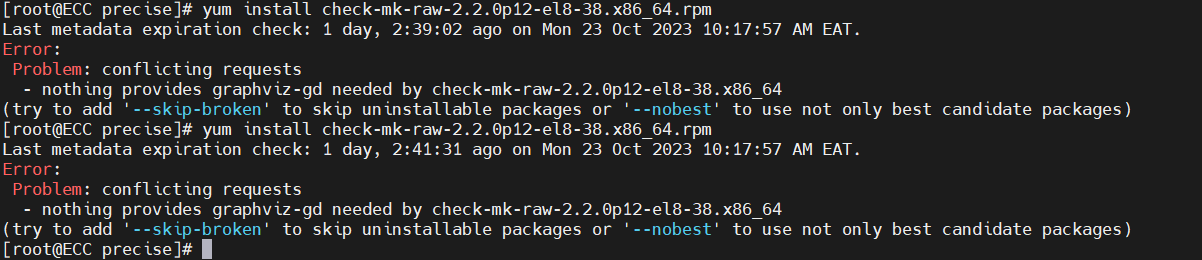
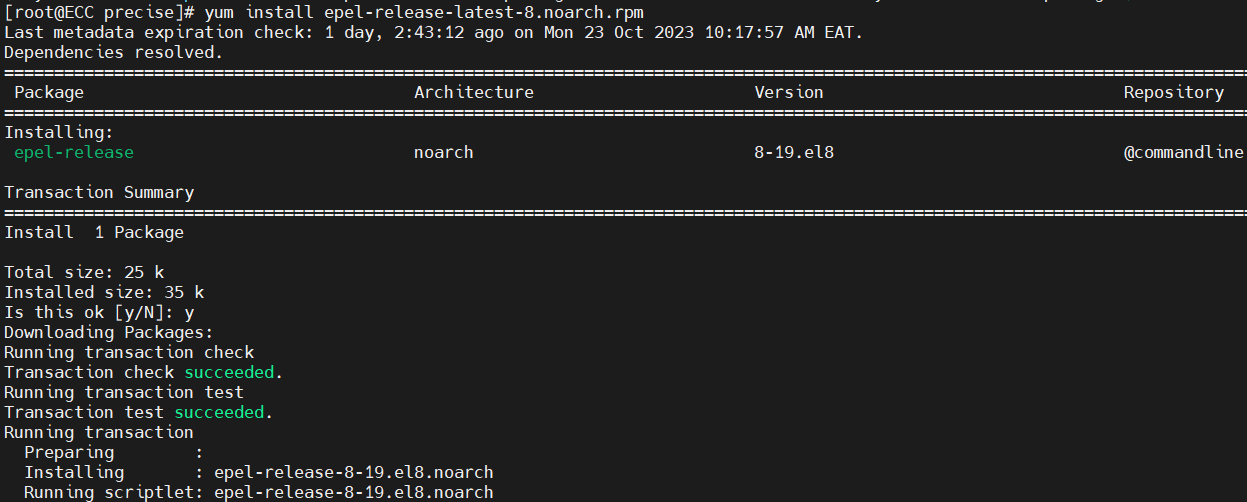
and now am running checkmk setup

is it possible or ok for an installation to be at this point for now over an hour yet i followed correct steps

I think you have here a problem that your server cannot reach the repo server.
It looks like a firewall/proxy issue in your network.
what needs to be done so as i ask the security team to help out