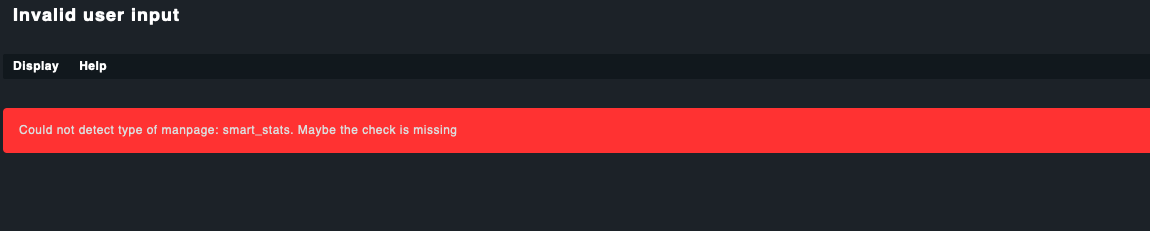
Could not detect type of manpage: smart_stats. Maybe the check is missing

CMK version:
2.0.0p19 (CRE)

OS version:
docker
checkmk/check-mk-raw:2.0.0-latest

Error message:
Could not detect type of manpage: smart_stats. Maybe the check is missing


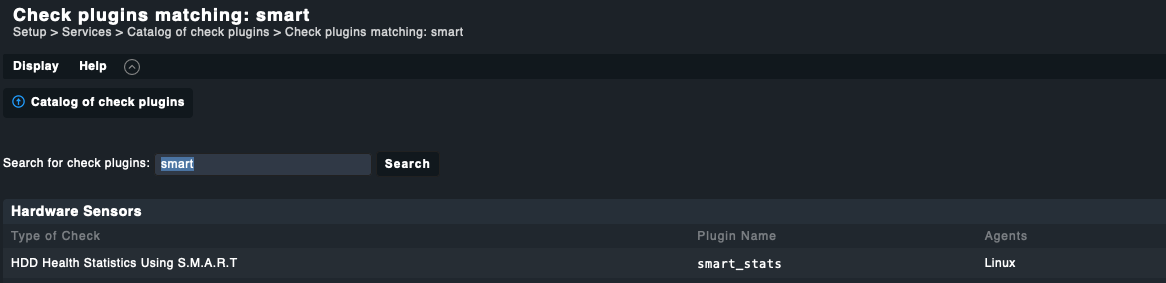
Here we have the plugin in the available plugins:

But clicking on it will lead to:

Also its not existing in

Setup > Services > Service monitoring rules

There only OpenHardwareMonitor S.M.A.R.T is existing

So howto configure / use this plugin?

Thank you!
Greetings
Oliver

Hi @layer7.net

To use the smart plugin you just need to deploy it into the appropriate directory, as you would do, with any plugin. See the manual for more details, e.g.: 6.2. Manual installation of plug-ins (Linux agent).

Regarding your instance behaviour: The following was done on a 2.0.0p19 CEE and CRE instance, not as docker container, but with the “normal” installation method instead, i.e. as RPM in my case. I am not sure if there should be a difference. Theoretically speaking, there shouldn’t:

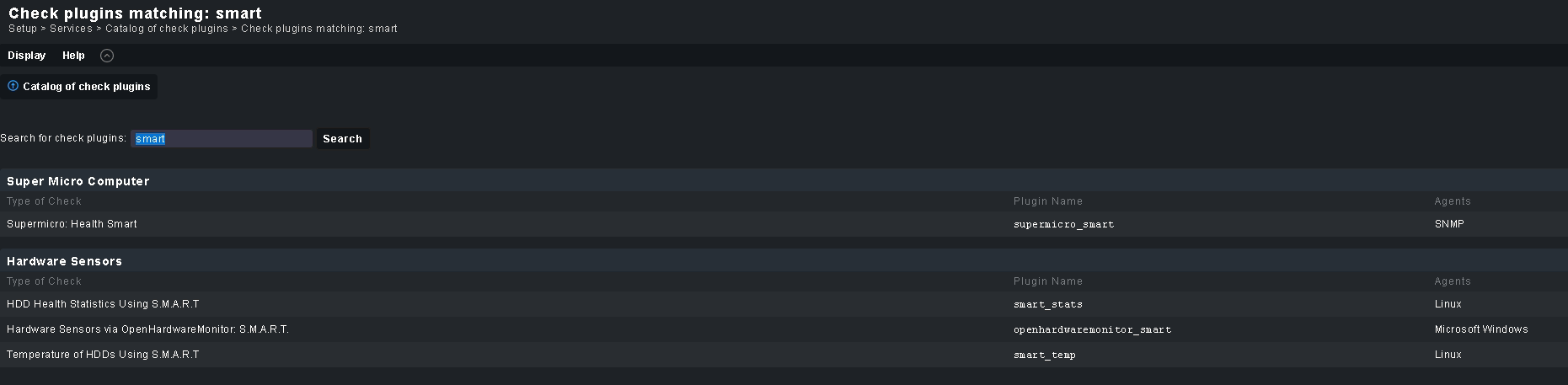
When I search via Setup > Services > Catalog of check plugins for “smart”,
my result looks like this:

The manpage exists, when I click on “HDD Health Statistics Using S.M.A.R.T”:

While I do not have experience with this kind of setup, perhaps you need to recheck your Checkmk installation under docker.

HTH,
Thomas

Can anyone reproduce this?
Otherwise, I have to agree with @openmindz, that there might be some specific error in this setup.

This topic was automatically closed 365 days after the last reply. New replies are no longer allowed. Contact an admin if you think this should be re-opened.