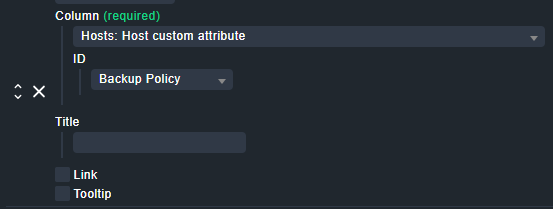
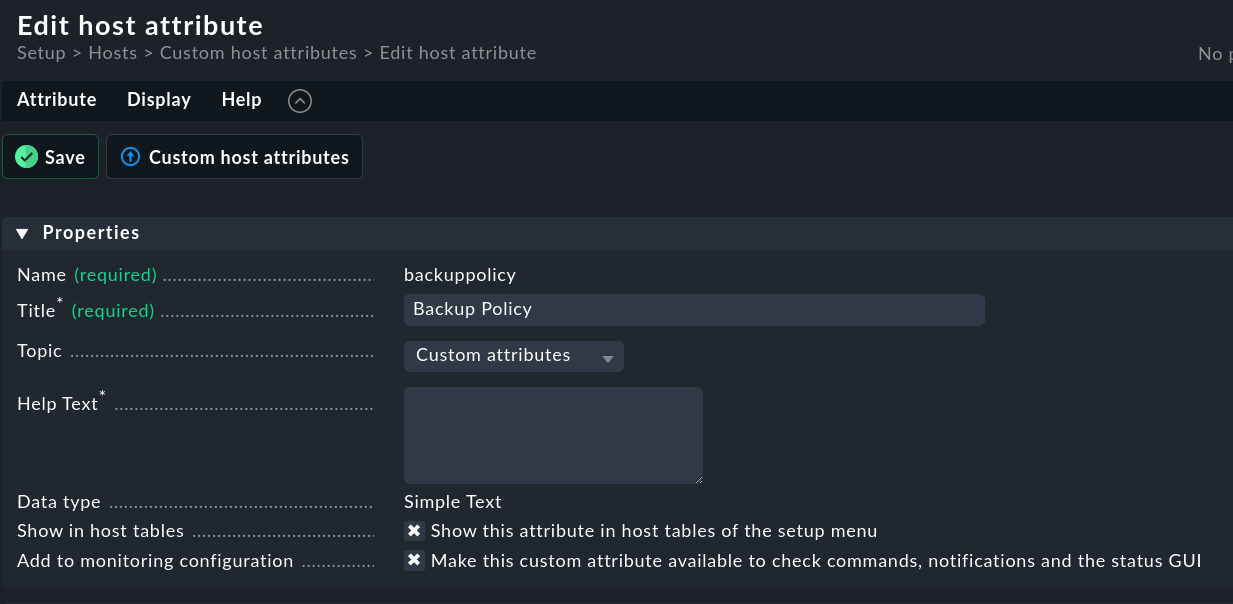
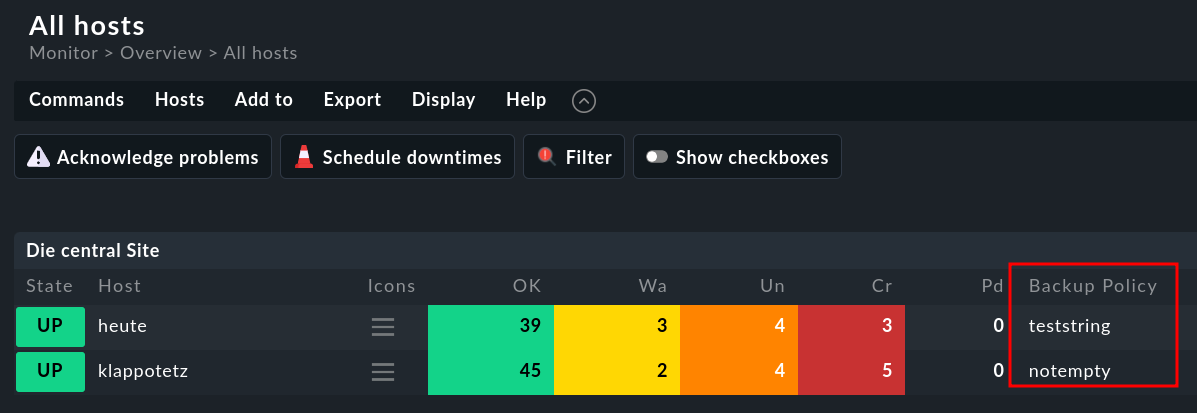
I am trying to create a customized view that contains all of the host information on checkmk including the custom attributes set by me when entering a host in checkmk, but they are never displayed in my view table.
How can I figure out the reason why they are not displayed?
I have tried this on two versions, the 1.6.0p30 raw and 2.2.0p1 raw, but the result is the same.
Do you possibly recommend that I use labels in this regard? Are there any problems if I use the colon when I enter the VALUE? Given that the label uses the format [KEY]:[VALUE]
This topic was automatically closed 365 days after the last reply. New replies are no longer allowed. Contact an admin if you think this should be re-opened.