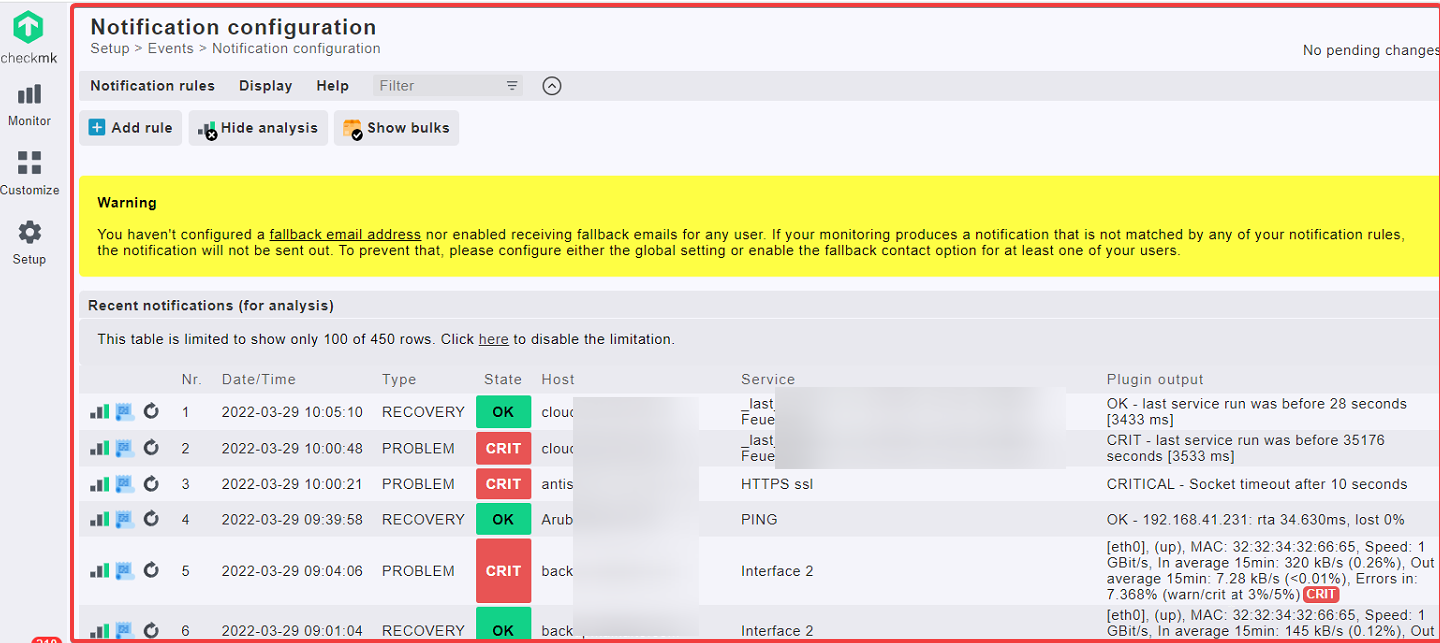
im running checkmk distributed Monitoring.
On my main Site i can debug / analyze notifications threw wato.
on my distributed Site i can’t see the notification page → getting following error:
WATO is disabled. Please set wato_enabled = True in your multisite.mk if you want to use WATO.
How can i resolve this ?
Where is the multisite.mk located?
if i enable Wato on my multisite is there any change how Notifications are handled?
at the Moment the Site is sending notifications by its own.
In the main site, in distributed monitoring configuration, inside the connection for your remote site, there’s the option to disable “WATO” (“Web Admin Tool”, just the old term for “Setup”). Just enable it as long as you need it, for the specific remote site in question.
Should be easy to find using find on the command line as site user. But I wouldn’t recommend to fiddle with the config files directly, unless you have specific needs and know exactly what you’re doing. In this case, just edit the distributed monitoring settings in the web GUI setup on your central site.
No, that just enables “Setup” when logged in directly to the Web interface of the remote site. The site’s operation is unchanged.
In a distributed setup with config push, the remote (slave) site’s config will be overwritten from the central site once you activate changes. The option to disable “WATO” (setup) for the remote site is to prevent people from making changes there that would otherwise be overwritten on the next central change.
That’s the default behaviour and will remain untouched whether you enable WATO or not.
wato is now enabled on my distributed site thanks for the hint and clarifications.
The issue now is that i cant get into the Notification Page to see the events ?
This topic was automatically closed 365 days after the last reply. New replies are no longer allowed. Contact an admin if you think this should be re-opened.