Hi,
I want to disable some custom checks but I dont know how to do it.
I’ve tried doing it with “Disabled services” but this only work for undiscovered services.
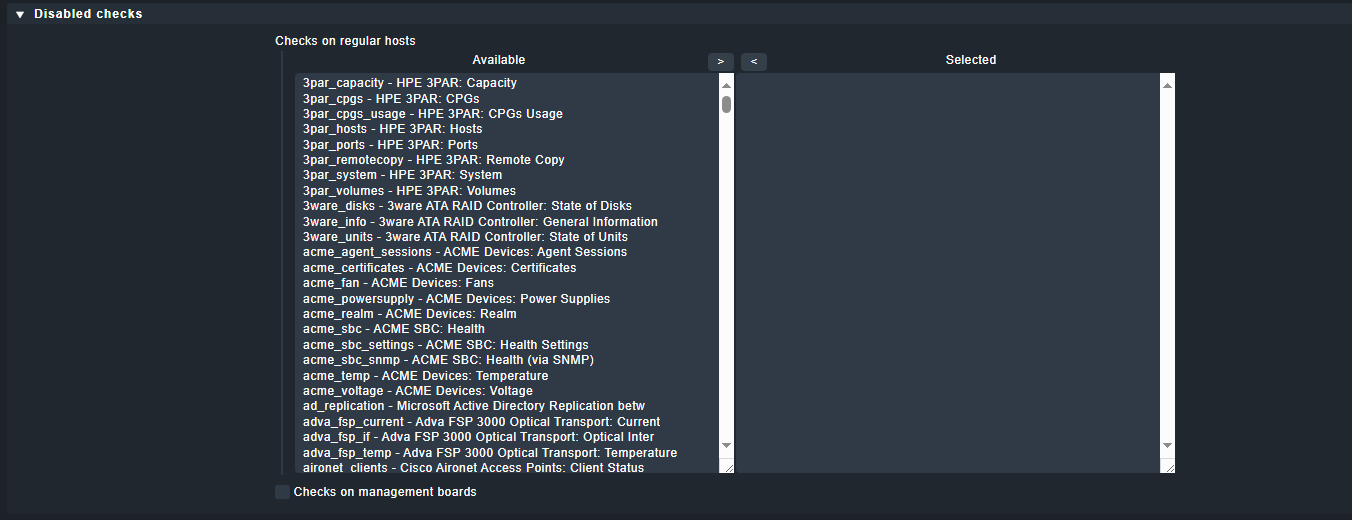
Then I tried with “Disable checks” but custom checks dont apppear there…
The only way that comes to my mind is going to the custom checks and selecting “Do not apply this rule” but I have 1000 of this, so this isnt so easy… Probably I can make an API but there isnt any easier way to do this?
Of course I have “Activate the changes” but thie services continue checking.
Maybe, if I re-scan all the hosts (I dont know how to do this masively) it works…
What do you mean by that? What rule? In my imagination “custom checks” are self-written check plugins (and maybe WATO and/or metric plugins) that don’t ship with checkmk. They need no rule to be instantiated. They are discovered like any other (built-in) check and can also be disabled with the two rules you mentioned like any other check.
Or are you talking about “enforced services”? They need a rule to be instantiated. In fact, the rule is the way to enforce them.
In the latter case I don’t know how checkmk behaves and which rule wins if one rule says “host X has service Y” and another rule says “disable service Y on host X”.
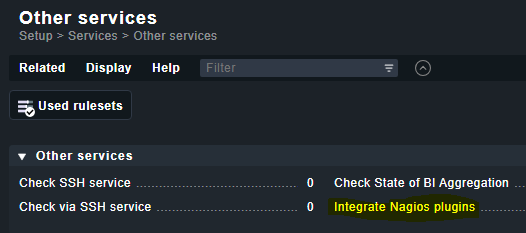
Don’t think I understand, you have explicitly added a Nagios/MRPE check and now you want to hide it using disabled services???
Well, I want to disable some and mantain activated other, the I wan to to activate the disable ones, an then activate them little by little (to do some proofs).
But I solved the problem with “Disable Services” .
Edit: @robin.gierse thanks for the answer! Yes, It was probably the order of the rule
This topic was automatically closed 365 days after the last reply. New replies are no longer allowed. Contact an admin if you think this should be re-opened.