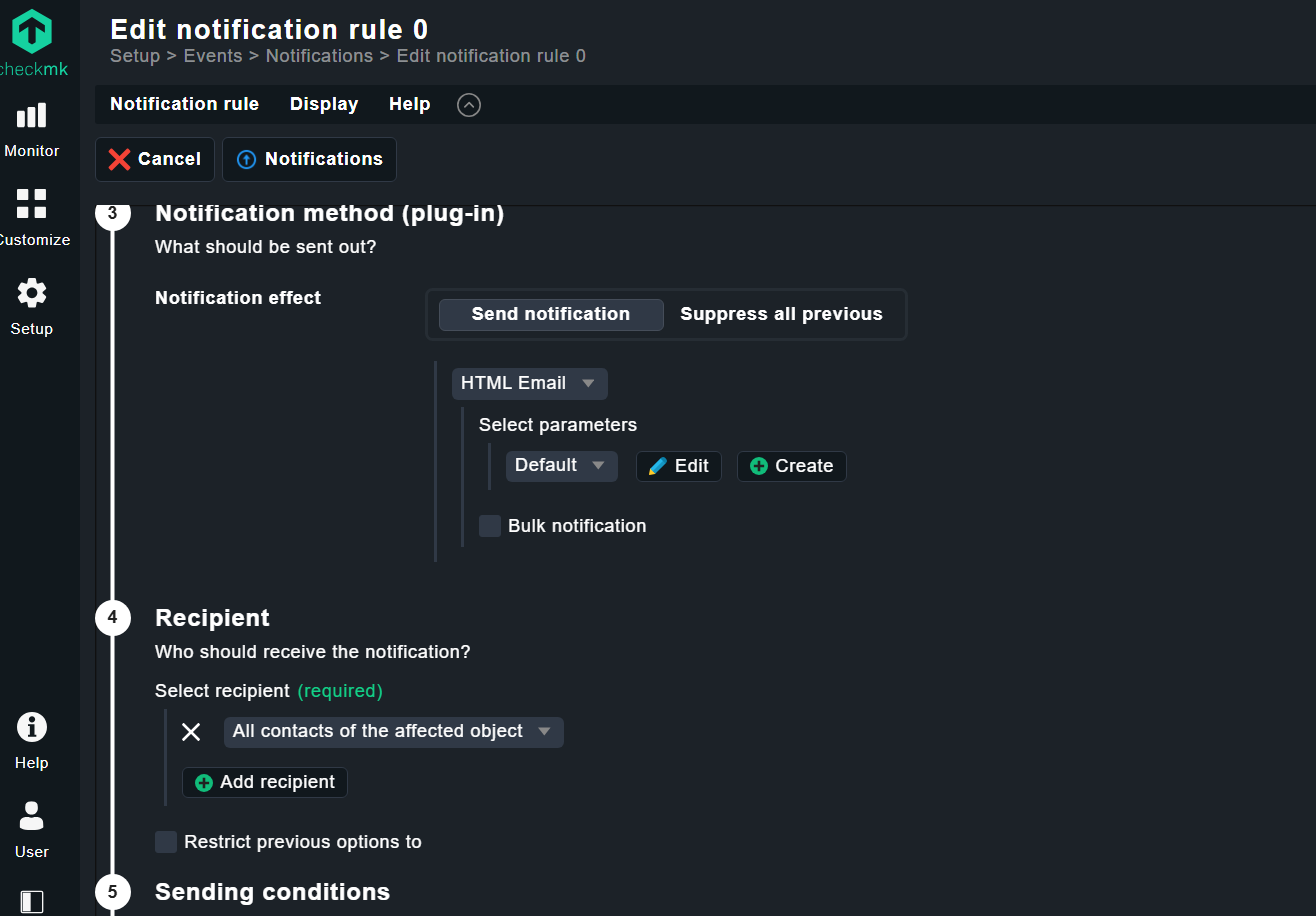
In the screenshot below, I am configuring a notification rule in Checkmk Enterprise Edition on our production environment.
In our standard environment running Checkmk Enterprise Edition 2.4.0p11, I can easily find the fields to define the recipient email (such as “Send as” and other related options) when creating a new notification rule.
However, in our production environment running Checkmk Enterprise Edition 2.4.0, I cannot see the same options. It appears that these fields are missing, possibly due to changes in the newer web interface.
Could you please guide me on where these settings can be found in the newer versions? It seems the web interface may have been updated.
Up front: Keep your Checkmk up to date, both environments use an old patch release.
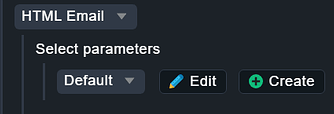
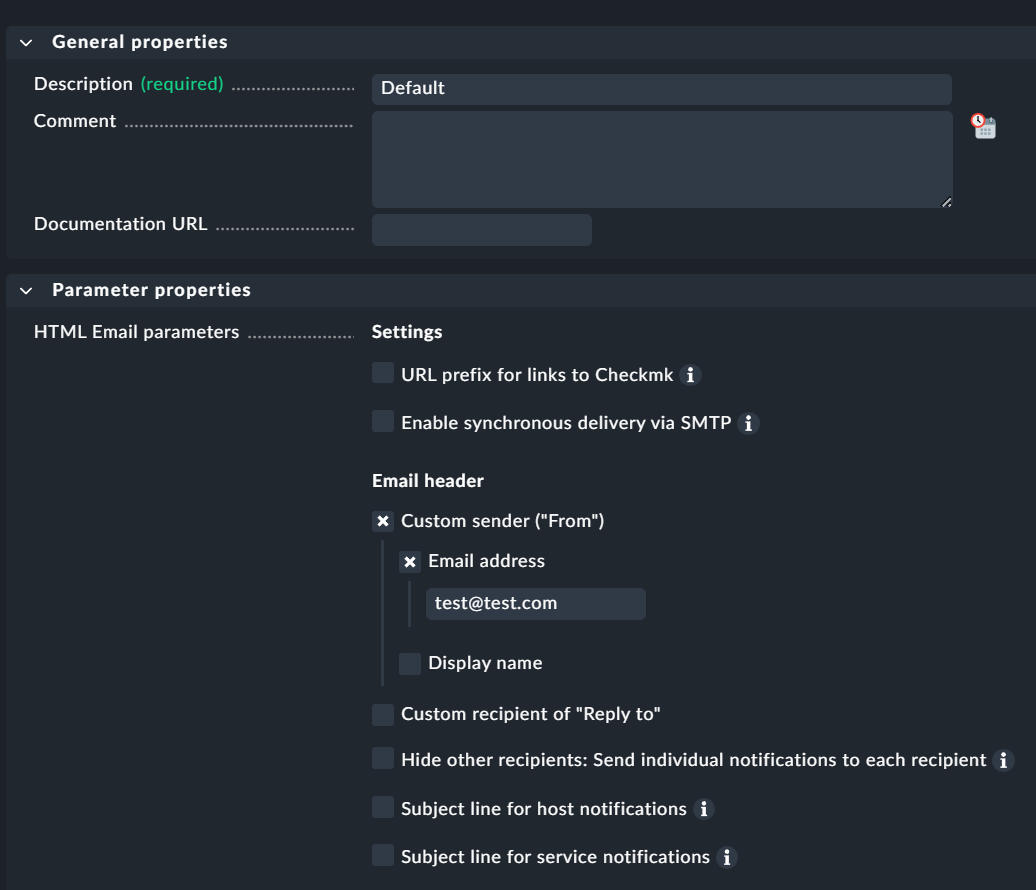
I am not sure if I understand the issue. Clicking on the ‘Edit’ button in your screenshot will give you the slide-out with the options you are looking for.
In the previous Checkmk patches, it was easy to create a notification rule and configure options such as “Send as” and other parameters directly when creating a new notification.
In the current version we are running, I am not seeing the same options or the same interface to configure these settings. Could you please help clarify where this configuration is located in the newer version?
Also, do you recommend updating to a newer release to access these options? If so, could you please advise where I can download the appropriate version and confirm if the “Send as” and other notification settings will be available there?
You can define parameters for the notification method selected.
The patch release will not change anything on the notifications as the options are there only at an other place as before. Robin means that is good to run current versions of the software to prevent bugs that are existing in older releases.
@andreas-doehler@ @robin.gierse
When am trying to create the notification rule that is the error they show me which led me to the first question of how to configure options such as “Send as” and other parameters directly when creating a new notification