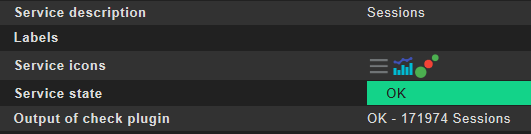
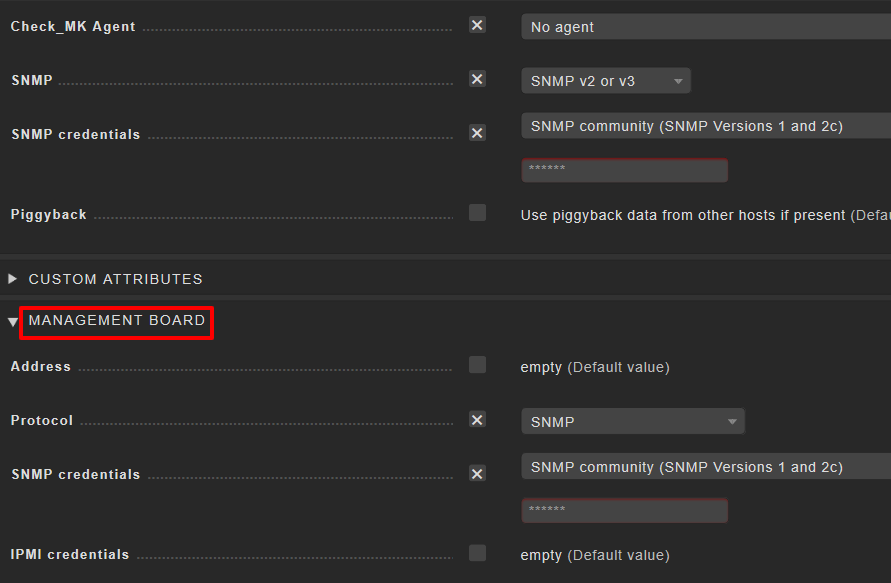
I have monitored a fortigate in two sites with both version 1.6.0p20. The problem is in one of the sites where the sessions service does not seem to respond to a rule that modifies the session threshold.
And then it gets OK with the rule levels (not the default)
In site B:
It uses check_mk-fortigate_sessions_base instead of check_mk_fortigate_sesions.
I can edit the fortigate Active Sessions in host& service parameters…(not being able to do it in the other site A)
EXECUTING DISCOVERY PLUGINS (23)
Trying discovery with: fortigate_memory, fortigate_ha_status, fortigate_wlan_info, fortigate_sslvpn, fortigate_ipsecvpn, mgmt_ snmp_uptime, fortigate_node, fortigate_memory_base, fortigate_ipsec, fortigate_sync_status, fortigate_node.cpu, fortigate_sessions, snmp_uptime, fortigate_node.sessions, fortigate_cpu, fortigate_node.memory, fortigate_sessions_base, if_fortigate, hr_mem, mgmt_snmp_info, fortigate_cpu_base, fortigate_signatures, snmp_info The discovery function “inventory_fortigate_ha_status” of the check “fortigate_ha_status” is expected to take a single argument (info or parsed), but it’s taking the following arguments: [‘checkname’, ‘info’]. You will have to change the arguments of the discovery function to make it compatible with this Checkmk version.
You can look at the instance inside the folder “~/local/share/check_mk/checks”.
If there are some files starting with “fortigate_…” then it is an installed (manually or with mkp) check.
It sounds like you have two different versions there.
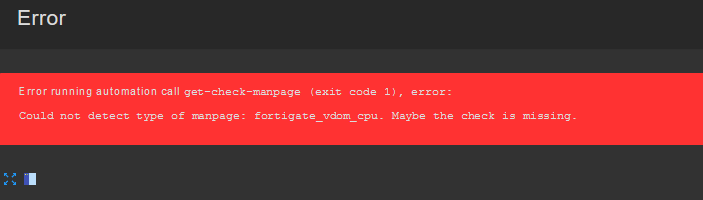
Hi Andreas, just releases the package. Trying to discover the fortinet but too many missing services (VDOM). The pluggins seem not to be applied. Any idea?
I think there are two things you can try. remove the installed fortinet package completely. Check what services are done from the included fortinet checks. And think if you need the missing checks.
The plugin is not maintained since 1.4 and needs a rework also now after 2.0 is release for sure
As i have no fortinet in my systems i don’t know how much works needs to be done.
Hi Andreas, I´ve removed the package that for some reason was installed in the past (don´t need that package missing services). I have launched a discovery but the fortinet services are not being discovered correctly, exactly they do not appear. It´s as if the plugins were not installed.
the output of cmk --debug -vvvnI myhost in Site A:
Finally I´ve been able to find an answer … in case the same problem occurs to someone … there was a custom pluging created in Site B and I thought it was part of the improvement of the checkmk in relation to the fortigate vdom’s. That was the reason why one site had more services than the other.
Sorry for no answer today, it was a little bit too much to do.
It’s good that you could solve the problem. Normally i had recommended to compare the “~/local/share/check_mk/checks/” folders on booth instances to find the problem files.
This topic was automatically closed 365 days after the last reply. New replies are no longer allowed. Contact @fayepal if you think this should be re-opened.