We are currently developing a special agent for FortiGate firewalls (a complete replacement of SNMP checks), switches and access points.
Are there any interested parties who would like to test the agent as soon as it is ready?
I will publish the repo as soon as the first codebase is ready.
Today I received some feedback on the code from @andreas-doehler, which I would like to incorporate first.
Hello,
A little update from my side. The tests (and the associated fixes ) are coming to an end. I’m looking forward to the release of the Special Agent. This will probably take place in the next few days.
Thank you for your patience.
Simon
Many thanks to sva-mh, he has provided a first version which is CheckMK 2.3 compatible. I have made this available separately in the cmk23 branch and also uplaoded the MKP. Feedback is welcome.
a bit of feedback based on the 1.0.1 MKP for 2.3.0, with a few dozen FortiGate units checked:
fortios_dhcp_lease often crashes on discovery already, or during the check function, and even if discovered and enabled, the number of active leases returned in fortios_dhcp_scope is always 0
fortios_license fails on discovery for some devices
I can send you the raw agent outputs to opensource@ if you want to take a look.
EDIT:
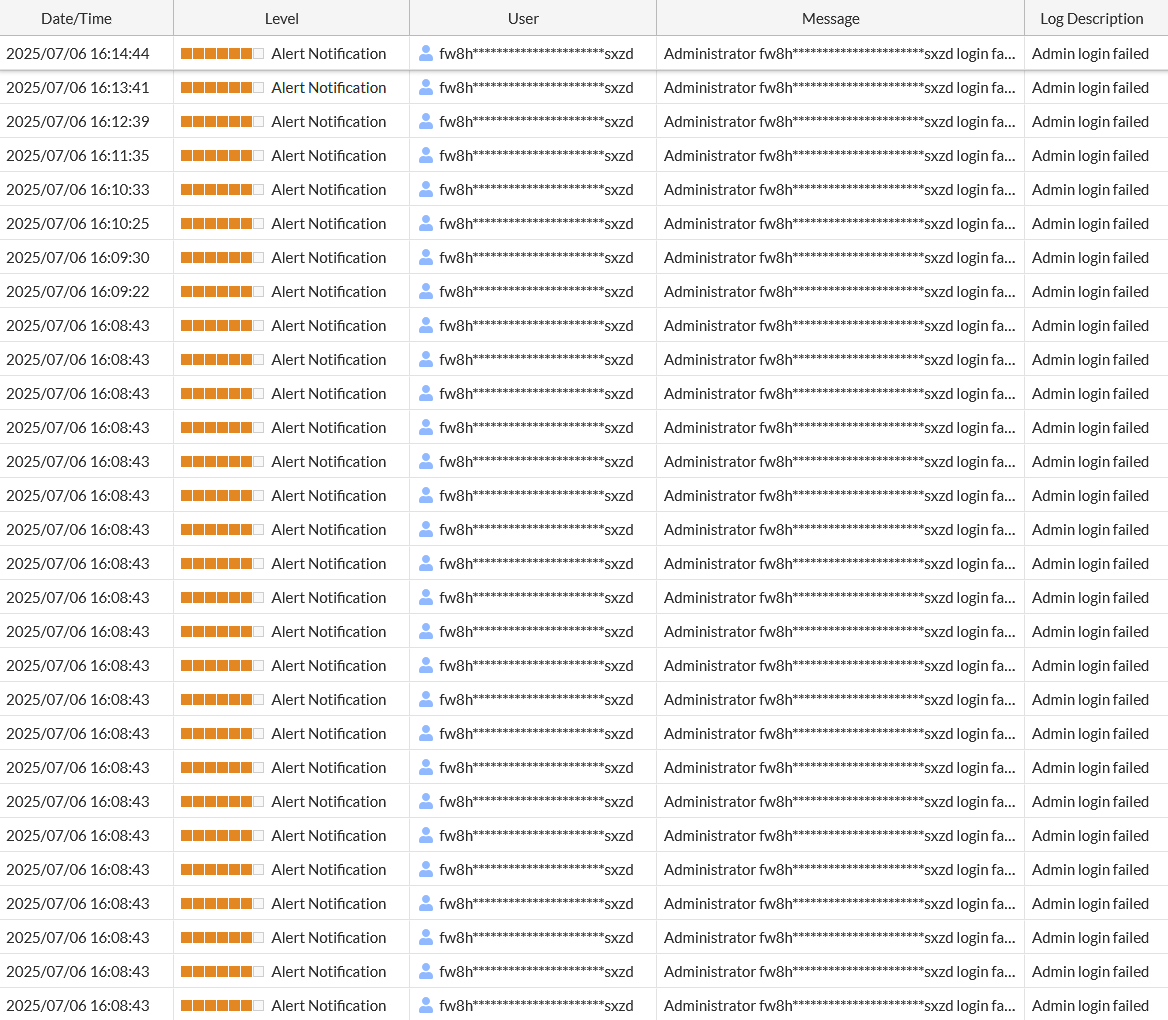
Very important - if you get a 429 Too many requests response on your first attempt you probably configured an incorrect API key (or someone removed the wrong REST API administrator from the FGT)
The agent should abort immediately in this case instead of trying its dozens of requests as this increases the amount of time that the IP address is going to stay blacklisted - switching to the correct API key does not help, lockout timer cannot be lowered or manually cleared (anymore, with current firmware versions). You’d need to reboot the entire FortiGate (or change the source IP address of Checkmk) in order to regain API access before the block timer has run its course.
--- a/local/share/check_mk/agents/special/agent_fortios    2025-07-06 16:09:39.108111513 +0200
+++ b/local/share/check_mk/agents/special/agent_fortios    2025-07-06 16:10:19.933485832 +0200
@@ -302,6 +302,10 @@
             _LOGGER.error(f"Login failed: {e}")
             raise AuthError(f"Login failed {e}") from e

+        if section_response.status_code == 429: # Too many requests, also used in case of auth error and subsequent blocking
+            _LOGGER.error(f"Collecting section: {spec.name} failed. Reason: HTTP status 429; error: ({section_response.status_code}) {section_response.reason}")
+            raise AuthError(f"IP address blacklisted or too many requests")
+
         if section_response.status_code != 200:
             _LOGGER.error(f"Collecting section: {spec.name} failed. Reason: HTTP status not 200; error: ({section_response.status_code}) {section_response.reason}")
             raise APIEndpointNotFound(f"Spec name: {spec.name} failed. Reason: HTTP status not 200; error: ({section_response.status_code}) {section_response.reason}")
@@ -338,6 +342,12 @@
     for spec in _filter_applicable_sections(_SECTIONS):
         try:
             data = fortios.collect_section_data(spec)
+
+        except AuthError:
+            # no use trying any other sections, abort entire run
+            _LOGGER.error(f"Login failed while trying to collect {spec.name}: {spec.path}")
+            sys.stdout.write("\n<<<>>>\n")
+            break

         except Exception:
             _LOGGER.error(f"Collecting {spec.name} failed: {spec.path}")
This now leads to a non-zero exit code (apparently agent returned 0 previously, which makes even less sense as it hides the agent malfunction from the user entirely)