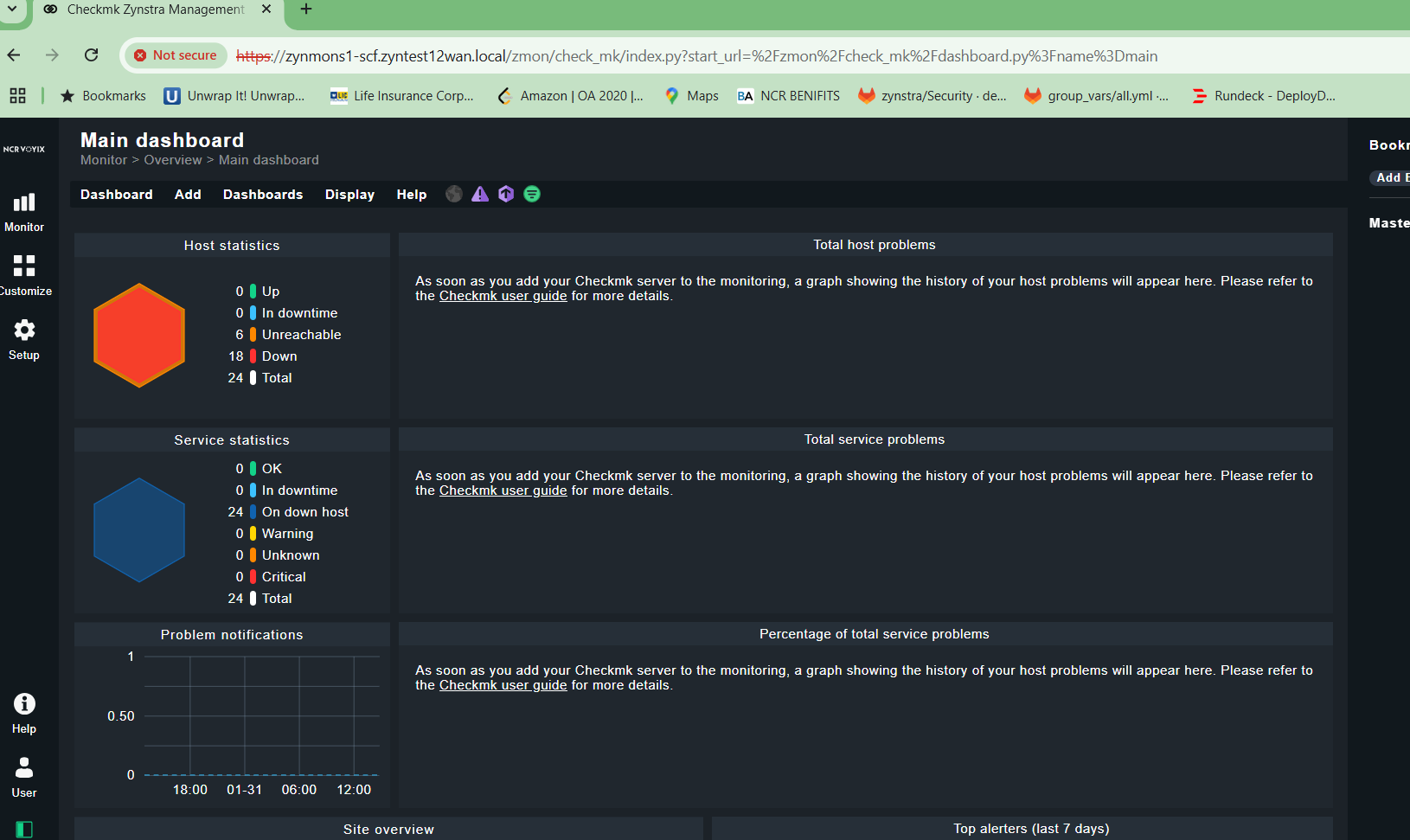
CMK version: 2.2
OS version: Ubuntu
We have a requirement where we need to have a custom dashboard for all users.
Is there any easy way to do this rather than changing core checkmk script.
CMK version: 2.2
OS version: Ubuntu
We have a requirement where we need to have a custom dashboard for all users.
Is there any easy way to do this rather than changing core checkmk script.
In global settings:

Or individual per user.
good luck
Mike
If your custom dashboard is based on the default dashboard with the id main, then it is easy: just make your copy of the main dashboard available to all users. They will then use your main instead of the built-in main.

Publish to all users will allow other users to use my dashboard however when they go to Monitor → Main dashboard then they still see the core dashboard.
Yeah this is the landing page however I want to change Monitor → Main dashboard for all users with custom one.
This way you have to overload the main dashboard with your custom dashboard. Go to edit dashboards:
As mentioned by dirk make your custom dashboard public available.
Don’t think this works. Default dashboard is still the core one for all other users unless they select it from the custom ones.
You can overload each built in dashboard or view with your custom version. You just need to have sufficient rights Give it a try 
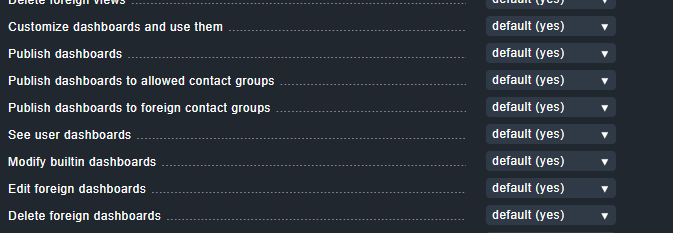

Doesn’t work for me. Users can change the available dashboard however I want them to see the custom dashboard by default.
You jave to publish the dashboard as cmkadmin and the ID of the dashboard must be the same as that of the build-in dashboard, e.g. “main”.
Then a user who logs in and has the standard dashboard as start page gets the customized “main” one from cmkadmin.
This topic was automatically closed 365 days after the last reply. New replies are no longer allowed. Contact an admin if you think this should be re-opened.