I’m new here. I’m using Checkmk (Raw edition), and I’m getting alerts for the Varnish Cache Hit Ratio service like this:
58.82% (warn/crit below 70.00%/60.00%)
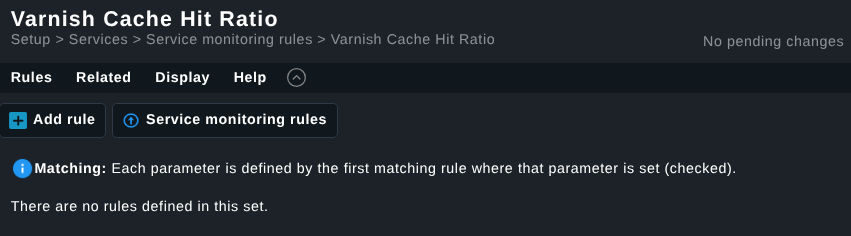
However, when I go to Setup → Services → Service monitoring rules → Varnish Cache Hit Ratio, there are no rules defined, as shown in the screenshot below.
Thanks. Yes I also run a Discourse forum. It’s very challenging with spam. Been using AI to help catch them.
Also, no links allowed for TL0 members. Usually that deters most and for those very few who need to post a hyperlink on their first couple of posts the post is still published so mods can manually anything they tried to link to.
This topic was automatically closed 365 days after the last reply. New replies are no longer allowed. Contact an admin if you think this should be re-opened.


 anything they tried to link to.