Hi,
I have 50 switches and 100 cameras in my network.
I need to monitor the traffic on the camera ports so that it does not drop below 3Mbps.
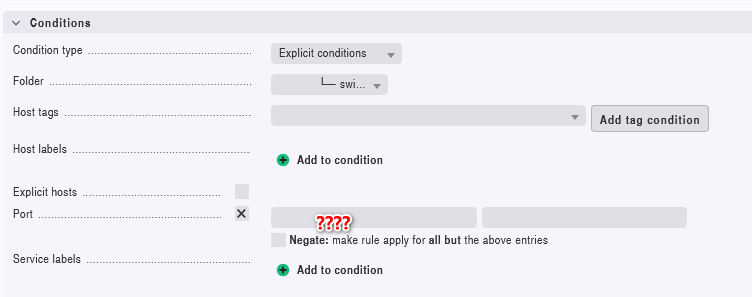
But I need to set this only on ports that are in vlan10 - cam vlan.
How do I do this? I really don’t know how to do.
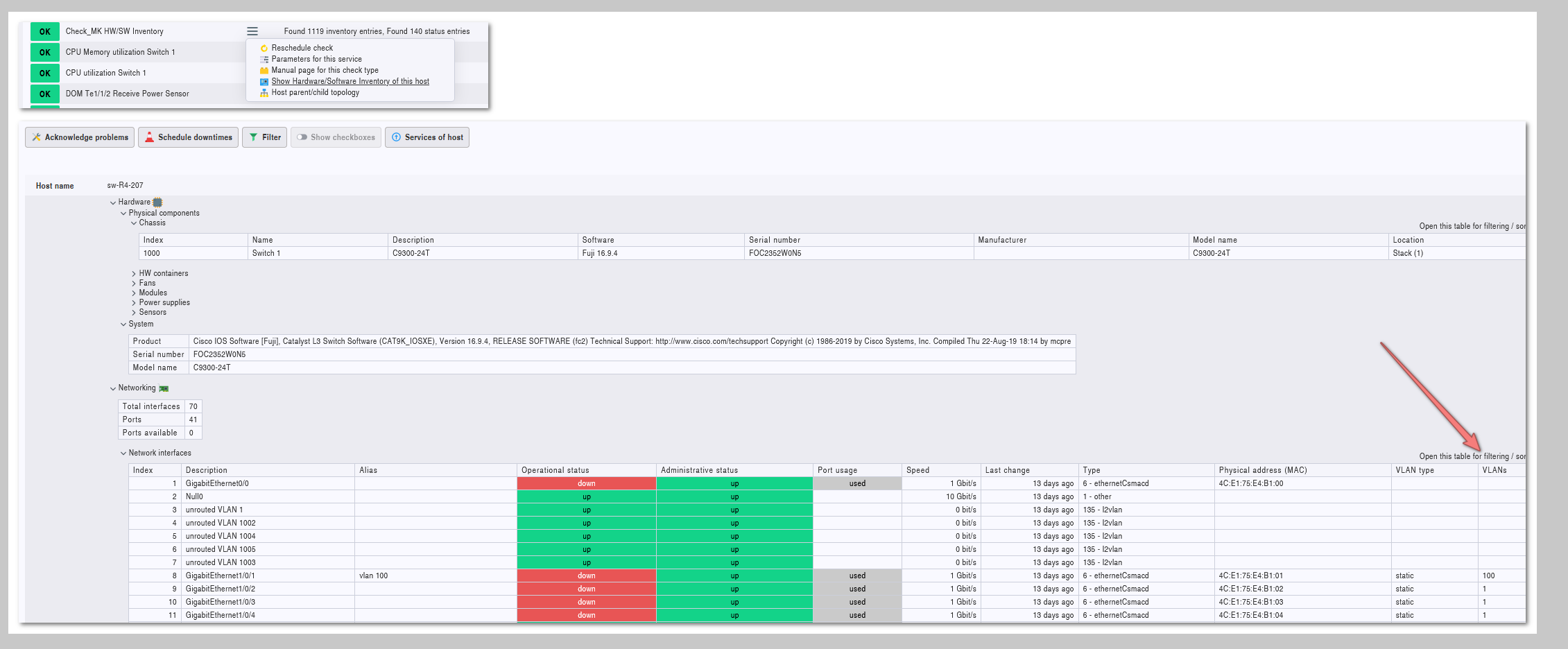
Normally you don’t see the used vlan on the physical port.
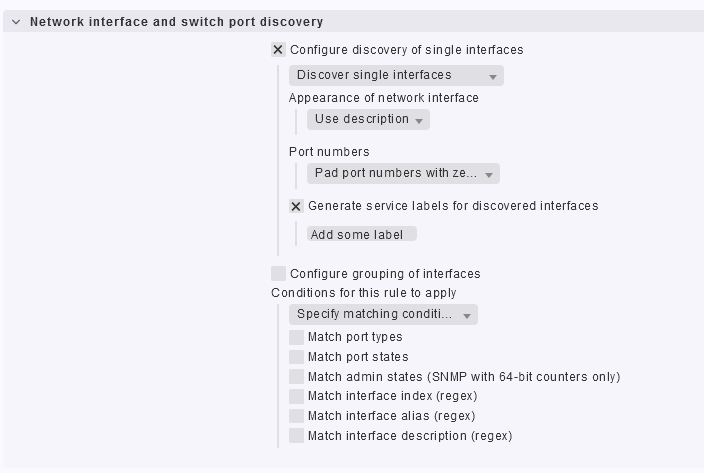
That means, if you not use the description/alias of a port to identify the used vlan, you will have no chance to specify a rule for the monitoring of these ports.
If your device provides the correct values there (i have some switches where i don’t see all the vlans there), you can use a script like data2label to set service labels for the discovered ports. These labels than can be used for the rules as condition.
Oh i forgot - the service labels i used on the last project where set by an own written check
That is one of the features that would be nice to have earlier or later - service labels defined with some type of API or rule.
This topic was automatically closed 365 days after the last reply. New replies are no longer allowed. Contact an admin if you think this should be re-opened.