Hi
how to ignore or do not show status detail
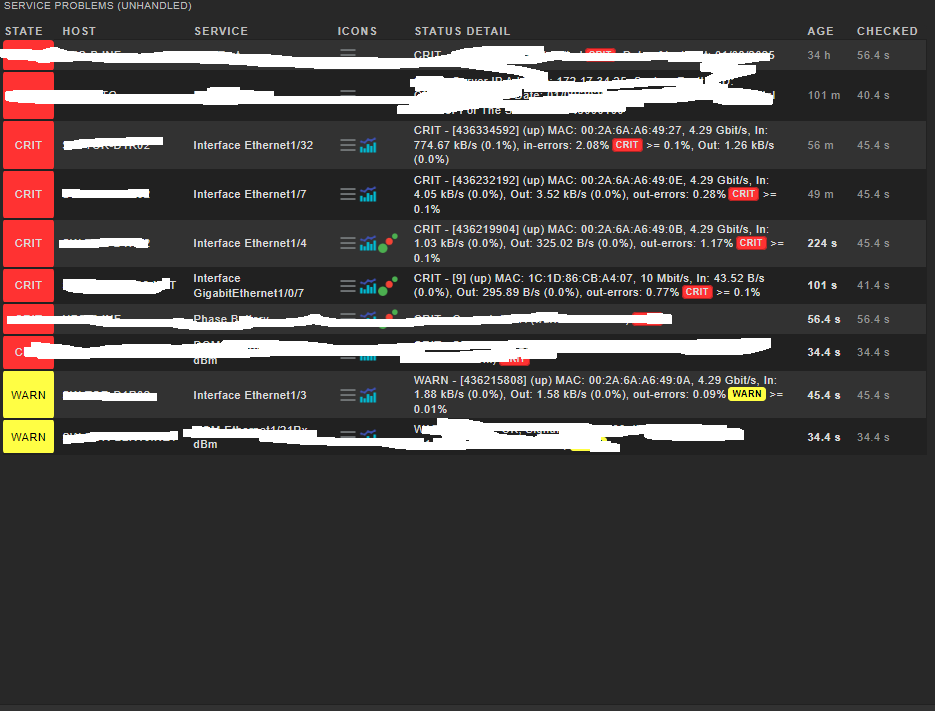
“(up) MAC: 00:2A:6A:A6:49:27, 4.29 Gbit/s, In: 959.03 kB/s (0.2%), in-errors: 2.45%CRIT >= 0.1%, Out: 1.92 kB/s (0.0%)”
or
" 00:2A:6A:A6:49:0E, 4.29 Gbit/s, In: 4.05 kB/s (0.0%), Out: 3.52 kB/s (0.0%), out-errors: 0.28%CRIT >= 0.1%"
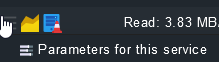
Click on the three bars icon → go to the parameters and add a rule to tolerate a higher error count:
or: have your network guys fix the network having that many interfaces with errors could have consequences if these interfaces are actually used for production traffic.
As @gstolz mentioned, the best way would probably be to solve the actual problem in the network that causes the service to go CRIT. Typically, if Checkmk shows something as a problem, there’s a reason for that…
But, if you think the threshold is too sensitive, then you can, as also mentioned by @gstolz , tune the thresholds via “Parameters for this service”
If you think the service is completely irrelevant, you can always remove it permanently (Disabled Services).
If you want to modify the service description to show something different, then you would need to make a /local copy of the plugin and modify the code.
This topic was automatically closed 365 days after the last reply. New replies are no longer allowed. Contact an admin if you think this should be re-opened.
 having that many interfaces with errors could have consequences if these interfaces are actually used for production traffic.