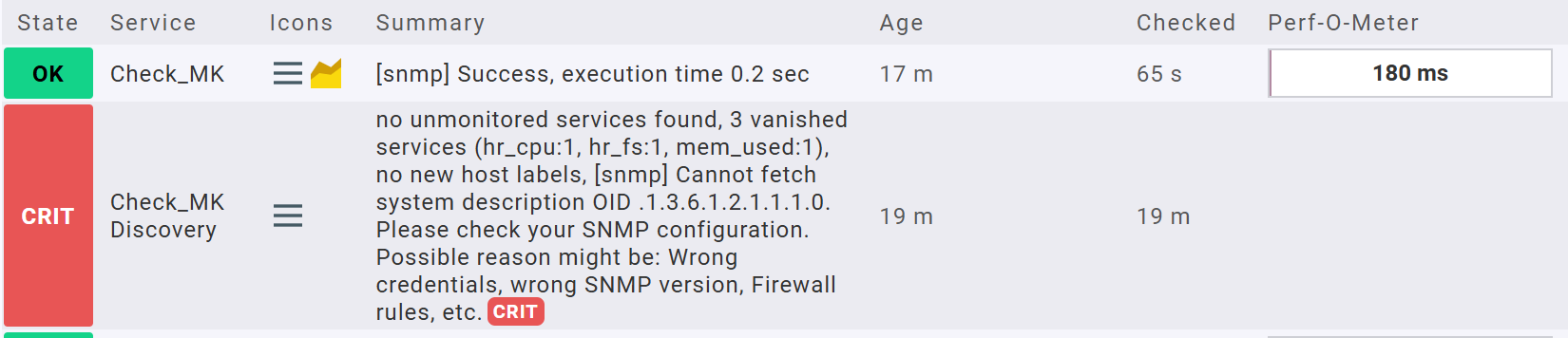
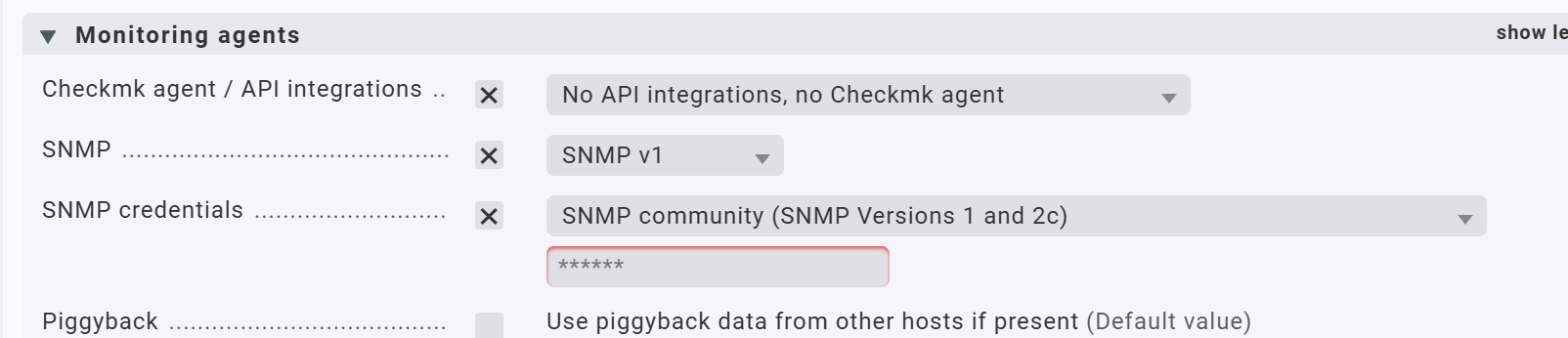
I’d like remove the check_mk and Check_MK Discovery service, not quite understand the meaning of these service and quite annoying . Under Monitoring Agents setting , I’ve already select “No API intergrations, No checkMK agent” but still no difference. For the SNMP setting, we need to use SNMP so the setting can’t be changed. Can anyone please advise how to remove those 2 services or how to stop them being shown?
The first one (“Check_MK”) is technically necessary as it implements the agent query (Checkmk agent on port 6556, SNMP or any special agent or datasource program).
The second (“Check_MK Discovery”) tells you if there are any new services discovered. You can configure it with the ruleset “Periodic service discovery”. It is recommended to let it run regularily. It can be configured to automatically add new services to the host when it finds them.
From the error message it looks like the SNMP agent on that host does not provide the sysDescr OID. You can configure a rule in “Hosts without system description OID” to work around that.