Something silly …
I unintentionally resized a graph while ‘looking’ at graphs … case of a sticky mouse button.
When I hit the pause button, all graphs of all hosts/services in my site were resized to this new size.
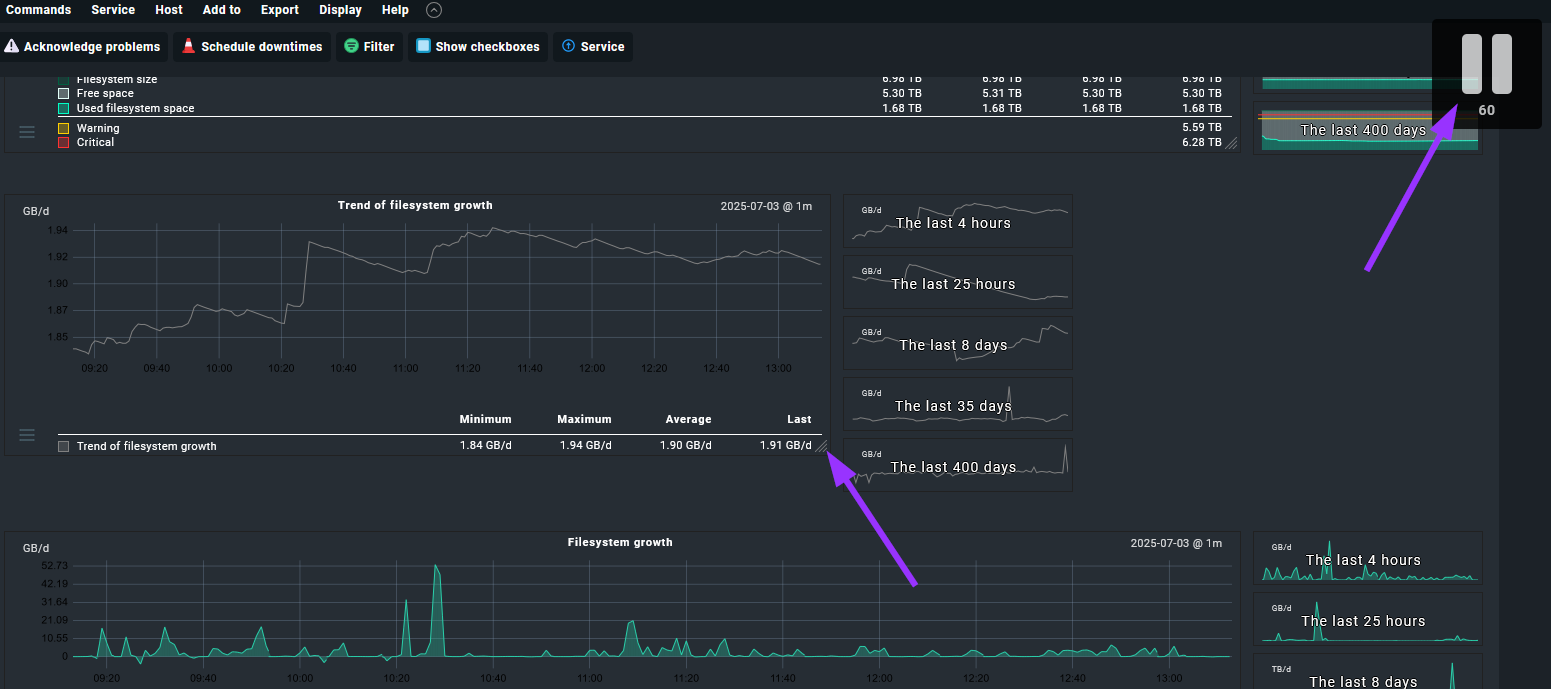
I made a guess-timate what the default size used to be, but the proportions feel off.
So the search for the original default size began:
- Looked if there was a global setting for default size, but couldn’t find one.
- Logged off and back on, hoping it would default back, but it didn’t.
- Inspected some sessions / cookies with browser dev tools to see if size got stored there, but it’s not obvious enough for me to see that this is the case. Edit: Logged on with different browser, graphs are messed up there too, so it’s not sessions / cookies.
- Maybe it’s a user setting, but I only got one user, so unable to see if for other users size is messed up too.
I goofed up on 2.1.0p5.cre … but I assume this can happen in all editions / versions. 
Anyone knows, got ideas?
