Thats a bit tricky: first, you add one or more notification rules to define for which events you want to receive an email (for example).
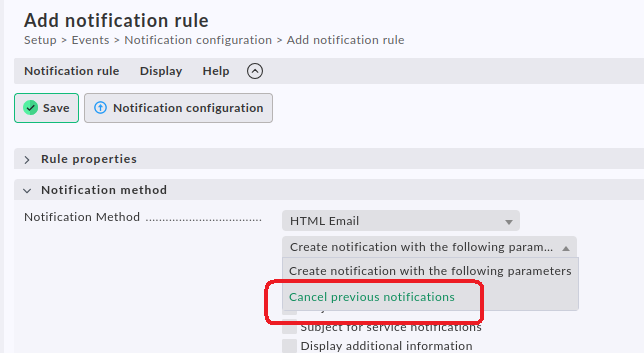
Then you define another rule for the email notification and instead of selecting “Create notification with the following parameters” you select “Cancel previous notifications”.
And in this “cancellation rule” you set the host/label/tag conditions for the hosts for which you don’t want emails:
This is also explained in the docs.
So instead of creating one rule “Send emails for all hosts except X”, you create one rule “Send emails for all hosts” and another “Cancel for host(s) X”. Instead of hosts you can of course use any condition you like.
Note that the order of the rules is important. You might have to rearrange them so that the cancellation rule comes after the “send” rule.
Disclaimer: The above description is true for cmk 2.3. It might be different in 2.4 because they changed the notification system. But I doubt they dropped the possibility to cancel notifications.