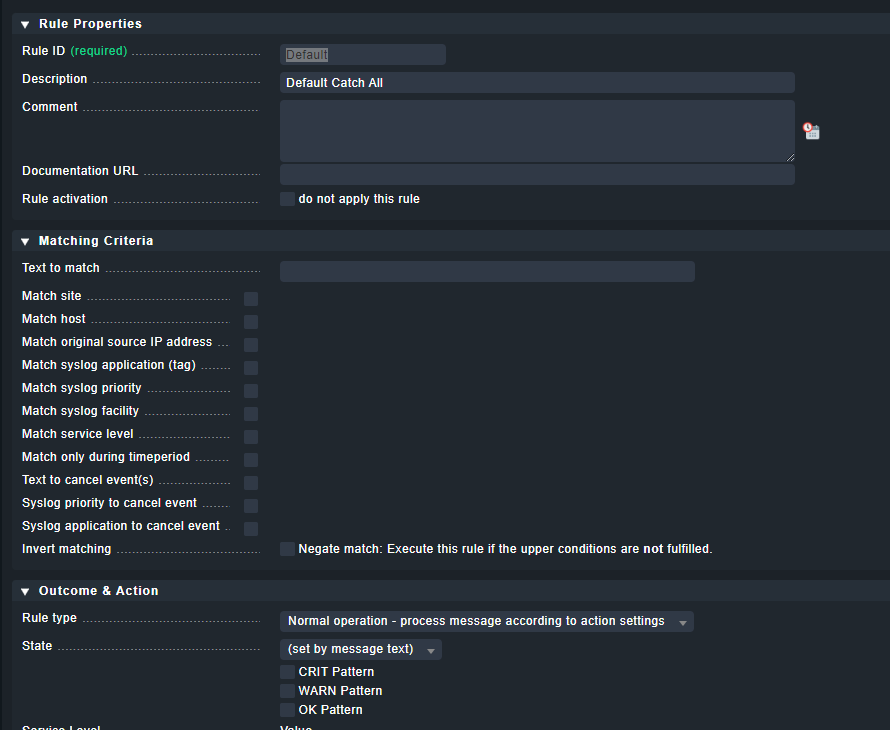
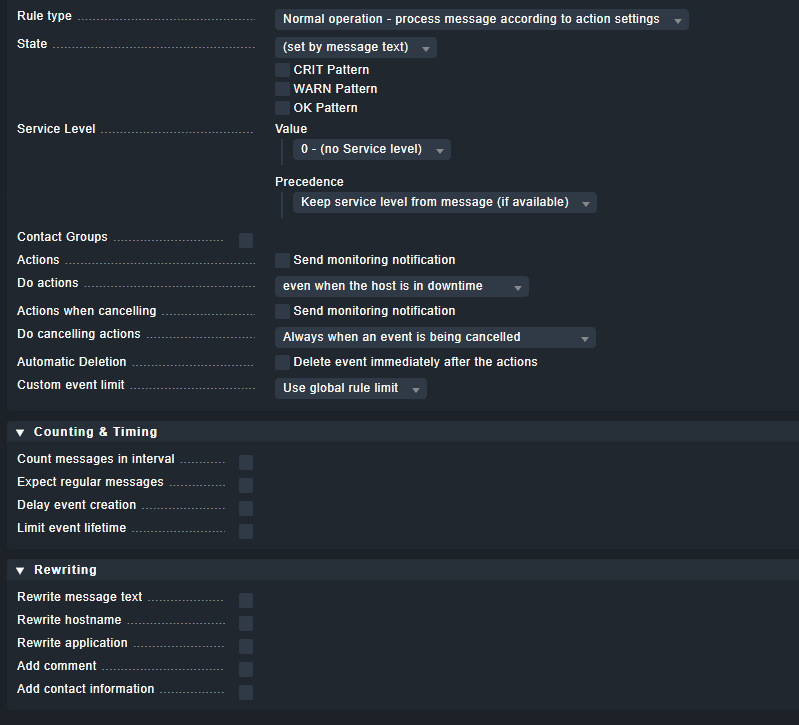
An example. Currently I am monitoring “Log Directory Service” on a domain controller. However I only want to be alerted for critical events. Currently I am alerted for warnings as well. I have found a few articles on how to achieve this but its not working.
Currently I have edited the rule “Notified events for services” and unchecked “service goes into warning state” but this did not change anything.
You might want to look into the Event Console. It is a massive feature, but it gives you both more granular control over your logs, and you can also send syslog and SNMP traps there.
Apart from that your approach with “Notified events for services” is flawed. You do not want to go there. You want to fine tune the way the agent collects the logs. “Finetune Windows Eventlog monitoring” is the place to be.
All of this is not trivial, so take your time to understand what’s at play. The official Guide will also be helpful.
Thanks for the reply. Is there a good step by step guide to setup the event console. I did not mention but I also tried this. I went through the setup but no events reach the console.
You need to create a rule to forward the logs to the event console (search for “forward” in the setup menu). Then you need an event console rule, that matches the events. You might to start with a “catch all” rule, and filter from there.
Thank you again for the assistance I have this configured and using the test event feature it works. But my server events still do not go to the event console.
Then your conditions do not match the events you are looking for, or they just do not make it to the Checkmk server. Can you see something in the view Recent event history?
Yes I understand but I did not choose any conditions which “should” then include all as a starting point. Yes there are events in recent event history.
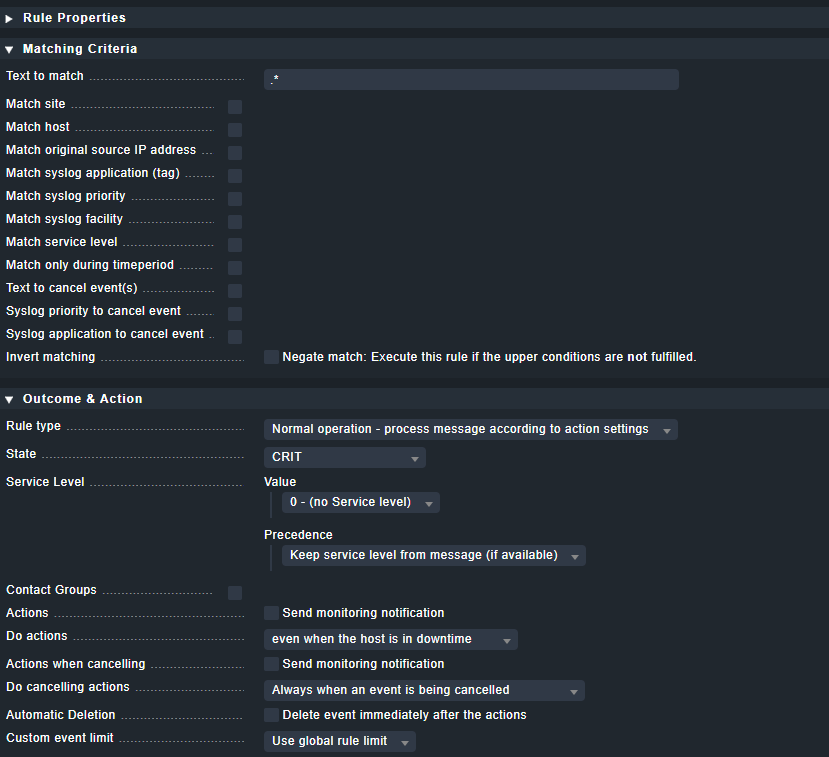
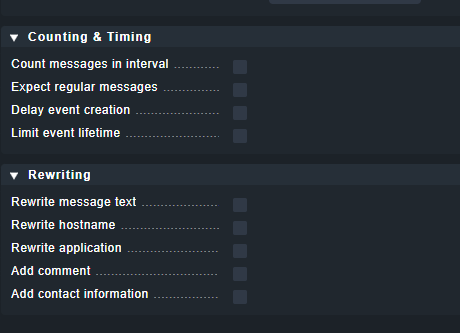
Okay I changed that to CRIT in the drop down since I only want critical. Documentation said to create a rule and leave all the default values to catch all. Hopefully this finally resolves it thank you so much.
Okay I misunderstood now I have events. So if I want to start filtering do I do that on the forward rule or the rule pack rule. Trying to understand the relationship