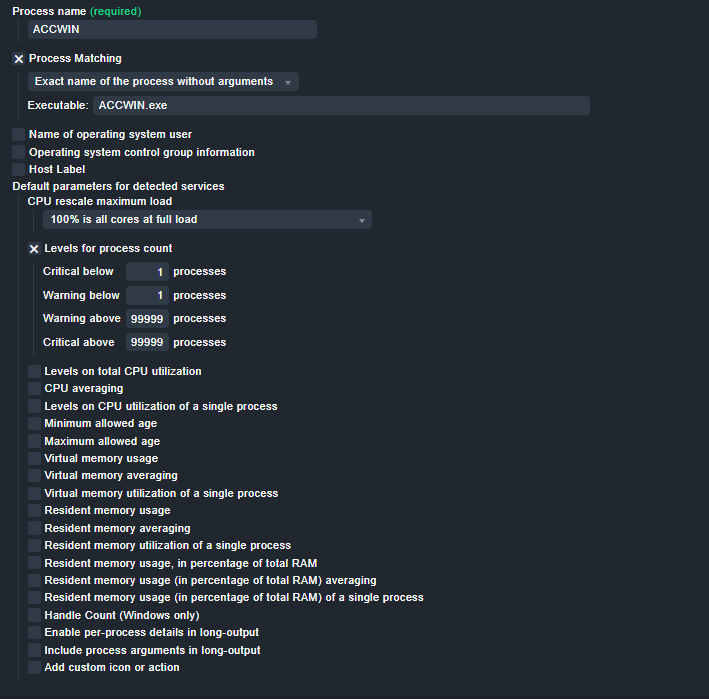
I would like to include a certain process from a server in the monitoring, but I encounter the problem that the process is not recognized.
I have checked the name of the process several times and can confirm that it is correct.
I don’t know exactly where else to look which is why I’m contacting you here.
The windows agent returns in moste cases the full process path (if not, you can use the Rule “Finetune Windows process monitoring” to enable “Include full path” or you can configure it manually in the check_mk.user.yml file).
I recommend to you use the “Regular expression matching command line” Option:
The (?i)somestring and (?i:somestring) switches the regex to case-insensitive matching. That can be useful for windows. I hade some case where in the same PS Section one Line startet with “C:\…” and the next with “c:\…”.
This topic was automatically closed 365 days after the last reply. New replies are no longer allowed. Contact an admin if you think this should be re-opened.