CMK version: 2.2.0p12.cre
OS version:RHEL 7.9
Problem Statement
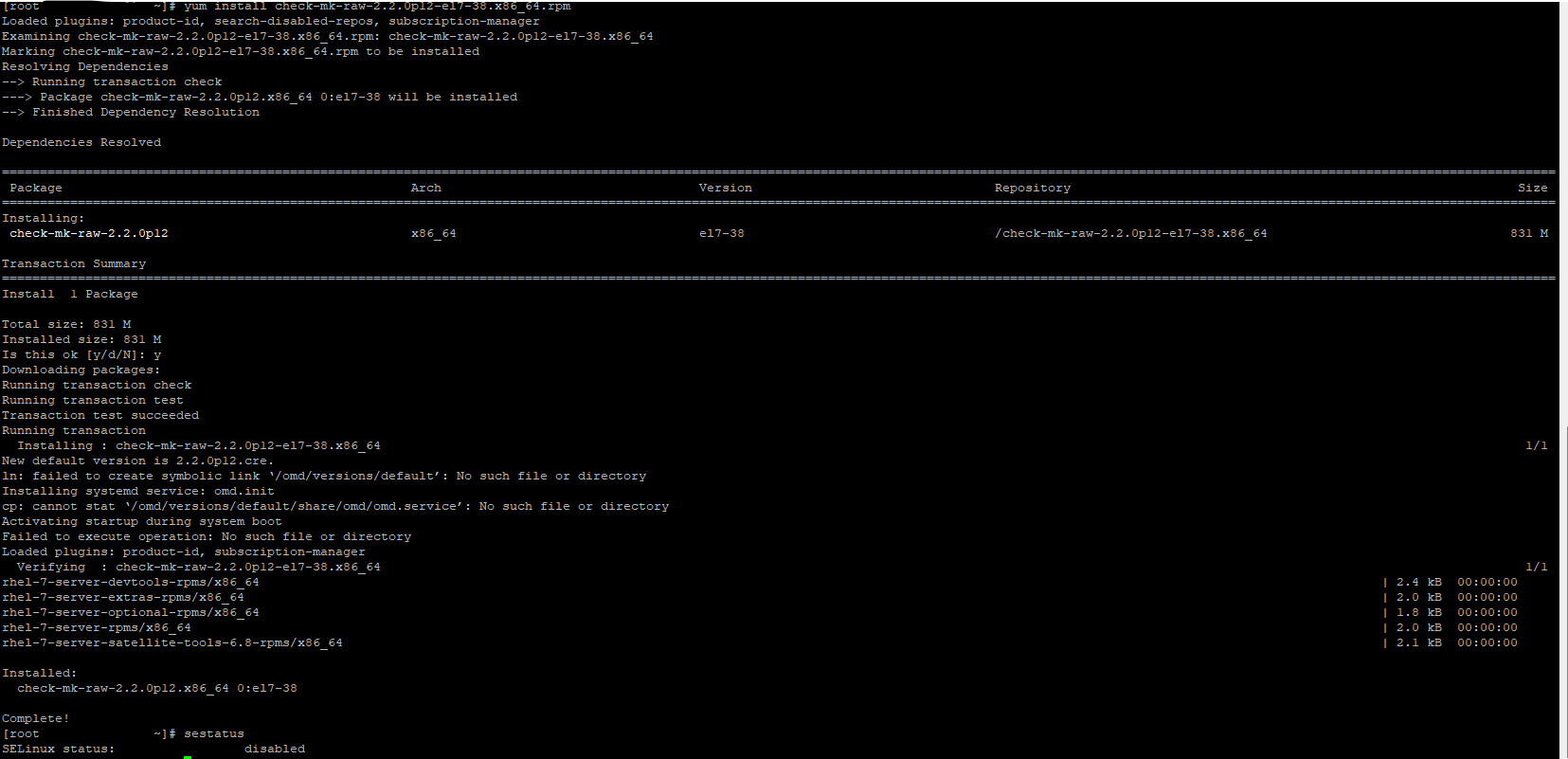
Installation finished successfully , but looks likes it is unable to create some symbolink links. Please see below highlighted in bold under Installation Command Output.
Installation Command Output:
sudo yum install check-mk-raw-2.2.0p12-el7-38.x86_64.rpm
Loaded plugins: product-id, search-disabled-repos, subscription-manager
Examining check-mk-raw-2.2.0p12-el7-38.x86_64.rpm: check-mk-raw-2.2.0p12-el7-38.x86_64
Marking check-mk-raw-2.2.0p12-el7-38.x86_64.rpm to be installed
Resolving Dependencies
→ Running transaction check
—> Package check-mk-raw-2.2.0p12.x86_64 0:el7-38 will be installed
→ Finished Dependency Resolution
Dependencies Resolved
Package Arch Version Repository Size
Installing:
check-mk-raw-2.2.0p12 x86_64 el7-38 /check-mk-raw-2.2.0p12-el7-38.x86_64 831 M
Transaction Summary
Install 1 Package
Total size: 831 M
Installed size: 831 M
Is this ok [y/d/N]: y
Downloading packages:
Running transaction check
Running transaction test
Transaction test succeeded
Running transaction
Installing : check-mk-raw-2.2.0p12-el7-38.x86_64 1/1
New default version is 2.2.0p12.cre.
ln: failed to create symbolic link ‘/omd/versions/default’: No such file or directory
Installing systemd service: omd.init
cp: cannot stat ‘/omd/versions/default/share/omd/omd.service’: No such file or directory
Activating startup during system boot
Failed to execute operation: No such file or directory
Loaded plugins: product-id, subscription-manager
Verifying : check-mk-raw-2.2.0p12-el7-38.x86_64 1/1
rhel-7-server-devtools-rpms/x86_64 | 2.4 kB 00:00:00
rhel-7-server-extras-rpms/x86_64 | 2.0 kB 00:00:00
rhel-7-server-optional-rpms/x86_64 | 1.8 kB 00:00:00
rhel-7-server-rpms/x86_64 | 2.0 kB 00:00:00
rhel-7-server-satellite-tools-6.8-rpms/x86_64 | 2.1 kB 00:00:00
Installed:
check-mk-raw-2.2.0p12.x86_64 0:el7-38
Complete!