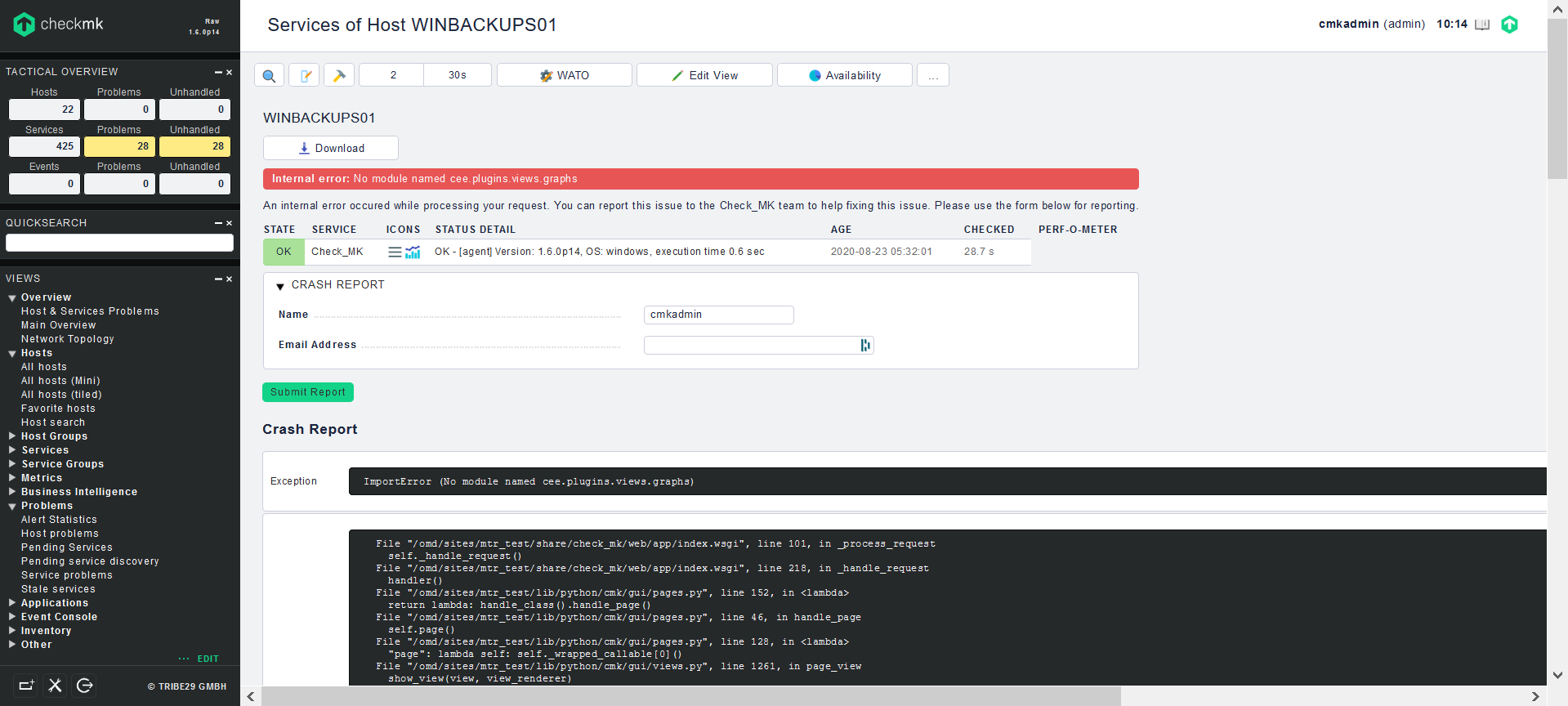
I have this error message when I try to clique on an host:
Internal error: No module named cee.plugins.views.graphs
An internal error occured while processing your request. You can report this issue to the Check_MK team to help fixing this issue. Please use the form below for reporting.
I don’t know if this was an BUG in p14 release but I don’t had this problem with an actual release.
The missing library is not included in the Raw edition and should not be loaded in a Raw edition.
Was something done with your site before the error appeared the first time?
Hi,
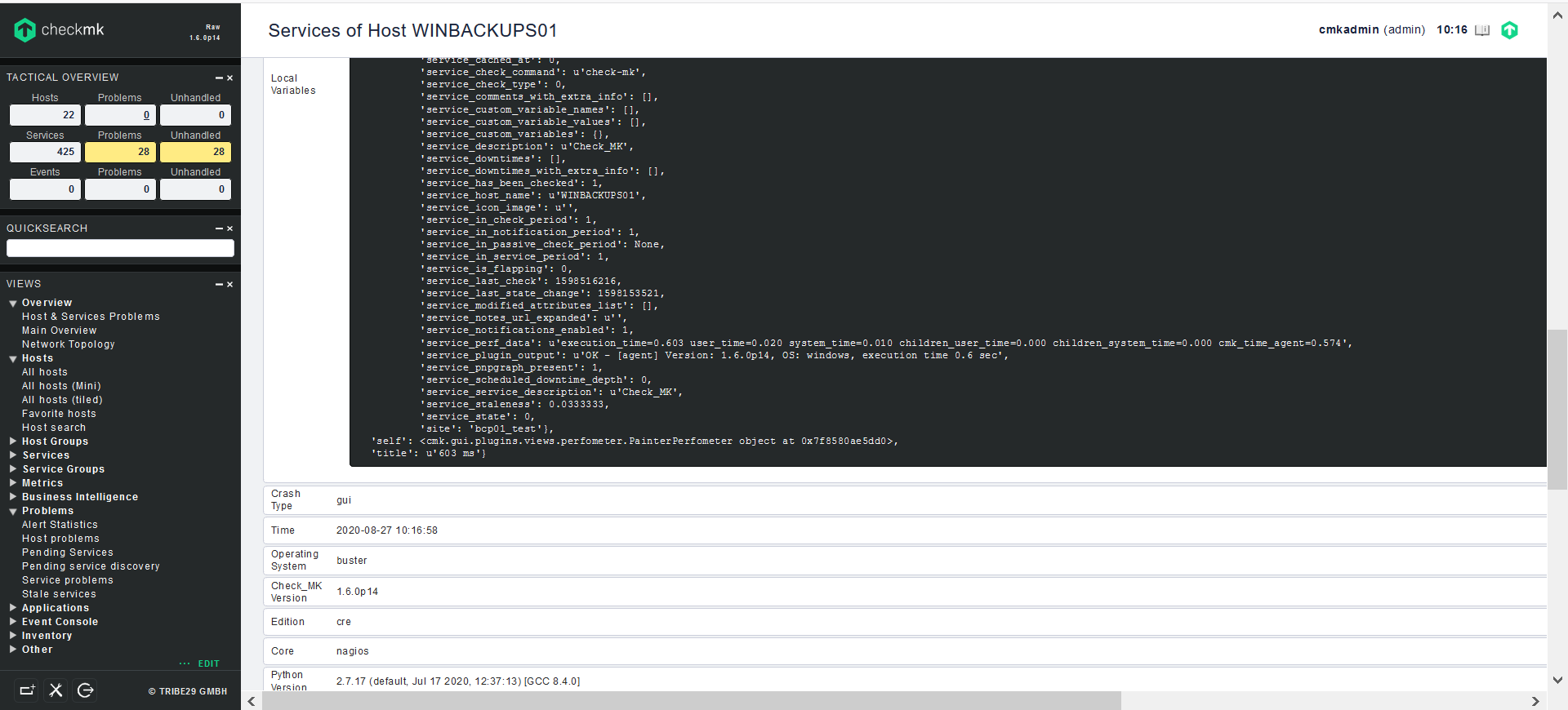
the error point to cee/plugin/views which means that this will used by cmk Enterprise Edition and you use Raw Edition. Did you install additional MKP’s? It would be helpfull to have the complete error. You will find the exception in ~/var/log/web.log
I found the web.log file, but it is not possible to copy because the size is 0 bytes. I try to open but an error message is displayed.
Please give me a few moments to find a way to send it to you.
@ChristianM already wrote that the error message from your first screen is not complete. The last line on the bottom is most important as we can see there where the wrong library is referenced.
But if i interpret the screenshot right it happen when it tries to draw the Perf-o-meter.
You can also use the “Download” button to get the complete error if it is not visible in your screen.
Hi,
the perfometer reference to the cee lib. Did you install the demo first and goes to Raw afterwards?
Please look, if your view is modified. Go back to the default by delete the customized view.
You can do tis by click on Edit button in Sidebar Snapin “Views”.
No, I directly installed Raw. Yes, the view is changed. I reverted to the default by removing the custom view.
But i noticed the master version i installed is 1.6.0p14 Raw and the slaves are 1.6.0p15 Raw i dont know how is this possible maybe this is the problem?
I will try another install in parallel with version 1.6.0p13 Raw for the master and a slave.
I saw in the forum a similar problem and @andreas-doehler advised version 1.6.0p13 or p12 because this problem does not occur
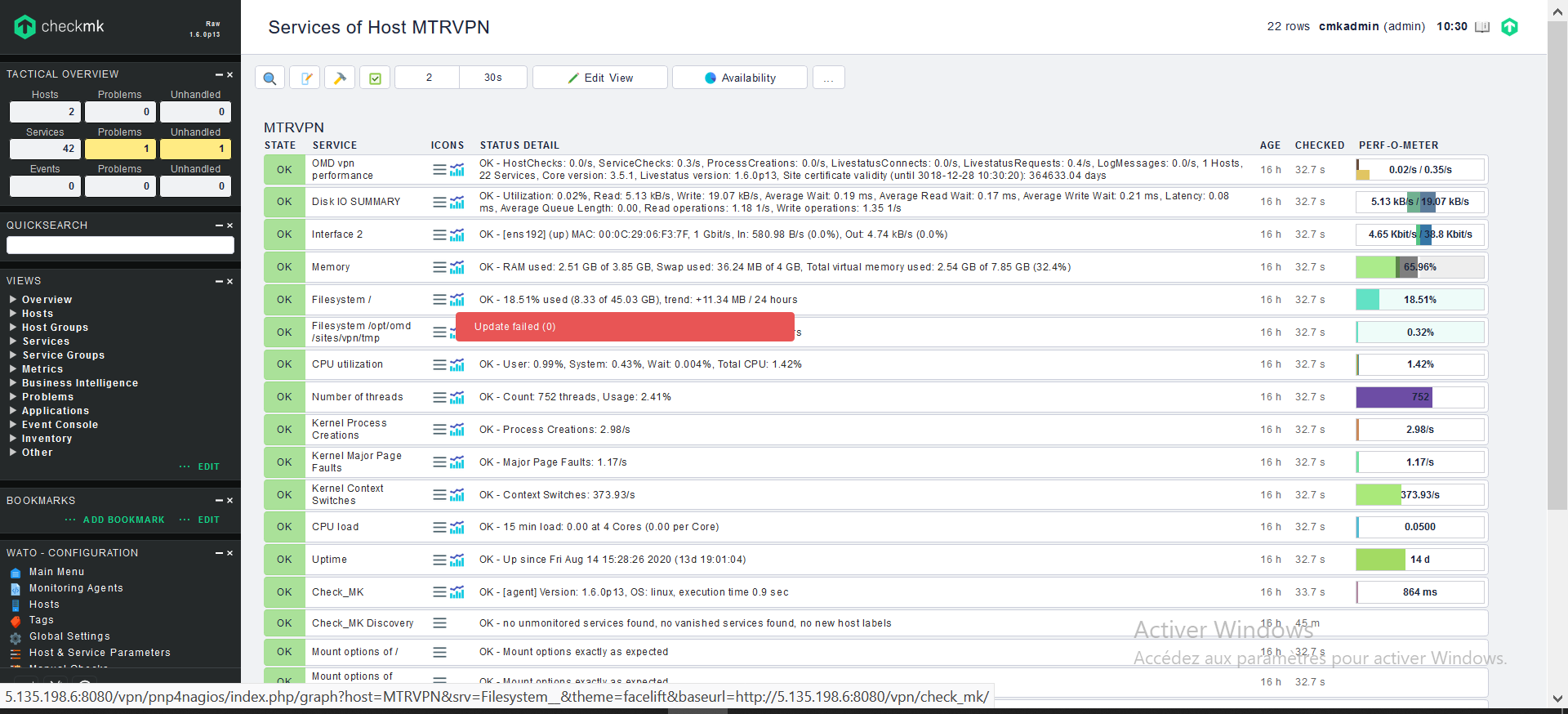
Thank you for your advice, like i said i installed 1.6.0p13 version and the feedback is better than p14.
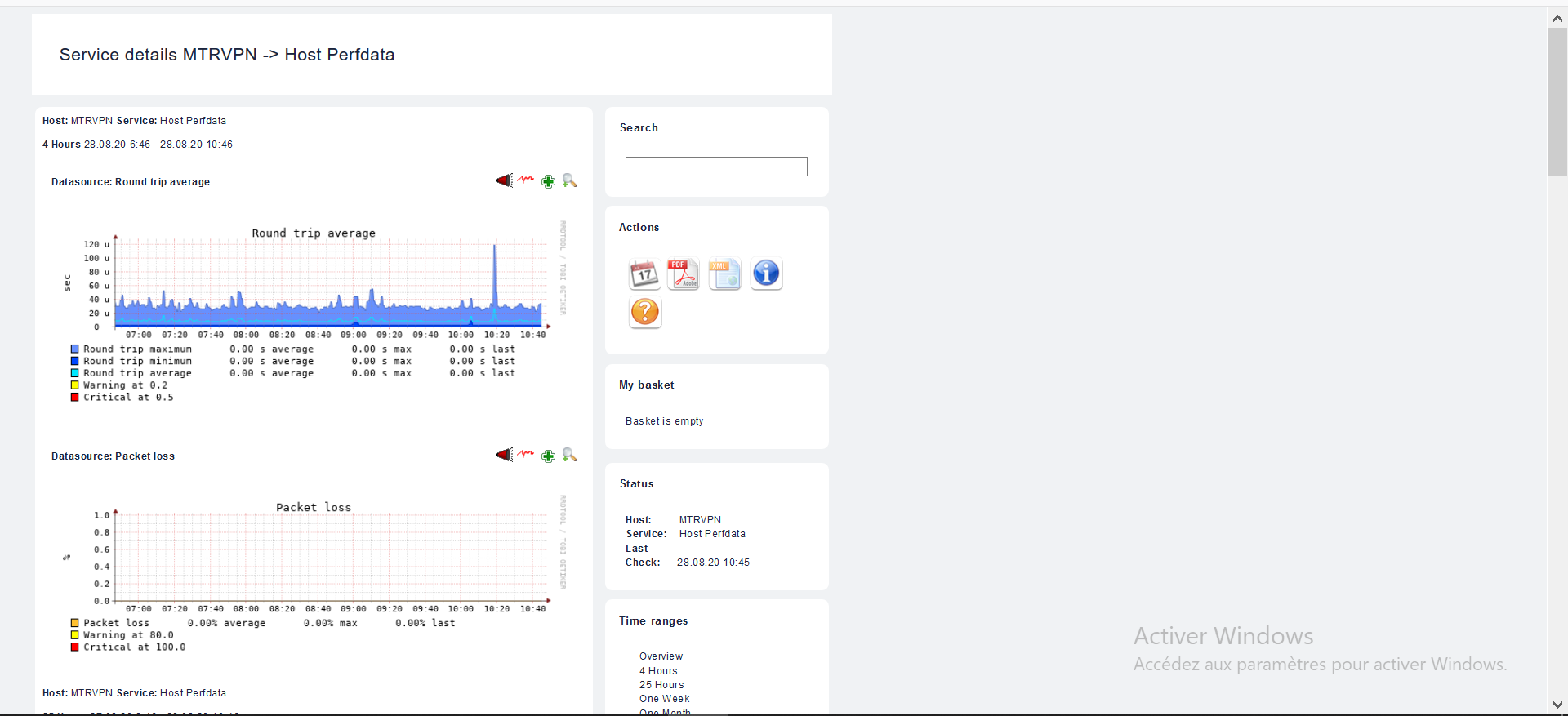
I can see a host’s information when I click on it, everything is fine. But the graphics cannot be displayed if I am on the master. I have to right click and open in a new table to view the graphs.