Checkmk Enterprise Edition 2.1.0p20
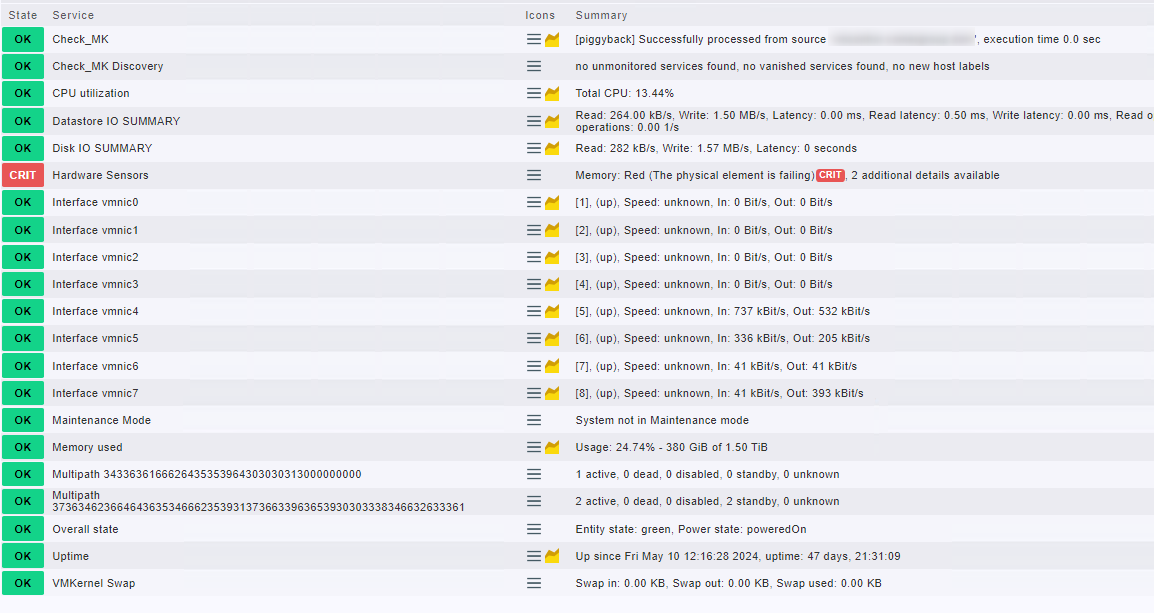
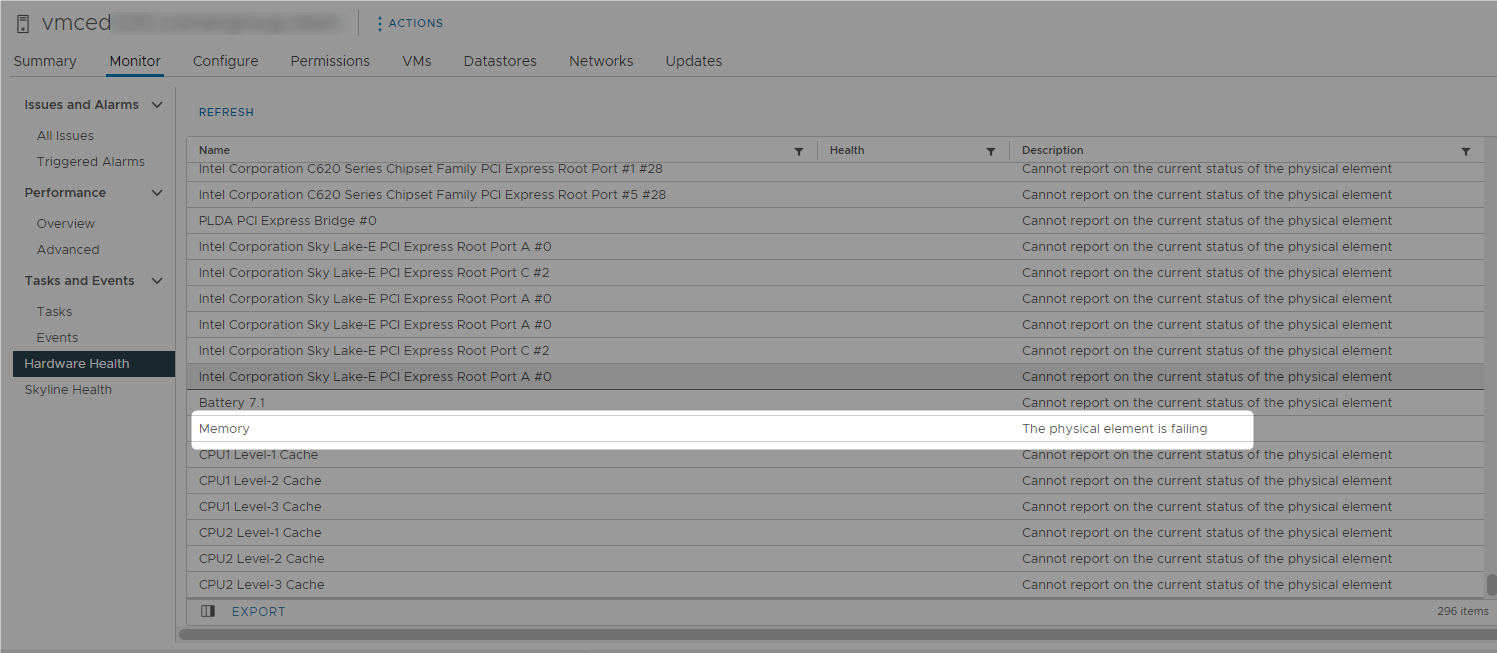
Error message: Memory: Red (The physical element is failing)CRIT, 2 additional details available
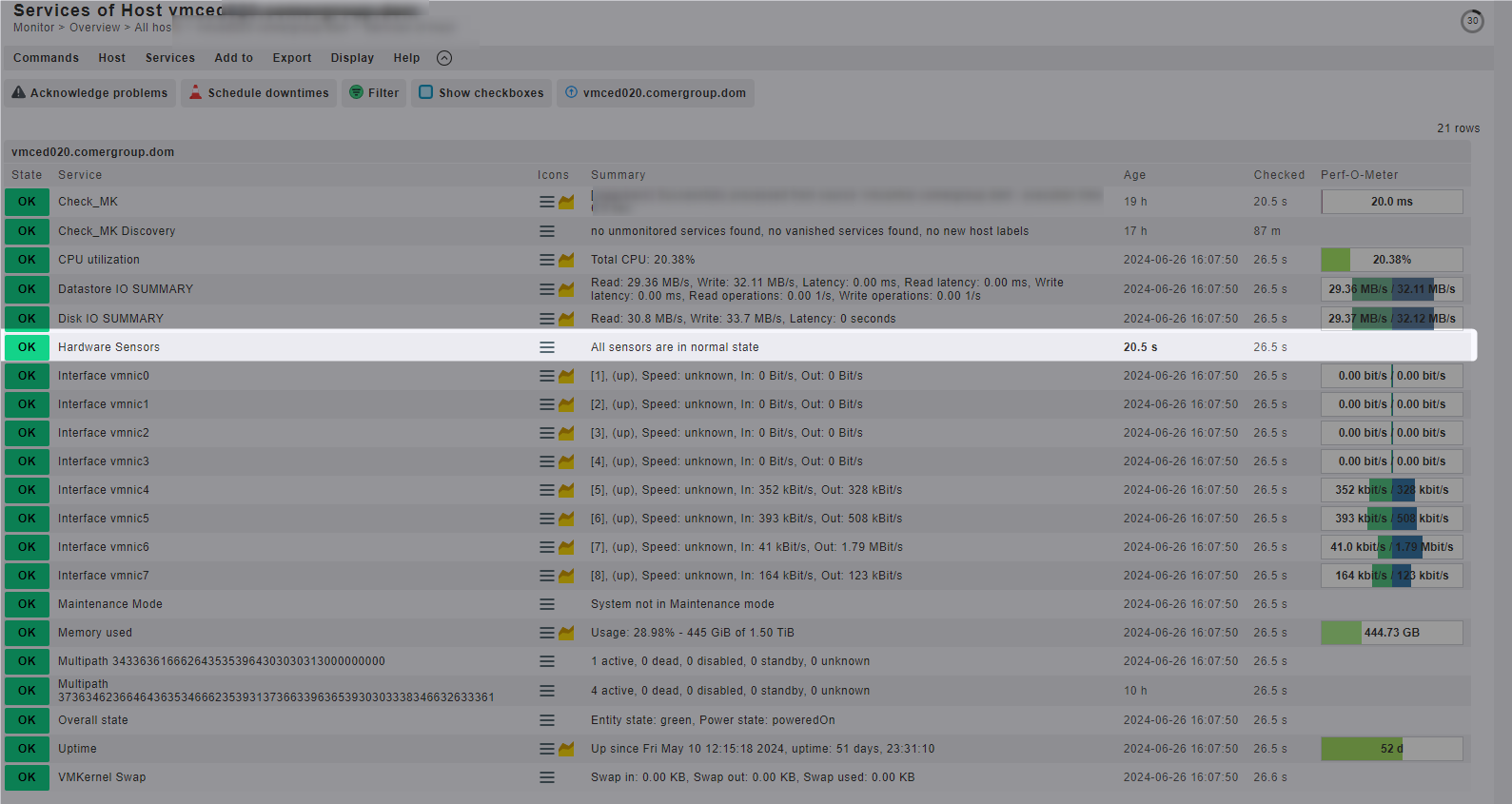
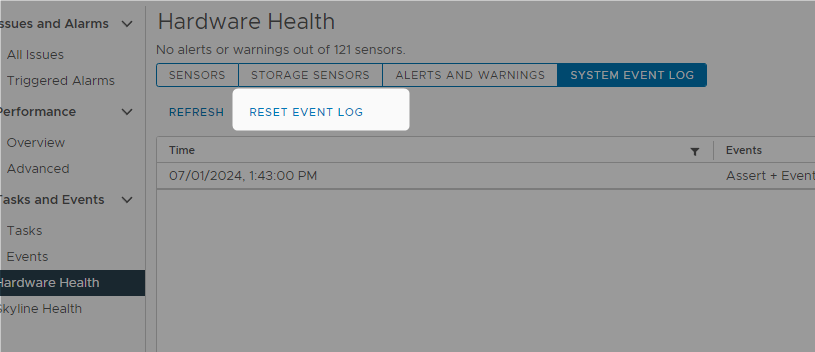
Hello, we had an issue with an esxi host that is monitored via piggyback from the vCenter, a RAM module was in fact faulty and we had it replaced, since then CheckMK still reports the issue and I have not been able to figure out why… the service itself states in the notes:
This check checks the state of all of a VMware ESX host system’s hardware sensors - including temperatures, fans, power supplies, memory DIMMS, hard disk, an others. In order to avoid network traffic the agent sends only information about sensors that are not in green state.
Note: Due to a caching problem on the ESX host system side, this check occasionally reports incorrect sensor data. This may mean that the sensor appears to be stuck in an unhealthy state. You can find more information here: http://kb.vmware.com/selfservice/microsites/search.do?cmd=displayKC&externalId=1037330
I have found only one other user that had a similar issue in this link
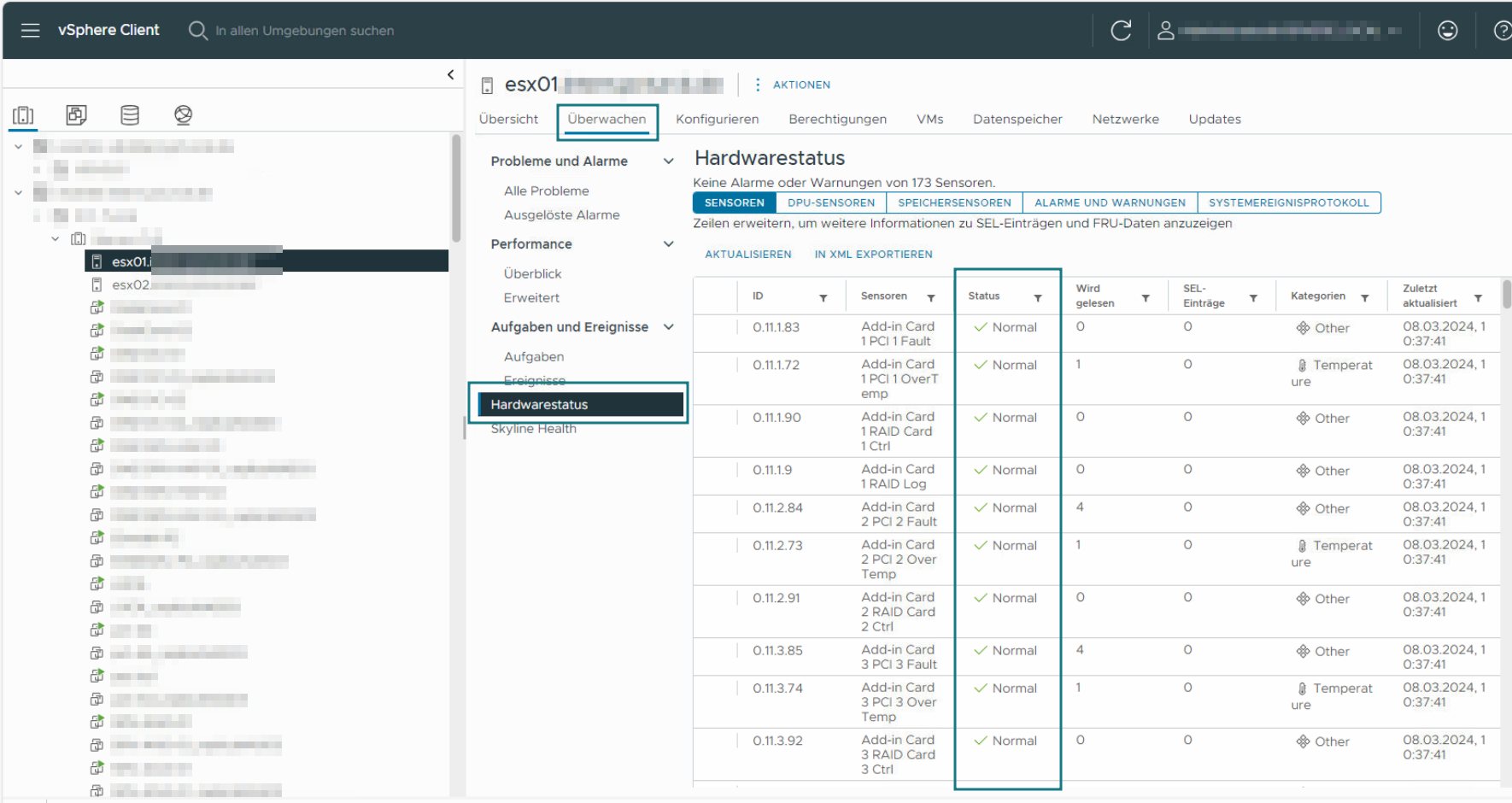
The vcenter and host are OK, no issues or warnings… I tried removing the service and also removing the host to see if something would change but no luck…