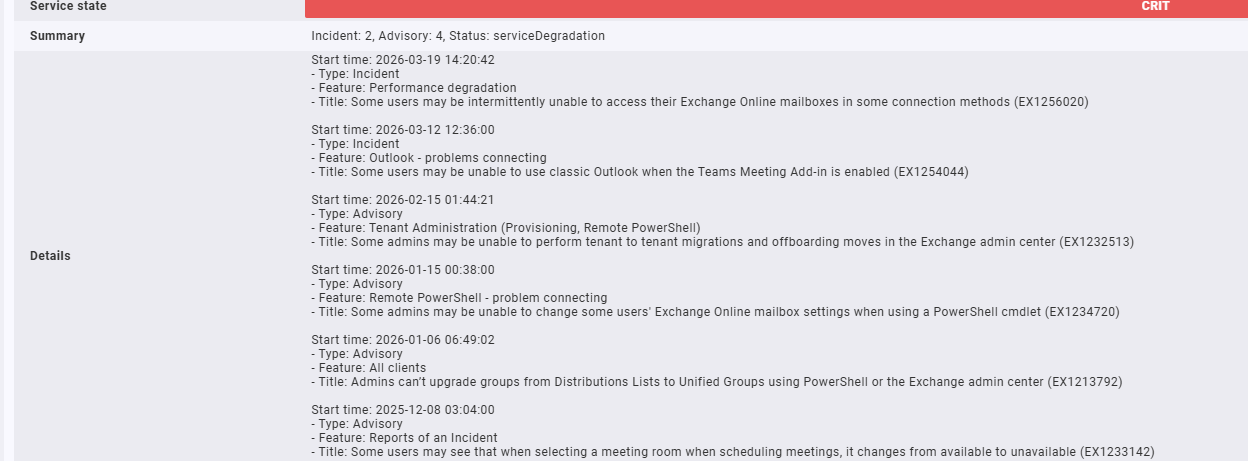
Hi, does anyone know if it’s possible to expand the details or long output? It always seems to cut it off see the …
My local script has this built in

Hi, does anyone know if it’s possible to expand the details or long output? It always seems to cut it off see the …
My local script has this built in
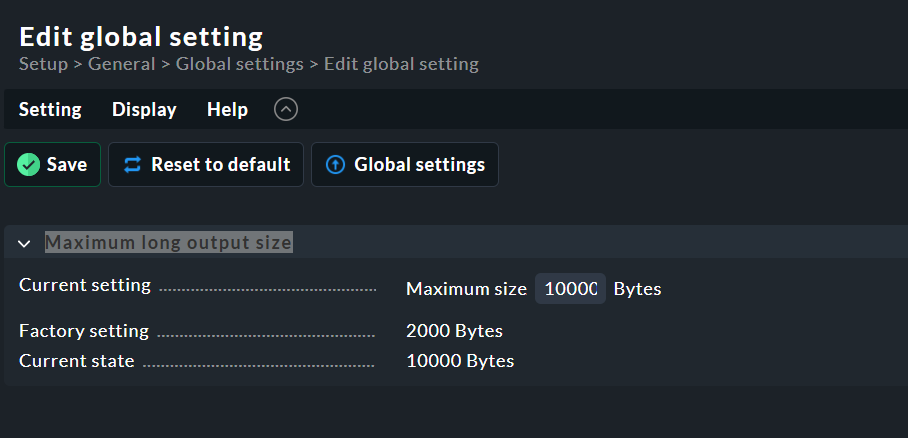
This is only a global setting though? Which might increase disk space on the server? I only really want it for certain local checks.
The purpose of this setting is primarily to protect the system from runaway check output, not to save disk space.
What’s more important to you – having a complete message or saving disk space by truncating messages?
When disk space is a concern, tuning the history, housekeeping and rrd settings provides much greater savings than truncating messages.
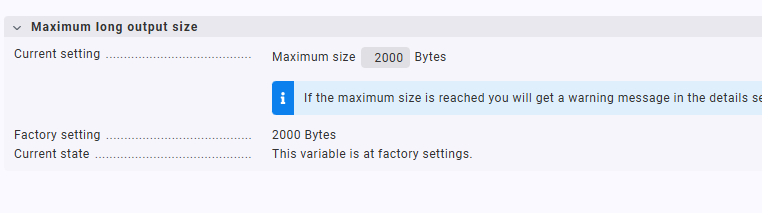
I set up this office 365 plugin from the exchange and notice the details to be full. Even though my global setting isn’t changed:
Plugins use the internal Checkmk APIs directly and are therefore not affected (limited) by this setting. Local checks, on the other hand, write exactly one line per check, and on the Checkmk side there’s a plugin called local (very fitting) that has to read those lines.
The setting is there to protect this plugin called local from output generated on the server that might produce overly long lines as the Python call “read next line from this text file” might otherwise just gobble up all available memory on the Checkmk server if the line goes on for long enough.
It seems your own local check script, rather than Checkmk itself, is responsible for truncating the output. If the check contains definitions such as:
SummarySnippet = 100  # max char ... in Summary
DetailsSnippet = 600  # max char ... in Details
then that is exactly where the message is being cut.
The comment # max char ... indicates that the script intentionally limits the output length. This truncation occurs before the data is transmitted to Checkmk.
Once the information is truncated, the original data is lost and cannot be re‑expanded or recovered by Checkmk. To resolve this, you should remove or increase these limits within your local check script.
I thought this might be the case. I will test this on Monday. But I’m not convinced that the output that cut off was 600 characters! Thanks
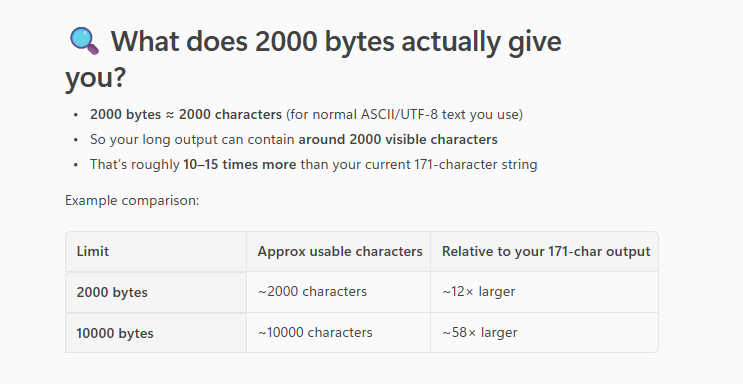
Yes what I was getting cut off was only 171 characters in the details part of it, so it isn’t getting cut off because of the script?
Maybe it’s the 2000 bytes in the global setting?
If the below is true then why is it cutting off the details section at 171 characters?
I re-worked my script and got it to output correctly