I’m trying to generate an availability aggregate report for the previous year and I’m getting this message:
Your query matched more than 5000 log entries. The shown data data does not necessarily reflect the matchedentries and the result might be incomplete.
When viewing interactively, I can click the button to override the limit and show me all data. But then if I save to PDF or try to schedule a PDF through the scheduler, it does not give me that option and the report that is sent out is limited.
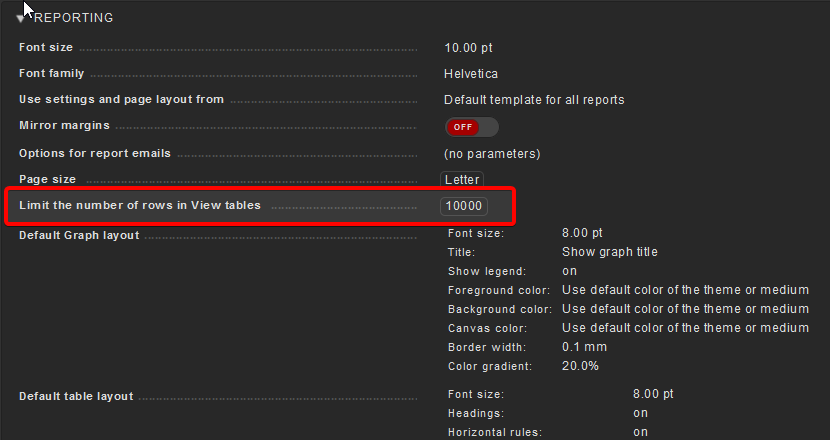
The only relevant global setting I see is below… which was defaulted to 1000 (doesn’t match the 5000 specified in the report output). I set it to 10,000 anyway to test but it made no difference.
Just encountered and solved the same problem today, just an hour ago, too.
The setting is inside your report! Edit the elements in your pdf report and you’ll find a parameter Limit processed data: Process at most 5000 status entries
That’s the default setting for each new element. You can change it there, but need to do so individually for each element in a report and for each report.
This topic was automatically closed 365 days after the last reply. New replies are no longer allowed. Contact @fayepal if you think this should be re-opened.