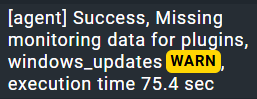
WMI timeouts are a known issue on Windows, and they are not always trivial to understand (as they sometimes occur entirely randomly). You can try to increase the WMI timout for the agent, so plugins have a little more time to query WMI. And you could double-check if the Windows Update Agent is actually healthy on the Windows host, or if there is an issue with that component of Windows.
it means normally that the Windows update settings are not correct and the update searcher cannot find any updates in a reasonable time.
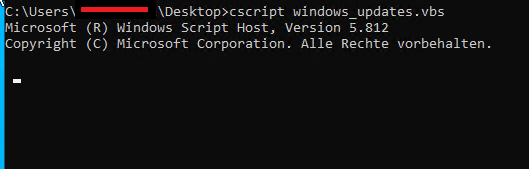
The update script itself uses the “Microsoft.Update.Session” ComObject and executes then only the UpdateSearcher.Search.
I would first check if this server had some update installed in the last weeks/months. If updates are provided with something else than WSUS or direct internet access then it is normal that the UpdateSearcher doesn’t find anything.
Update install check
This gives you the last 10 updates installed. The output must be instant.
If you get nothing then no updates where installed on this machine after setup.
I have found the problem. We are blocking many services from Microsoft and that is the cause for the timeouts. I now run this script asynchrone (onece a day) and that solves my problem