Hi,
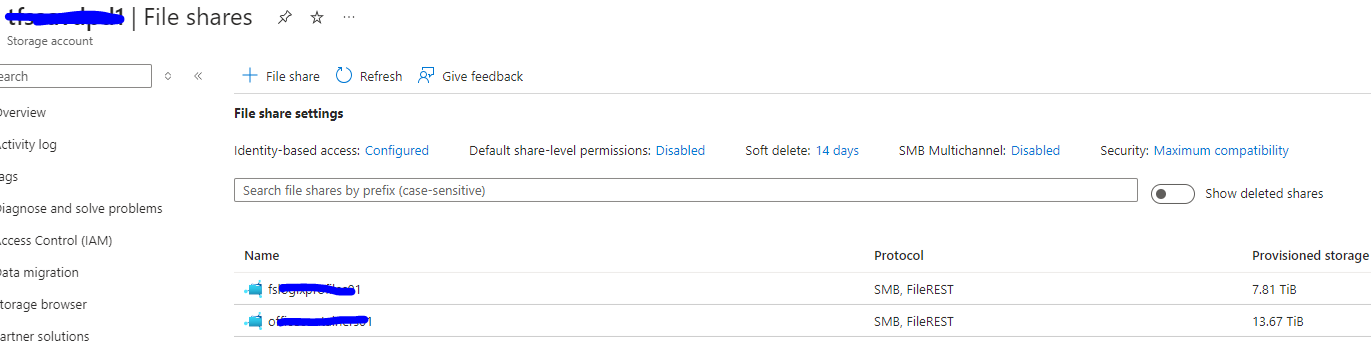
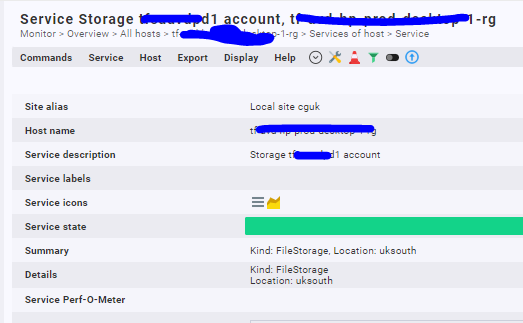
Is it possible to monitor individual Azure Storage File Shares? I can see this overall file share coming into checkmk but we’d like to monitor these individually?

Hi,
Is it possible to monitor individual Azure Storage File Shares? I can see this overall file share coming into checkmk but we’d like to monitor these individually?
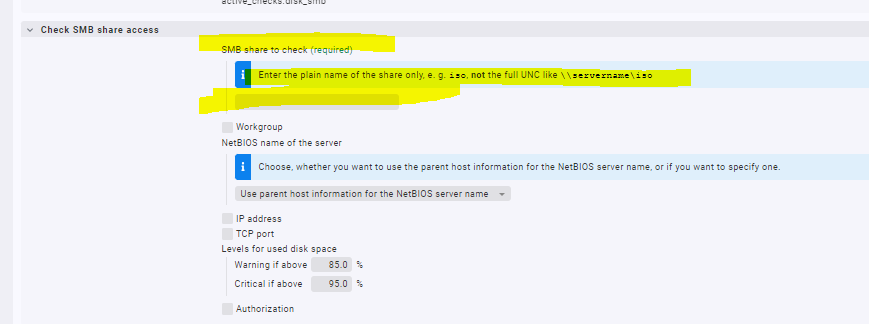
With the ruleset “Check SMB share access” you can monitor individual SMB shares.
This is azure storage.
I just thought because the table listed “SMB” in the protocol column.
I presume this can’t be done then?
As @r.sander rightly said, with the ruleset “Check SMB share access” should be more than enough.
Have a look at this link: Mount Azure file share on Windows | Microsoft Learn
There is a video which tells you the SMB specific details that you can provide in the Checkmk rule.
Thanks I discussed with our infrastructure team and they did say they can present it on a virtual host in unc format. So I will explore this option in monitoring it as a file system.
How can I monitor a UNC path from a server? In the above rule it says NOT to use the full UNC path. I want to monitor the space from a UNC path, maybe this isn’t possible without mounting the drive to a server?
This path isn’t a mounted drive.
The server name part of the UNC path is derived from the host the service check is assigned to.
So the server would need the drive mapped permanently to it monitor the space of a remote file share.
No. You need to assign the service check to the host that is serving the share.
Yes so the share needs to be a mapped drive on the host in the rule?
No, the host in Checkmk is the server that serves the share.
How does checkmk know where to look if this rule isn’t using the full UNC share path though and only the name of the share and it isn’t mapped onto that server?
Also is it possible to monitor the size of this share?
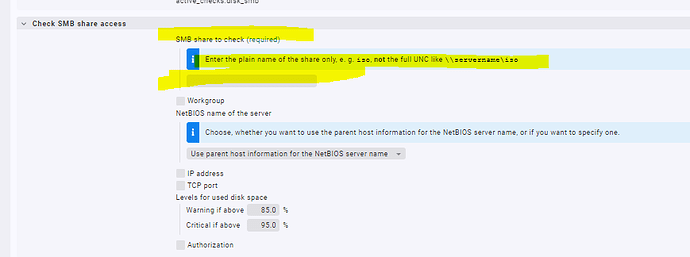
It uses the name of the host you assign this rule to as the server name part of the UNC path.
yes but the path to where I want to monitor doesn’t have the server name in the UNC path. It’s Azure storage path.
Is there already a solution for this.
I added my host in Check MK with API.
Monitoring Microsoft Azure
After adding i try to connect to azure file share but get Connection Failed.
Also tried to use credentials of storage account key without success.
Does anyone have a working situation to monitor Azure file share?
Is there already a solution for this.
I added my host in Check MK with API.
Monitoring Microsoft Azure
After adding i try to connect to azure file share but get Connection Failed.
Also tried to use credentials of storage account key without success.
Does anyone have a working situation to monitor Azure file share?