is there an out of the box way to monitor the health of a vCenter via checkmk?
So I recently noticed that the disks or services of a vCenter a not included as services via VMware ESX via vSphere rules.
I found some packages in checkmk Exchange to achieve that, but I wondered if there is a out of the box solution for that or if there is something on the roadmap.
The OOB VMware monitoring is pretty good, but it’s not all centralized in one host. There isn’t much to see at the vCenter level, as it is more of a command & control plane. You should have two rules under VMware ESX via vSphere section, one for the ESX hosts and the other for vCenter if you want to see things from top to bottom:
Hey @AutoJunkie,
thanks for the detailed answer I already set it up like you suggested due to it’s the suggested way from checkmk.
I just noticed some days ago warnings on vCenter which are unfortunately not reported in checkmk. So I wondered if there is an inbuild way to get these information as well, but I guess I have to get some packages from checkmk Exchange or develop something myself.
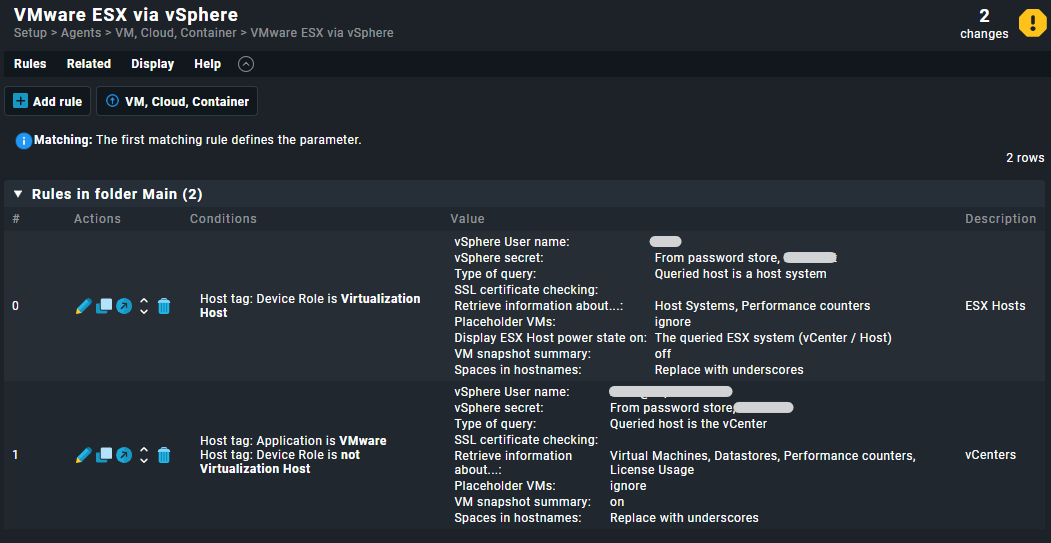
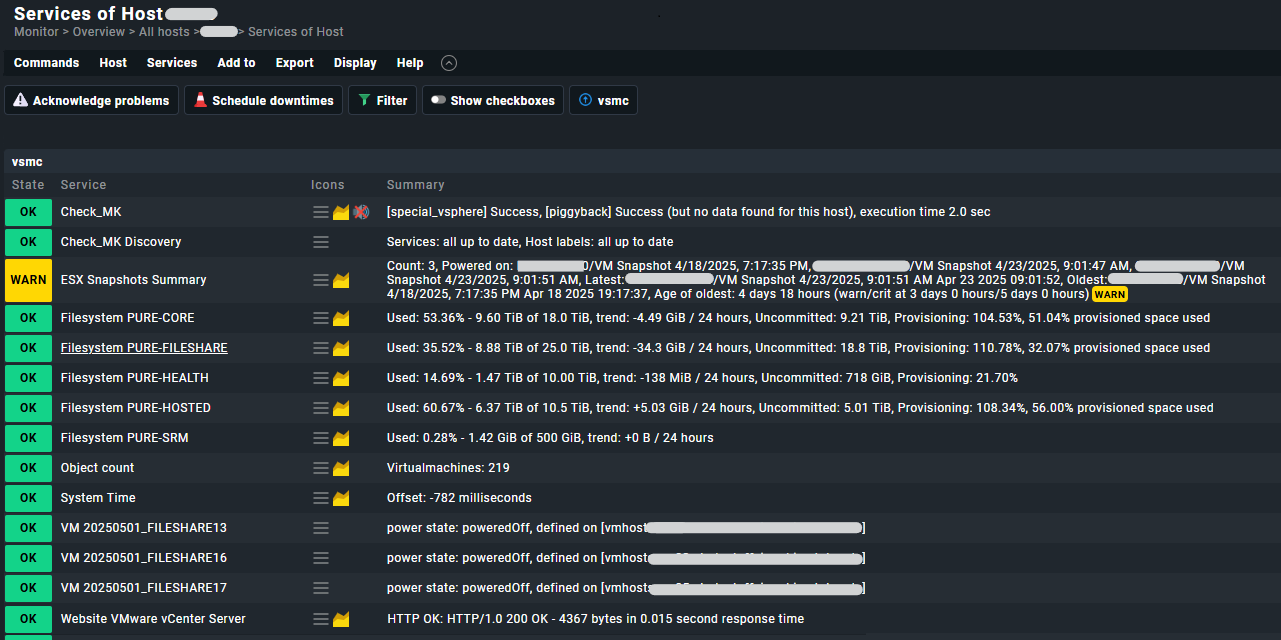
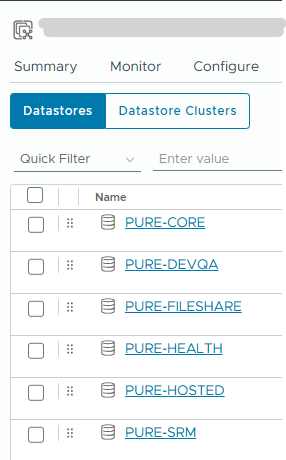
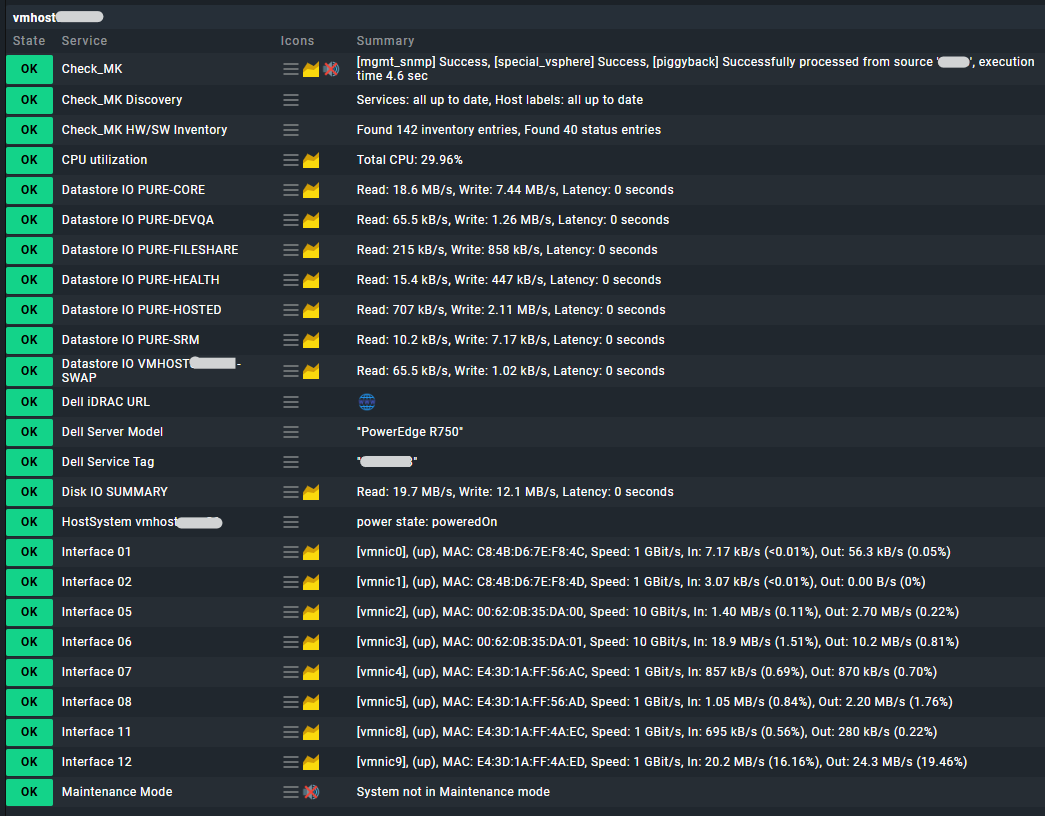
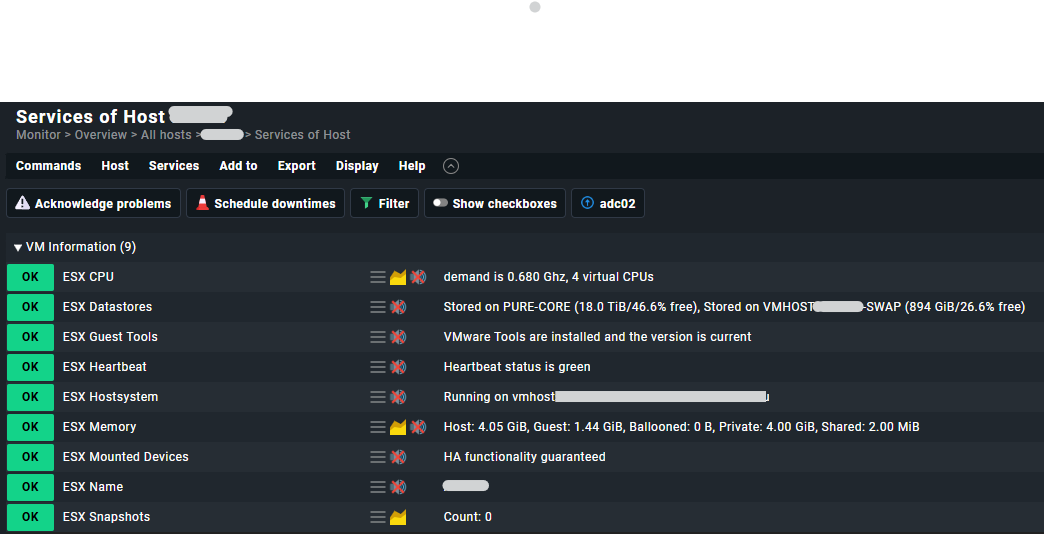
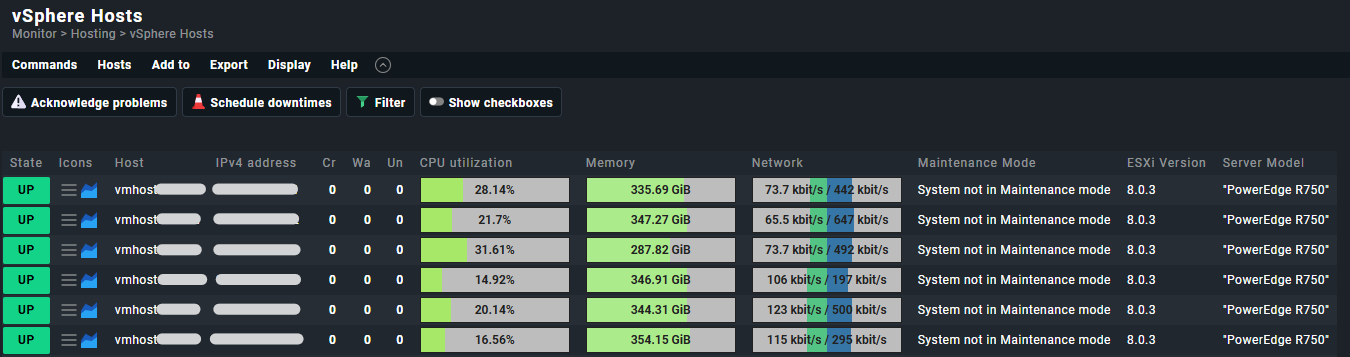
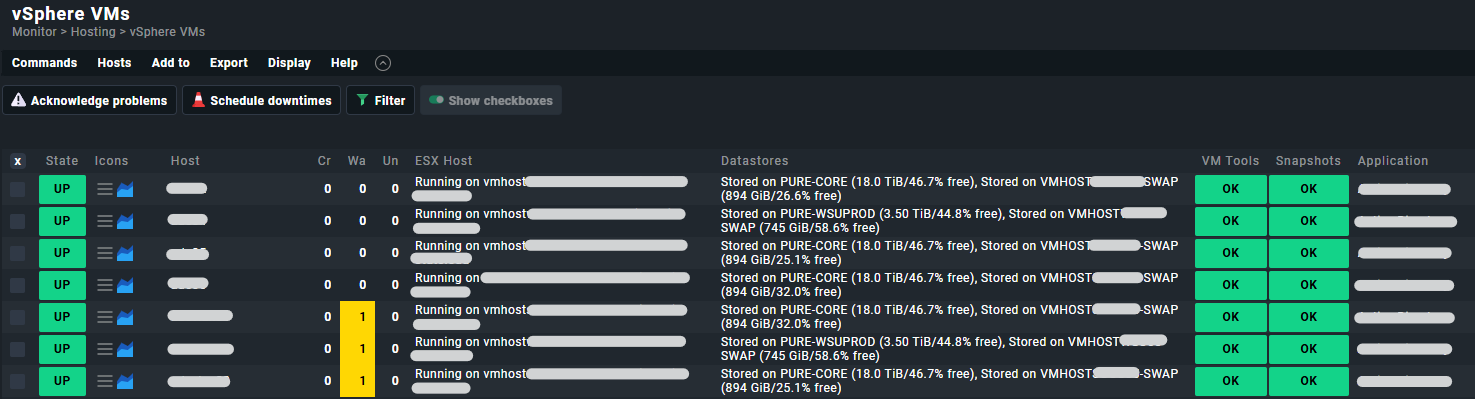
 I already set it up like you suggested due to it’s the suggested way from checkmk.