Hi,
Im not able to find how I should add a check that an local application on server is running (.exe) that is not a service.
any tips?
Hi,
Im not able to find how I should add a check that an local application on server is running (.exe) that is not a service.
any tips?
Hi @kimlin,
you are looking for process monitoring.
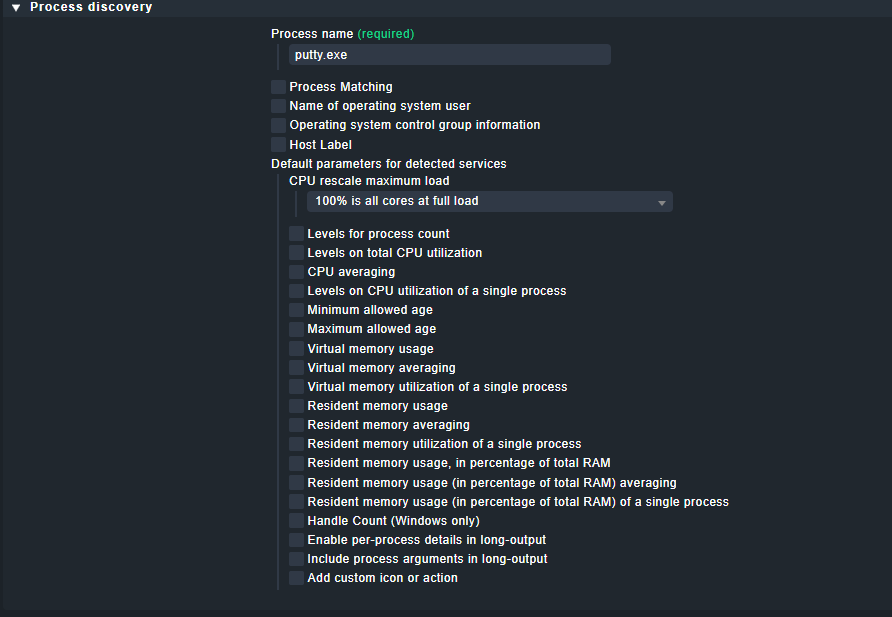
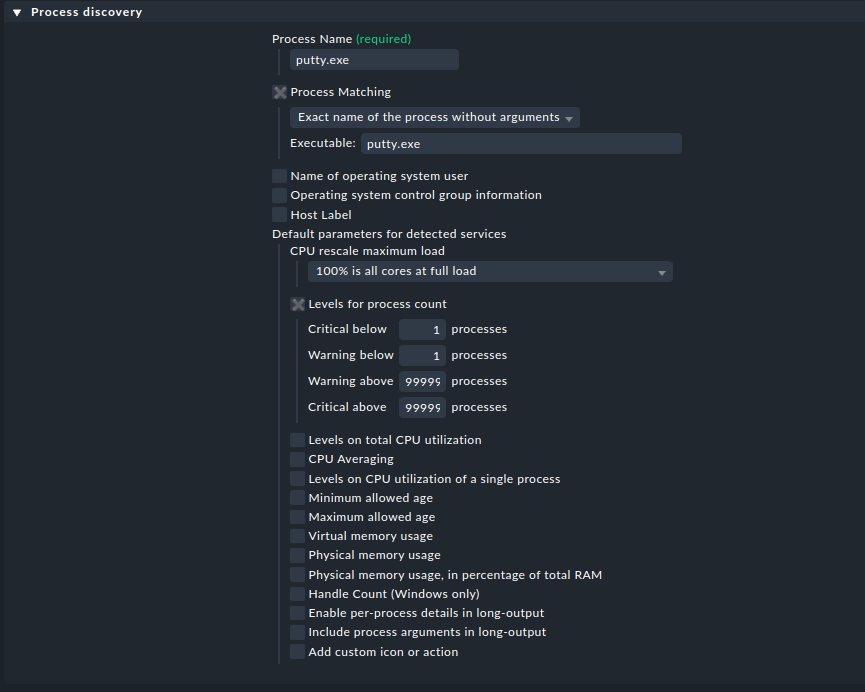
You can do that with a simple rule called “Process discovery”.
There you can create a rule to your liking.
I find it helpful to download the agent output and search for the process in there. Then I can be 100% sure that I took the right name or path.
Looking forward to your response!
Regards
Norm
Thank you Norman, That got me in the right direction!
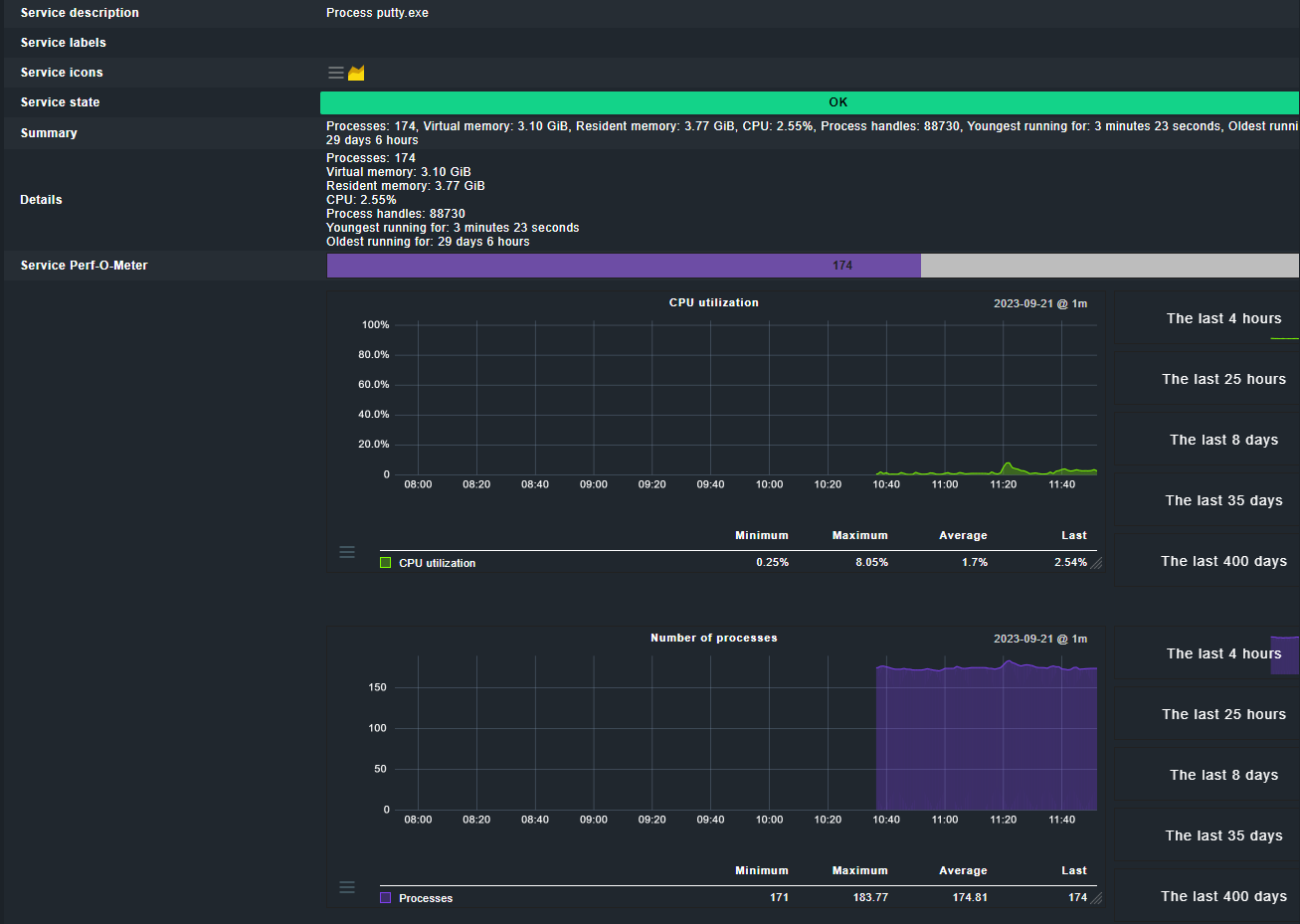
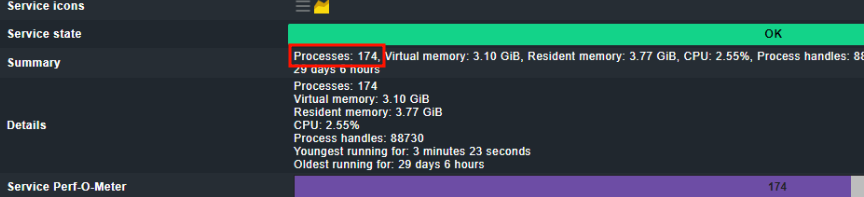
Can I just ask you one more thing regardning windows application? What should I set to get it to get critical if the application is closed? I get it shouing up but it´s still alive after I have turned it off.
Hi Norm,
Still Showing OK in Sverice state. Only thing I saw differs is when I Save & run service discovery is that it shows as vannished if the application is down…
Your process matching is not working properly.
Please find the proper name in the agent output:
Regards
Norm
Hi, I have taken the agent output and it looks like this:

Does anyone else have any suggestions on how to check applications on Check MK?
This topic was automatically closed 365 days after the last reply. New replies are no longer allowed. Contact an admin if you think this should be re-opened.