Hi
I am new the checkmk and have set up a docker instance of checkmk which is monitoring 20 odd host successfully. I was looking to extend the monitoring to an mqtt instance. The documentation says " have to configure the special agent agent_mqtt"
But where is the agent_mqtt and how do I configure it?
I maybe just missing something simple but any help would be great.
Hi Jonathan,
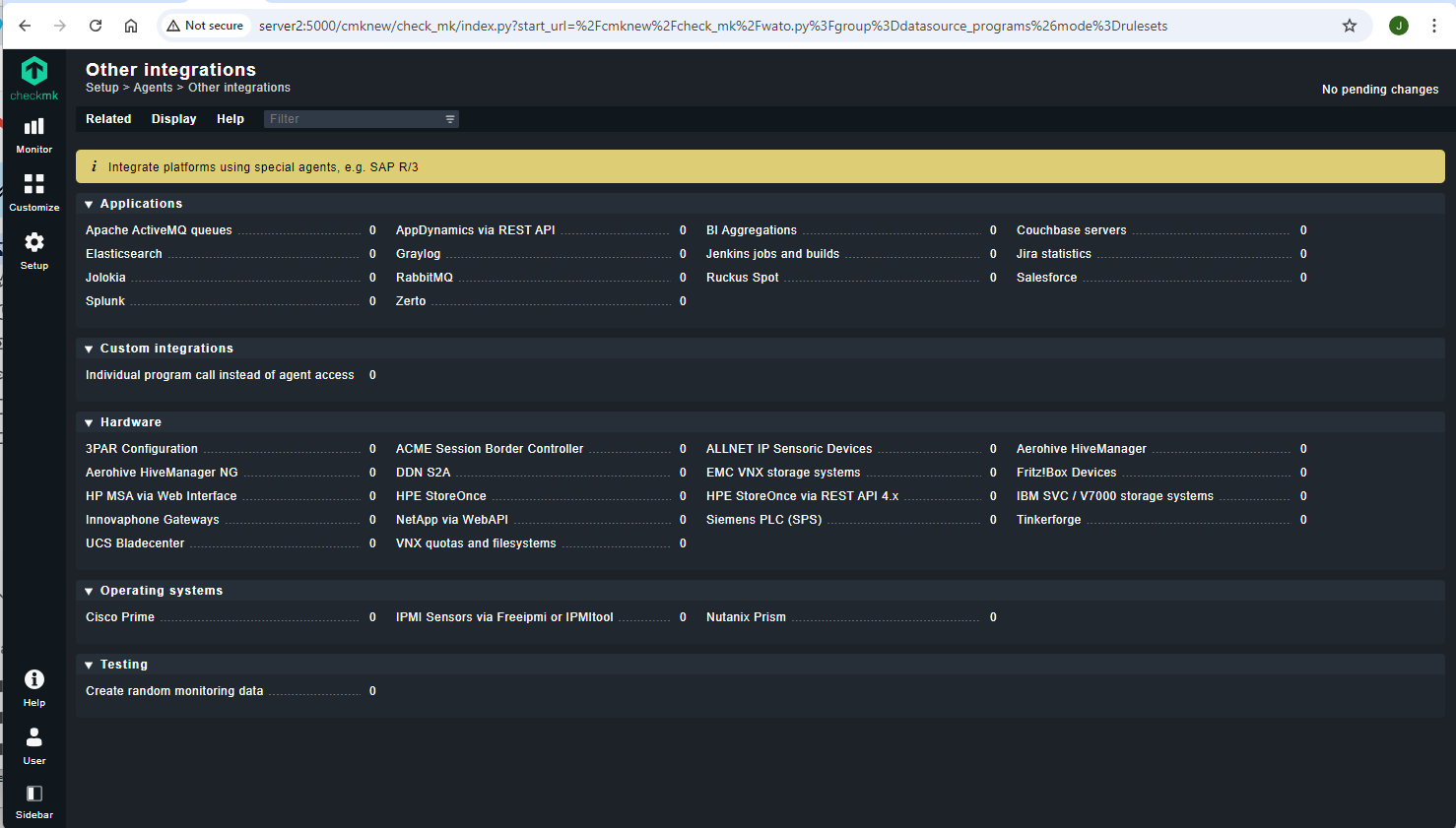
just go to Setup → Agents → Other integrations → MQTT broker statistics and create a new rule for your MQTT Host there. If you set the host to “Configured integrations or checkmk agent” the special agent will be used. For example, I get the following services from this integration:

Regards,
Simon
@jonobell which Checkmk version are you using?
I am using Version 2.0.0p39
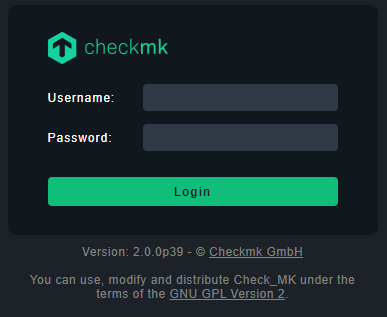
That’s your issue right there. That version is so end of life, even the next version will be end of life in November. TL;DR: You want to upgrade as soon as possible.
2 Likes
Yes, please upgrade your instances. Not only will you get new integrations like the MQTT special agent, but also in regards to security. Like @robin.gierse said, as soon as a version is scheduled for EOL, it won’t receive security updates beyond this point.
The upgrade process is very well documented, but if you still need help/encounter any problems during, you can ask here in the forum.
Regards,
Simon
1 Like
Thanks for this, to get checkmk I used this
image: checkmk/check-mk-raw:2.0.0-latest
in the docker-compose.yml
How could I change this to get the latest?
Section 5 goes into details about the Docker-specific aspects.
Make sure to understand upgrading Checkmk in general beforehand.
This topic was automatically closed 365 days after the last reply. New replies are no longer allowed. Contact an admin if you think this should be re-opened.