Just a little shoutout: nagvis maps going away are a valid reason for us to ditch the platform alltogether.
That is all 
Just a little shoutout: nagvis maps going away are a valid reason for us to ditch the platform alltogether.
That is all
??? What is the reason directly and 3.1 is nearly 1 1/2 year away. If it is really then gone a replacement like Orbvis will be really usable. NagVis is it’s current state i don’t want to use under any circumstances.
Just a little shoutout: nagvis maps going away are a valid reason for us to ditch the platform alltogether.
To clarify: Nobody forces you to use Orbvis. We will just stop shipping NagVis in installation packages and we will remove the dependencies to PHP. You will be free to install first PHP and then NagVis and connect it to Checkmk and anything with Livestatus yourself. So, we will build no artificial barriers, just clean up the default functionality we ship.
That actually clears things up, because it looked like nagvis was just going to be dropped and no clear replacement path was mentioned.
If there is a proper replacement, all is well. I will consider this post then a informational notice to others 
I think you got that wrong.
We are replacing Nagvis with a modern neatly integrated version. You can preview it by using OrbVis. Everybody wanted a fancy new NagVis. Everybody is getting it. No need to worry
We wanted to surprise everyone with that, but I guess that’s kind of not possible with open source
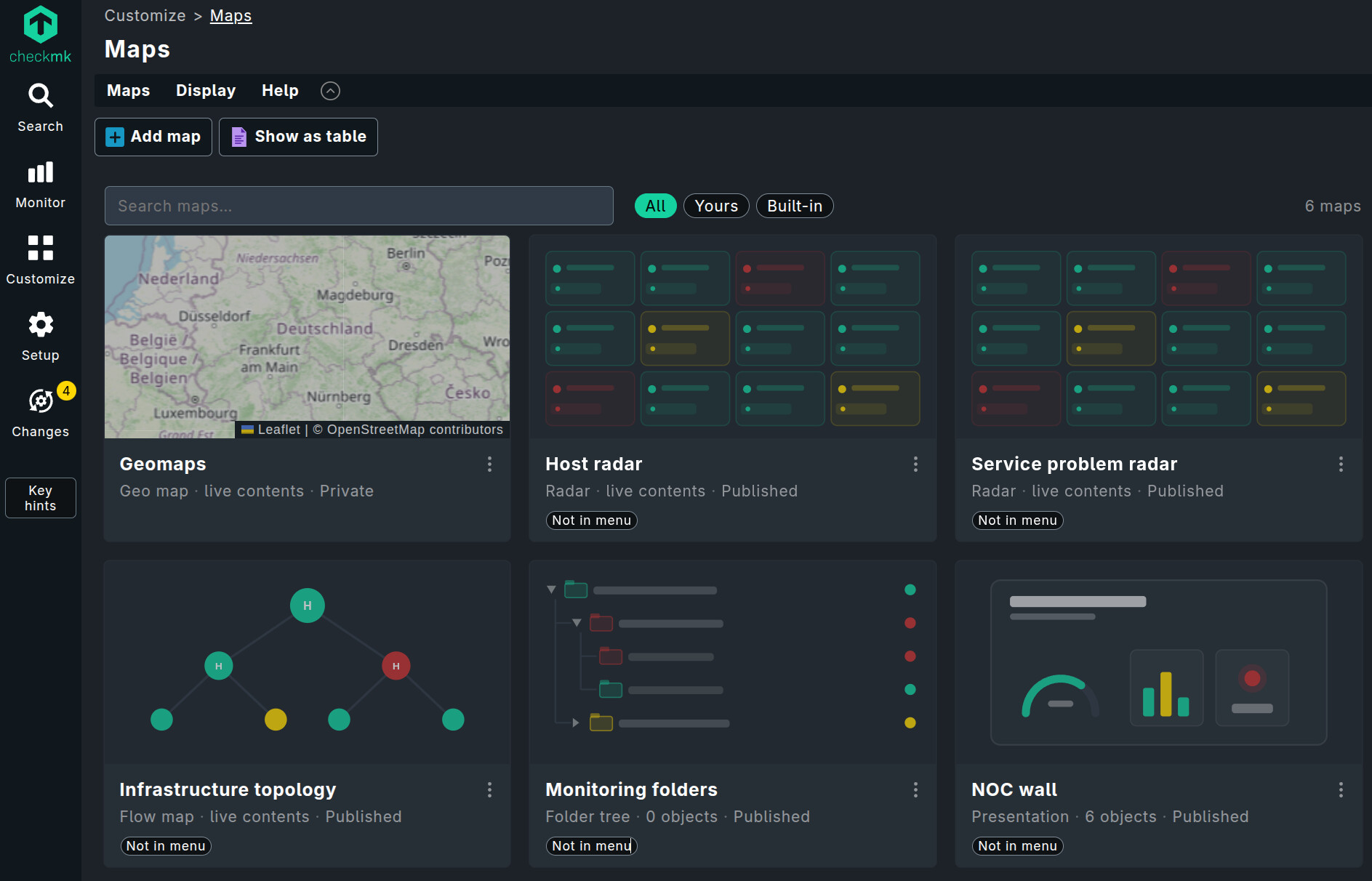
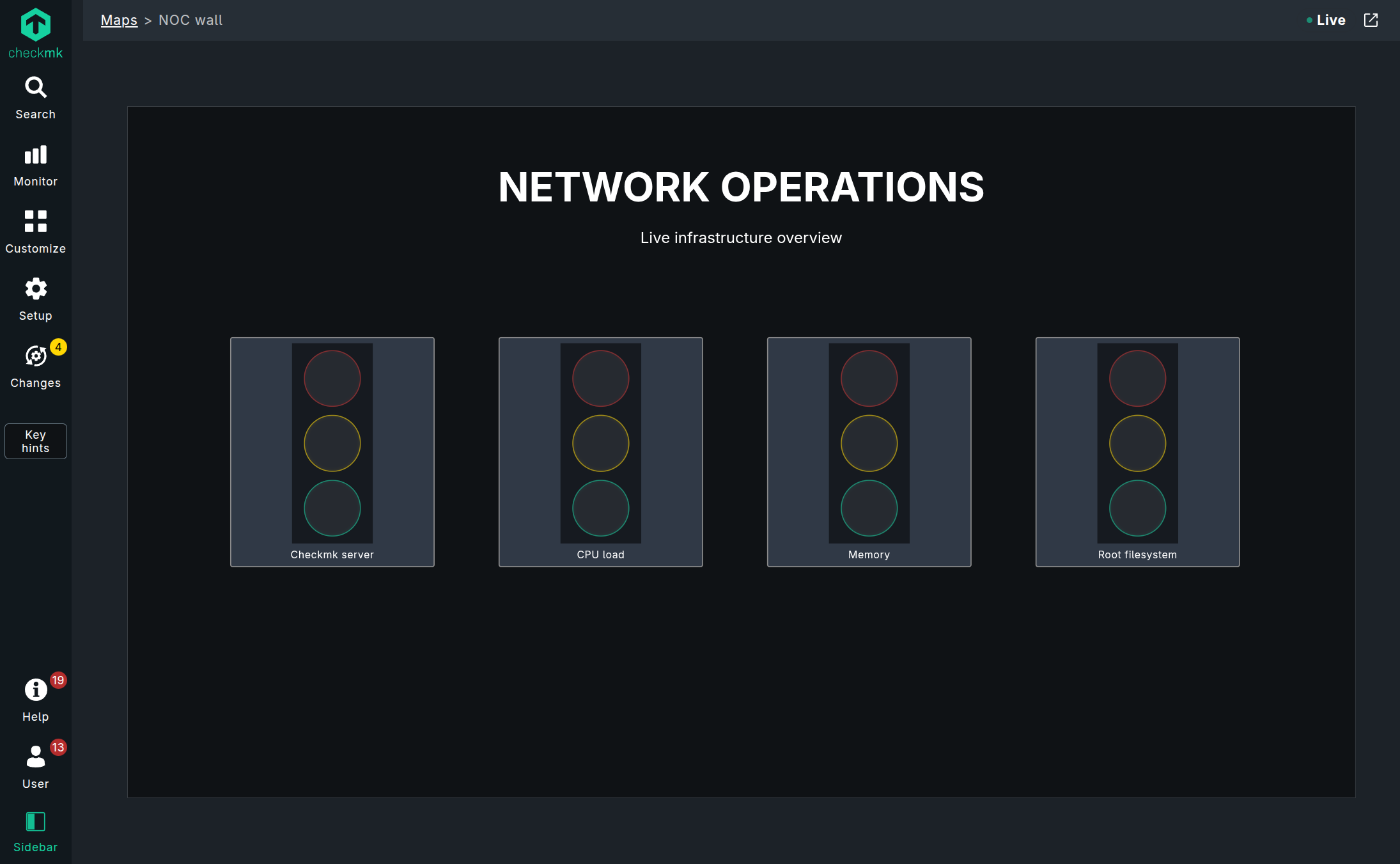
@_rb has gone above and beyond to not only replace Nagvis, but deliver even more capabilities with the new ‘Maps’ feature in Checkmk 3.0.
You can see the amount of work put in here.
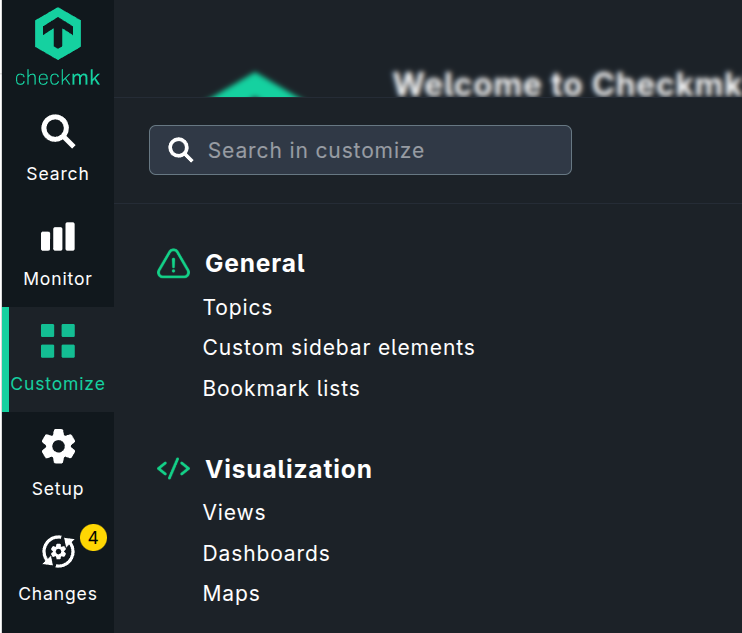
You can download a daily build of Checkmk here and try it out yourself under Customize > Maps.
And then you get this:
I will adapt the title of this thread as this is misleading.
I abandoned Nagvis a while ago.
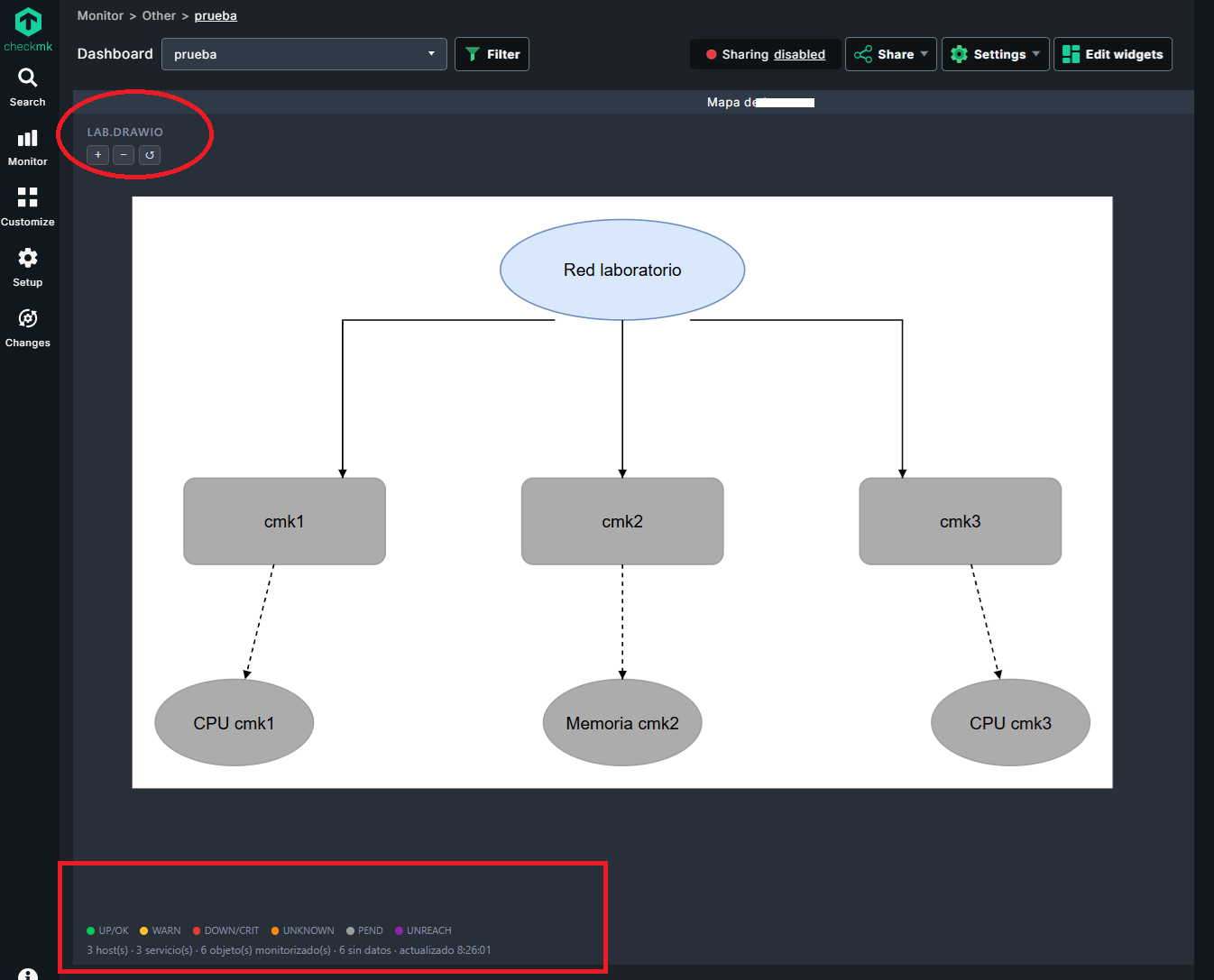
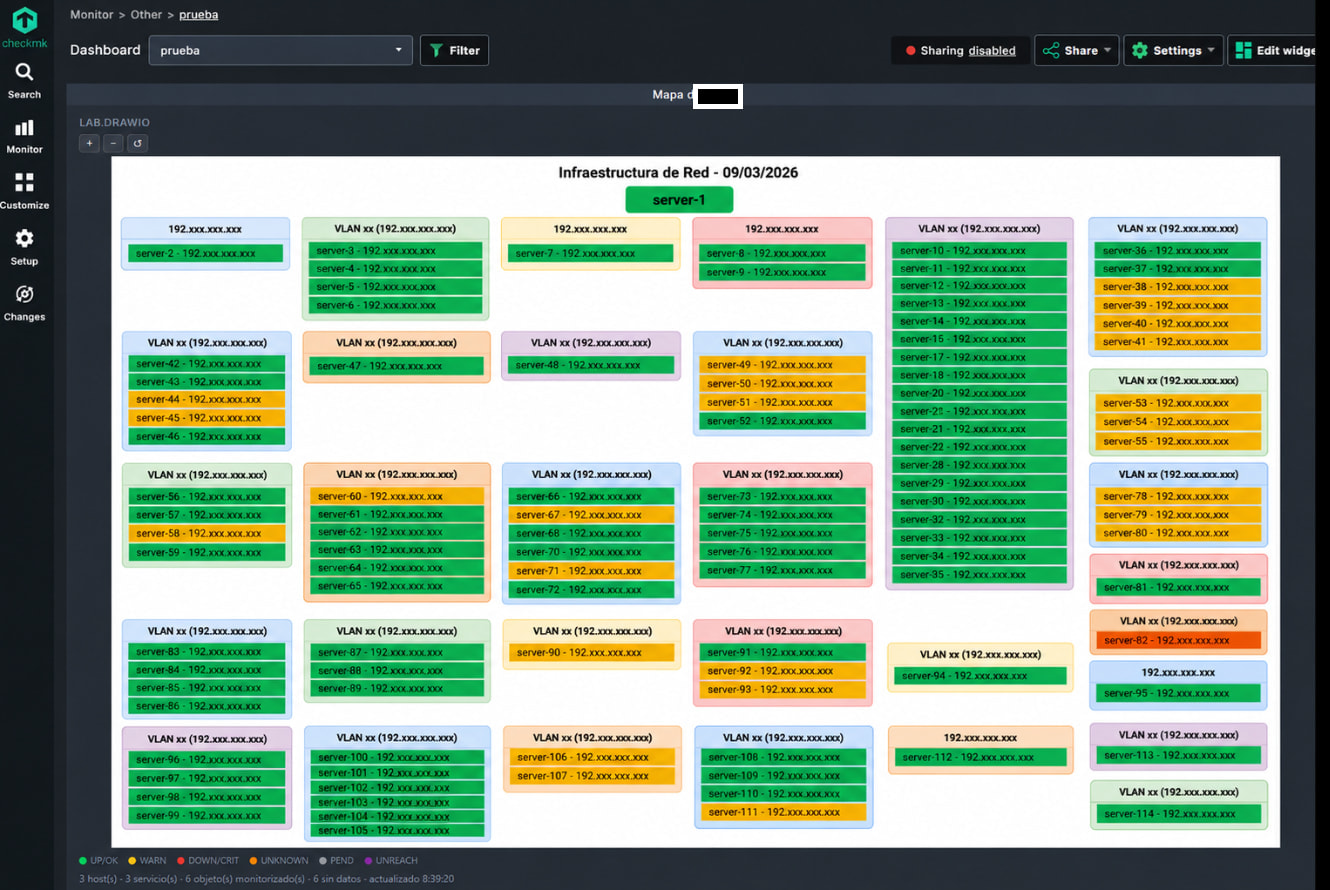
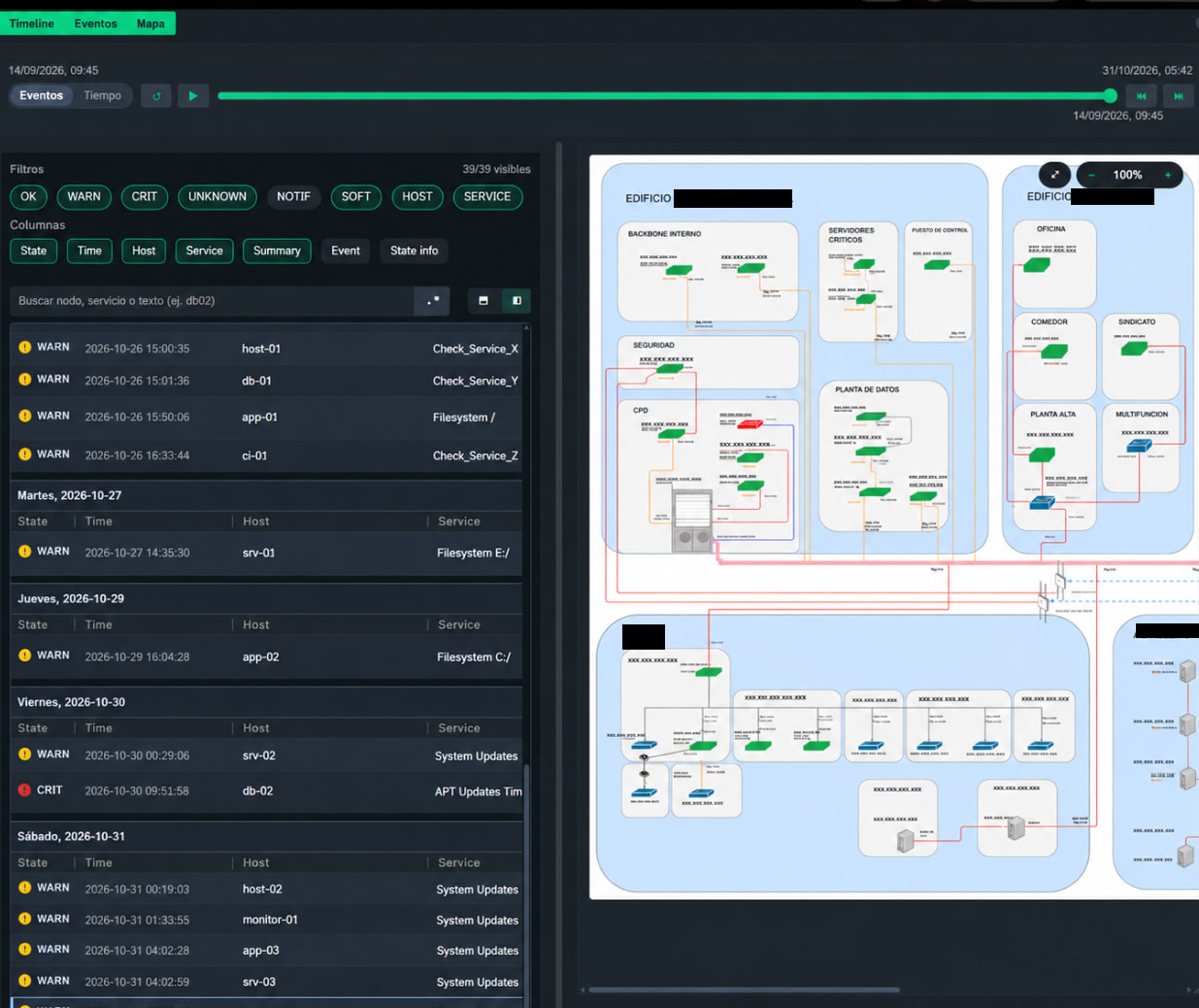
I created a plugin to insert maps and diagrams using DrawIO. In the DrawIO objects, I create a host property and a service property with the names of the elements in CheckMK. This establishes the connection so the diagram changes color according to the alert in CheckMK. It works perfectly.
I also have another utility that lets you position yourself at any point in the event history and see the current situation on the map. These are ideas for the CheckMK team that are easy to design.
@martin.hirschvogel These are ideas for the Checkmk team that are easy to design.
The names and IPs are anonymized.