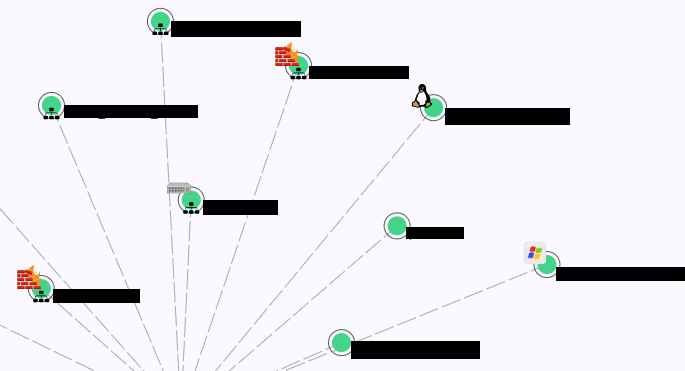
I can’t get custom icons to show in the network topology view. Does anyone else have this issue and/or a solution? From testing, it appears that only the built-in .svg icons show up in the topology. What is needed for a svg icon file to be compatible with Checkmk? Thanks.
So far this is what I’ve found. To have an icon show up in the topology view. It needs to be a .svg file, either found in the “/opt/omd/sites/------/share/check_mk/web/htdocs/themes/facelift/images” for built-in icons. Or placed in the local directory for custom icons with the format “icon_xxxx.svg: /opt/omd/sites/------/local/share/check_mk/web/htdocs/themes/facelift/images.” And in order for it to show up in the list of custom icons you need to upload a PNG using the “Custom Icons” setting with the same name xxxx (without “icon_”). And this will allow to also assign a category to the icon from the UI, otherwise it will be listed with the builtins
1 Like
Can you maybe share screenshots, of what you have in mind?
Thanks Robin. Sorry for the late response to this. The solution I found above works fine. The only thing that might be added is a UI option for uploading .svg files for views like topology, or a note in the documentation explaining the manual method to do so. Marking this as solved.
This topic was automatically closed 365 days after the last reply. New replies are no longer allowed. Contact an admin if you think this should be re-opened.