*Checkmk Raw Edition 2.1.0p9
I’m trying to monitor Nutanix appliance servers with SNMPv3, but it’s not showing discovery. The Nutanix owner tells me it receives the request and responds, but Check_MK doesn’t detect it and throws a Timeout error.
Is it possible to import or integrate Nutanix MIBS into Check_MK?
I’ve already set up Nutanix Prism, which monitors the clusters. Everything is working correctly.
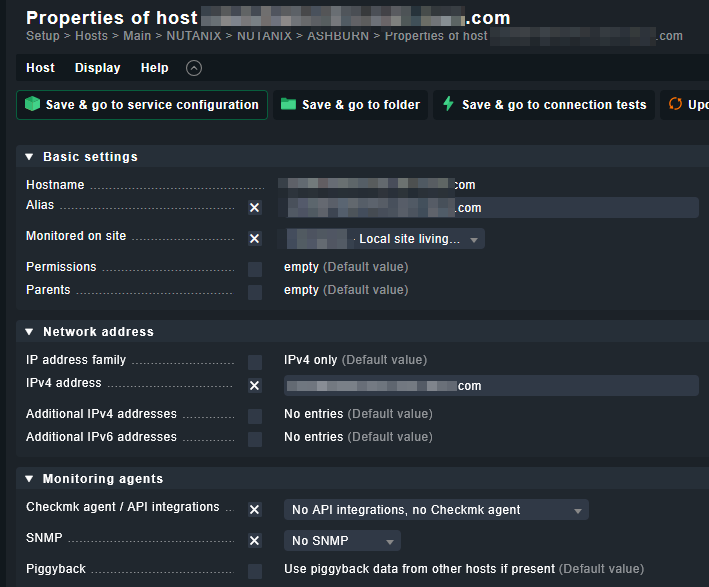
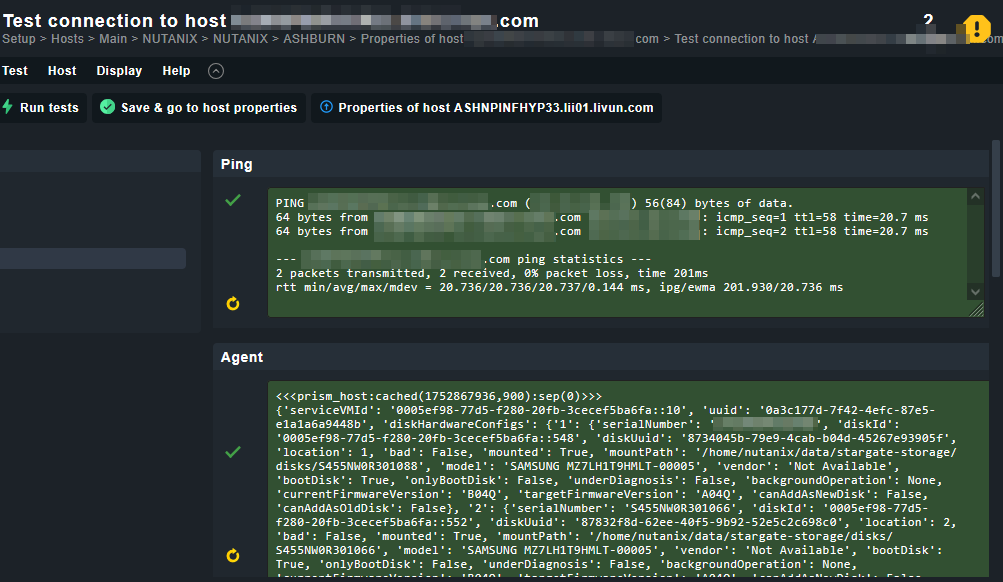
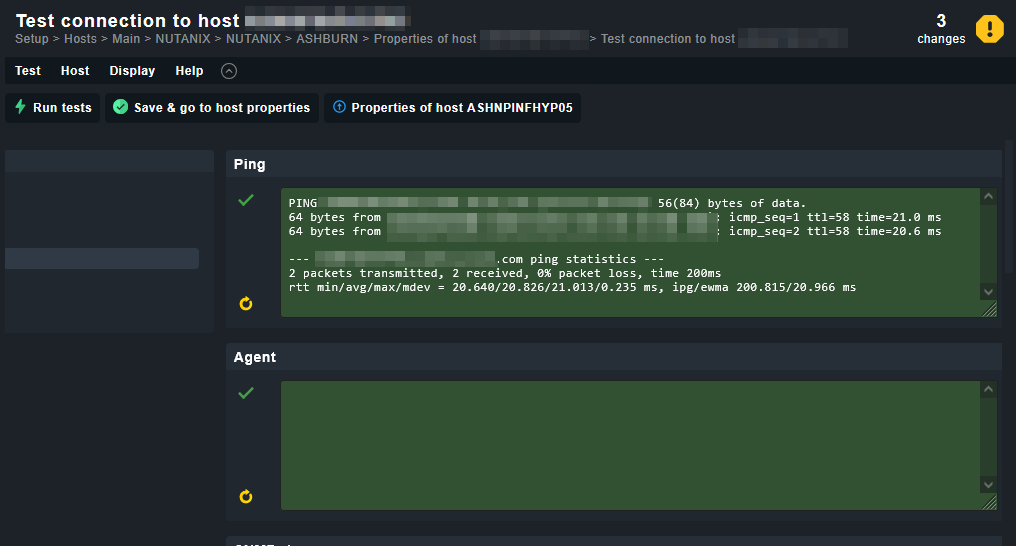
There are servers that display information without any additional agent or SNMP configuration; they have the option “No API integration” or “Checkmk agent.” However, they come with a discovery.
The images are from two Nutanix servers, each one belongs to a different Cluster in Nutanix and are added in the Nutanix configuration for the cluster in Check_MK
If you have more than one cluster then also you should have a Prism elements in every cluster. That means you need to configure a special agent rule for every elements VM.
Only with the next generation of Nutanix monitoring you will query the one existing Prism central instance and you get the data for all you devices from there. This new approach ist currently in development at CMK team and also in my supported systems.
Back to your SNMP problem. For what do you wanted to use the SNMP? To query the management interfaces? Or to fetch data from the Nutanix nodes itself?
Thanks for your response.
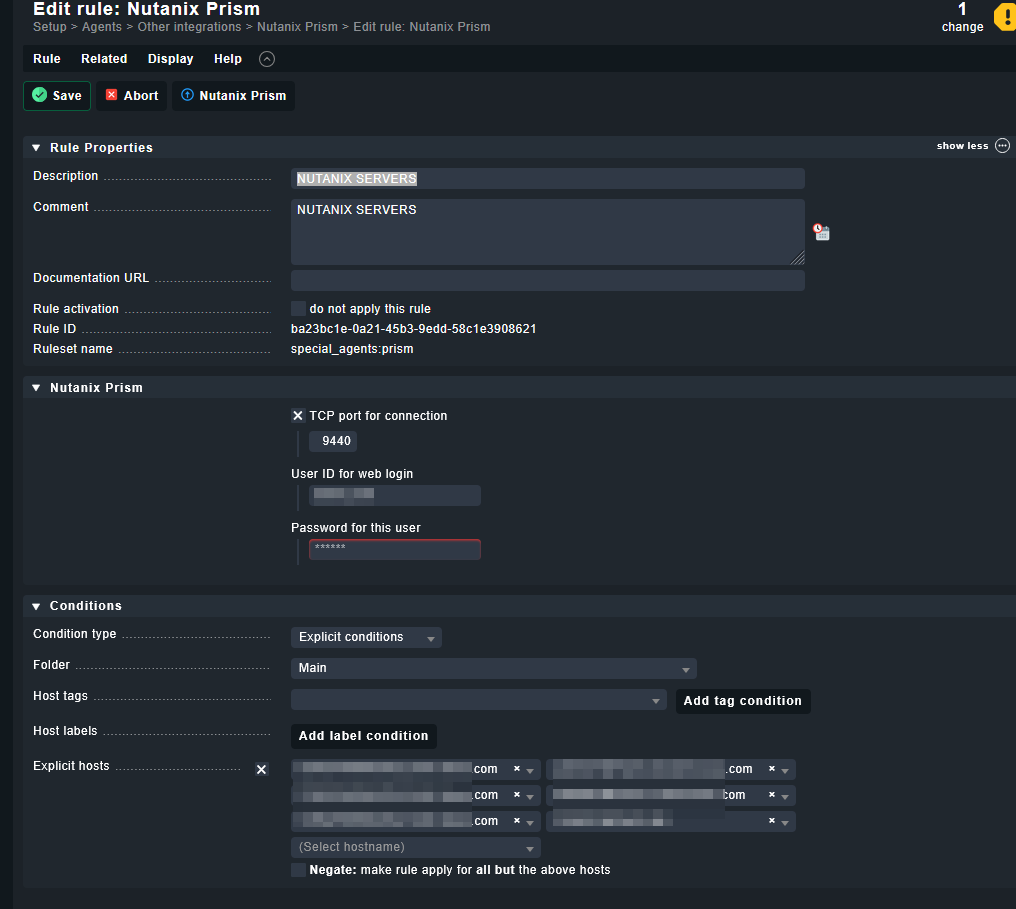
I have a rule configured for multiple clusters.
The rule is called Nutanix Prism. Is that what you mean by “If you have more than one cluster, you should also have Prism elements in each cluster”?
Ok it looks like you have 5 clusters and the assigned names should be the names of the 5 corresponding Prism elements VMs.
Now everyone of these machines should show a succesful connection and some services.
As you use the raw edition, you need to look inside ~tmp/check_mk/piggyback/ for what names there are folders created. These names are the names from the Prism hosts provided.
I’m currently using nutanix_prism-2.3.mkp. Can I change it to nutanix_prism-5.0.10.mkp?
The question is whether this could cause any errors due to the version or would it be transparent.
Will it be overwritten if I upgrade, or do I need to remove 2.3 first?
Oh i not read that you use CMK 2.1 - i would strongly recommend to upgrade to 2.3/2.4.
There the Nutanix extension is integrated already.
For 2.1 the latest mkp version is 4.0.4
For 2.2 it is 5.0.10
and from 2.3 it is included inside CMK
mkp version 2.3 is older than 3 years why it is in usage in your system?