We have a working agent that gets the instances status and ALL data from the oracle host
But 1 thing is not helping us, the agent output doesn’t generate the piggybackheaders, the section with <<<< blablabla>>>> section
First of all, when the agent is updated on the host the ownership on mk_oracle.cfg is set to root:root causing an error for the checkmk check
AI told me PIGGYBACK_MODE=1 is missing in the mk_oracle.cfg (but when you ask how to coinfgure this in the agent setup it goes bezerk
While debugging on the host we also needed to declare :
MK_CONFDIR=/etc/check_mk
But in the agentoutput, the <<<< dbid-A >>>> header is still missing
I’m missing a few things in the CMK Oracle Docs, especially concering the piggyback mechanism
If we look into the code it’s clear thet piggyback is used only when remote instances are configured, iow if you are running all db’s locally you need to configure them as remote …
The bad ownership on the /etc/checkmk/mk_oracle.cfg is still a mystery …
Correct - piggyback is only used when you are using remote connections..ie you are running the Oracle plugin via the agent on a remote host connecting to the Oracle DB’s. Oracle agent on the local hosts will always append the plugin output as part of the agents output.
By default the ownership of mk_oracle.cfg will be as root:root - the agent process (typically running as root) will run the plugin as root.
What Checmk version/edition are you running and are you using the agent bakery?
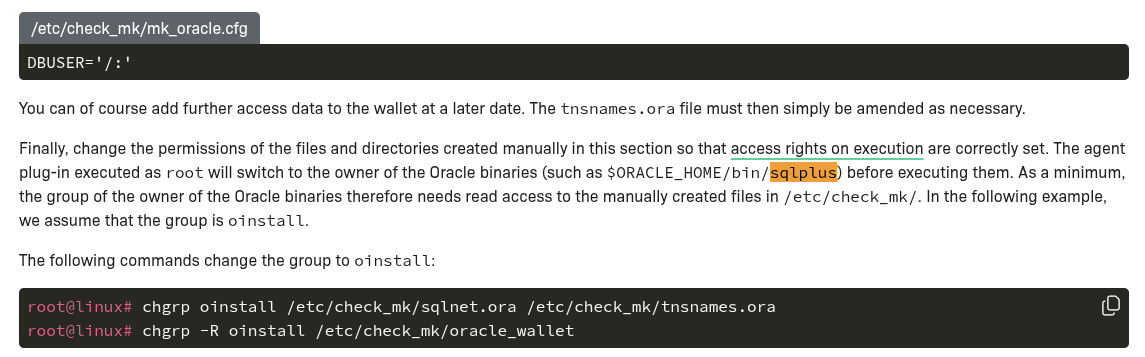
As per the docs, the agent process reads the /etc/mk_oracle.cfg file as root but will switch to the owner of the $ORACLE_HOME/bin/sqlplus owner to actually execute the sql for the checks etc.
You will typically have to have a sqlnet.ora (either empty or populated depending on your config) located in the /etc/check_mk directory as well but owner by the “oracle” user.
Or you can set the TNS_ADMIN parameter in the /etc/check_mk/mk_oracle.cfg to point to the relevant sqlnet.ora file in the ORACLE_HOME.
sqlplus binary: /bin/sqlplus
stat: cannot statx ‘/bin/sqlplus’: No such file or directory
sqlplus binary owner:
stat: cannot statx ‘/bin/sqlplus’: No such file or directory
stat: cannot statx ‘/bin/sqlplus’: No such file or directory
stat: cannot statx ‘/bin/sqlplus’: No such file or directory
change user: true
$TNS_ADMIN:
su: user does not exist or the user entry does not contain all the required fields
ERROR! user “” can NOT read /sqlnet.ora
ls: cannot access ‘/sqlnet.ora’: No such file or directory
id: ‘’: no such user: No such file or directory
If you use the AGENT BAKERY you have to use the rule ‘sqlnet.ora premission group’ to make this change permanently, otherwise it will be overwritten by an agent update.
Just to confirm - local db’s don’t have to be configured as remote instances - they generally work ok as local.
Scenarios where I have used remote instances:
Monitoring Oracle RDS on AWS.
Supplementing the Oracle plugin on Windows (for some reason the site in question had issues with the async checks running correctly so ended up having the sync checks run via the local agent and async from the plugin on the checkmk host).
Security compliance blocks running non-exe scripts (Oracle plugin is a bash (Linux) or PS (Windows) script).
Technically, it is ok what you have done by running the local agent to use remote connections but it’s adding another layer of overhead where the piggyback data needs to be stored and assigned on the Checkmk host to the target db server. If you have the plugin installed on the Oracle host its easier/simpler to just get it to do local checks.
Are you configuring the plugin through the agent bakery?
the local db data is collected and available in the host services, but we needed it as piggyback
as you said in an earlier post, comfiguring remote db’s was the solution (and off course also defining the ORACLE_HOME