2.0.0p23 (CRE)
Ubuntu 2010
Hi CheckMK community!
I have been trying to create a simple view for the team showing all hosts by group, using the “balanced boxes” basic layout.
It seems this layout locks the maximum columns to 5, so no matter what value I put in “Number of Columns” it never spreads out. The columns also then seem to spill over the page downwards, not creating a new column to the right. Hard to explain but with the screenshot below:
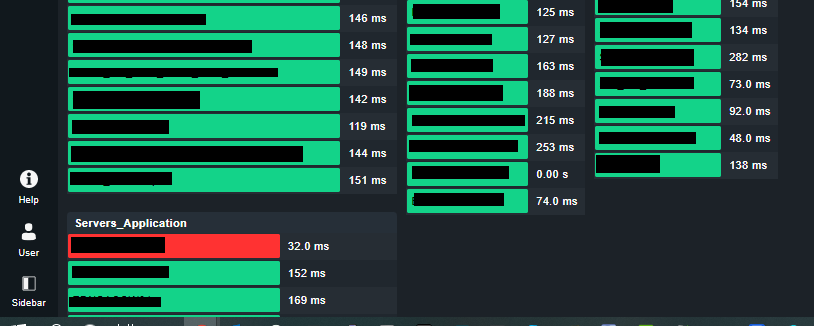
I want the “Server_Infrastructure” group to start on a new column, rather than run off the page out of view. Its not clear to me why it starts a new column for the next group, I only guess that it detects it would be out of the frame, where as the “Server_Infrastructure” starts in frame so says in the same column.
This coupled with the max 5 column causes the hosts to be bunched up on the left with no obvious way to spread them horizontally across the page.
Are there any config settings I can adjust to resolve this, or increase the max columns allowed for this basic layout?
Thanks In Advance 