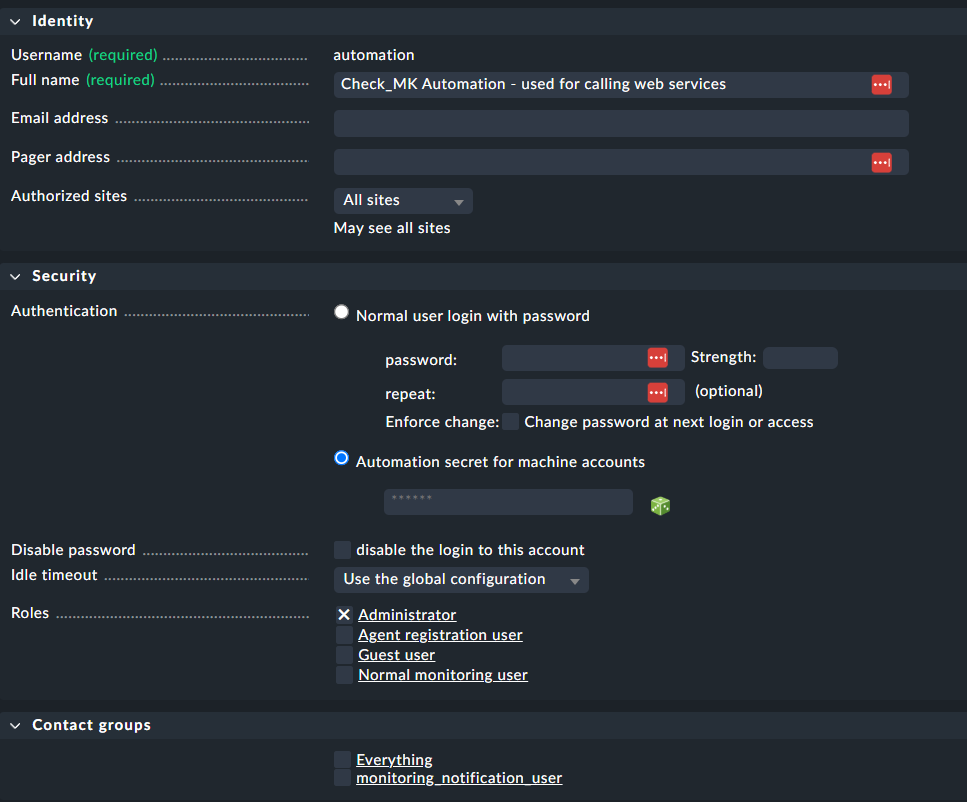
Hi,
if I would like to register my server in CheckMK in order to communicate via TLS, I get an error message. I am not sure how to handle this. Does anyone have any ideas?
Thank you very much!
CMK version: Checkmk Raw Edition 2.3.0p22
OS version: Ubuntu 22.04.5 LTS"
Error message:
INFO [cmk_agent_ctl] starting
INFO [cmk_agent_ctl] Loaded config from '"/var/lib/cmk-agent/cmk-agent-ctl.toml"', connection registry from '"/var/lib/cmk-agent/registered_connections.json"'
INFO [cmk_agent_ctl::site_spec] Failed to discover agent receiver port using https.
INFO [cmk_agent_ctl::site_spec] Failed to discover agent receiver port using http.
ERROR [cmk_agent_ctl] Failed to discover agent receiver port from Checkmk REST API, both with http and https. Run with verbose output to see errors.
But:
/var/lib/cmk-agent/cmk-agent-ctl.toml: No such file or directory
On Monitoring Server:
tcp LISTEN 0 2048 *:8000 *:* users:(("gunicorn: worke",pid=1705,fd=7),("gunicorn: maste",pid=1685,fd=7)) uid:999 ino:13513 sk:6 cgroup:/system.slice/check-mk-raw-2.3.0p22.service v6only:0 <->